
Ethernet Adapter for Fire TV Stick, Firestick Micro USB to RJ45 Ethernet
4.7Editor score
Aluminum alloy construction
Built-in LED status indicator
Includes self-adhesive tapes
Supports 100Mbps networks
This guide compares the top Fire TV Stick Ethernet Adapter options to help you choose the best wired connection for stable streaming and zero buffering issues.
Streaming entertainment requires a stable internet connection to avoid interruptions. When Wi-Fi signals are weak, a Fire TV Stick Ethernet Adapter provides a reliable wired alternative. This connection ensures your device receives consistent bandwidth for high-quality video playback without dropouts.
We evaluated ten distinct adapters based on compatibility, build quality, and performance features. Our analysis focuses on models that support various Fire TV generations and offer stable network integration. Each product was reviewed for ease of setup and long-term reliability in home environments.
Every selection highlights specific strengths like speed capabilities or design features. You will find options ranging from budget-friendly picks to premium solutions with advanced protection. Keep in mind that pricing fluctuates frequently so verify current rates before making your final purchase decision today.
4.7Editor score

4.5Editor score
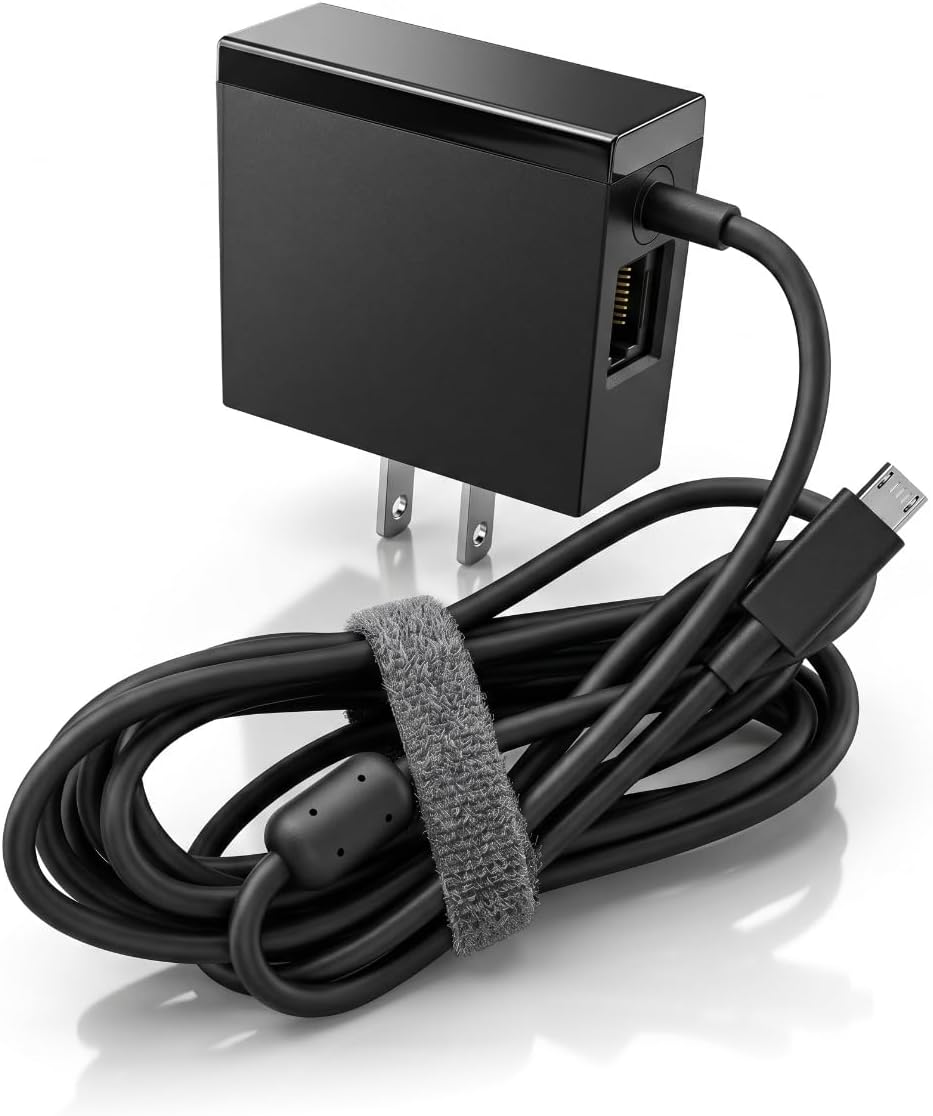
4.6Editor score
The following table presents a side-by-side comparison of all ten selected adapters. It highlights key specifications and compatibility notes to help you distinguish between similar models quickly.


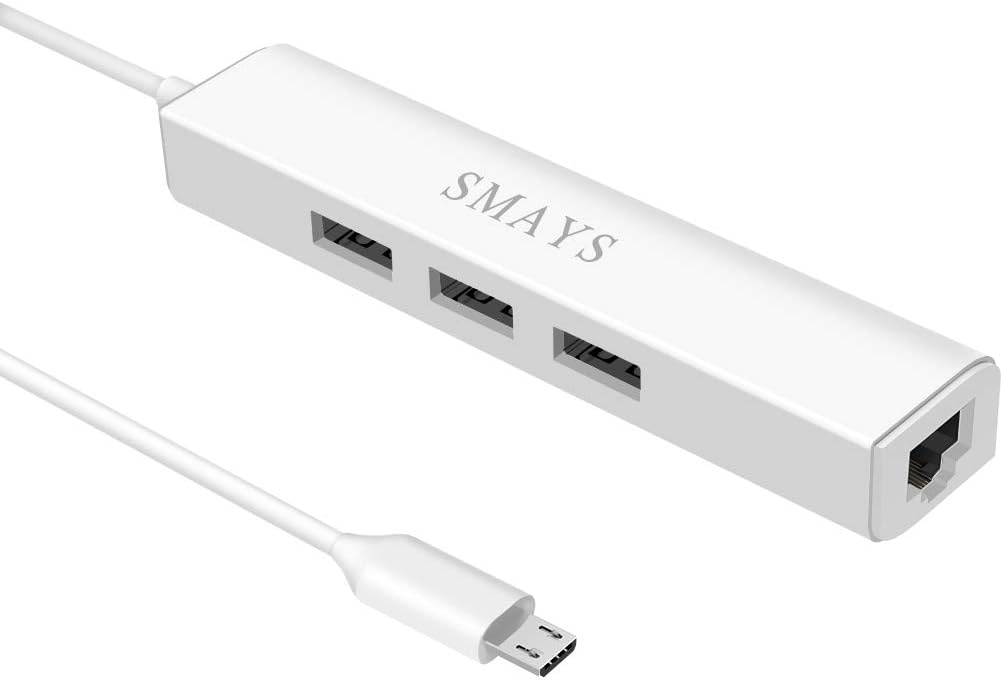
This adapter stands out as a top choice for users seeking straightforward wired connectivity. It holds a solid rating and delivers consistent performance across various Fire TV generations without requiring complex configurations.
We may earn a commission when you buy through this link, at no additional cost to you.
Its primary strength lies in universal compatibility with older Fire TV models that still use micro USB ports. Users can simply plug the adapter into the device and connect an Ethernet cable from their router for immediate access.
While it lacks modern USB-C support for the latest models, its reliability on supported devices remains high. The main trade-off is the need for an external power source to ensure the adapter functions correctly during operation.
It is ideal for households with older Fire TV sticks needing a stable stream. We recommend this for anyone prioritizing simplicity and direct network access over the latest connector types.
Direct Ethernet connections eliminate Wi-Fi interference for smoother streaming.
Compatible with Fire TV Lite, Stick, and Cube models effectively.
We may earn a commission when you buy through this link, at no additional cost to you.
Designed specifically for the newest Fire TV Stick HD, this adapter ensures compatibility where others fail. Its unique USB-C connection matches the latest hardware standards perfectly for modern setups.
We may earn a commission when you buy through this link, at no additional cost to you.
The right-angle design is a significant benefit as it prevents cable bulk near the TV back. This allows for a cleaner installation that avoids strain on the device ports during movement.
It offers substantial speed support suitable for 4K streaming demands effectively. However, users with older micro-USB devices cannot utilize this model due to the specific port requirements involved.
This adapter is best for owners of the 2nd Gen HD Stick. If you need a compact solution for the newest hardware, this unit provides reliable wired access.
The angled plug reduces clutter behind your television setup significantly.
Ensures seamless connection with USB-C enabled streaming devices.
We may earn a commission when you buy through this link, at no additional cost to you.
This model targets users needing maximum throughput for their streaming needs. Its gigabit rating offers a significant upgrade over standard Fast Ethernet for high-quality content consumption.
We may earn a commission when you buy through this link, at no additional cost to you.
The aluminum housing provides robust protection and excellent heat management during long sessions. Users benefit from consistent performance without overheating issues that might disrupt playback.
Installation is straightforward with plug-and-play functionality requiring no drivers. However, it is strictly for Micro USB ports so checking your device type is essential before purchase.
Choose this if you require the highest possible wired speed on older models. It balances performance with durability to support intensive gaming or 4K video playback.
Supports full 1000Mbps speed for rapid data transfer.
Aluminum alloy shell ensures long-term reliability and cooling.
We may earn a commission when you buy through this link, at no additional cost to you.
With an impressive rating, this adapter proves cost-effective without sacrificing functionality. It serves as a reliable bridge for streaming devices needing a stable wired link.
We may earn a commission when you buy through this link, at no additional cost to you.
The aluminum alloy construction ensures durability while keeping the device cool during use. It includes self-adhesive tapes for secure placement preventing loose connections over time.
Setup involves simply plugging into the Micro USB port and connecting the router. Users gain instant activation with no drivers needed for immediate internet access.
We recommend this for budget-conscious buyers wanting quality performance. It delivers consistent speeds perfect for standard HD or 4K streaming needs.
Adhesive tapes help secure the adapter near the TV.
Wired link eliminates wireless interference for smoother playback.
We may earn a commission when you buy through this link, at no additional cost to you.
This unit is designed to eliminate Wi-Fi dropouts instantly for seamless viewing. Its straightforward setup allows users to go from wireless to wired in under a minute.
We may earn a commission when you buy through this link, at no additional cost to you.
The aluminum casing maintains optimal temperature during extended binge-watching sessions. Users receive visual confirmation of connectivity through smart status lights ensuring peace of mind.
While speeds are standard Fast Ethernet the stability is unmatched in noisy wireless environments. It works with various Fire TV generations including 4K Max effectively.
Ideal for casual viewers prioritizing uptime over extreme speed. The quick setup makes it perfect for non-tech savvy users needing reliable access.
Eliminate buffering by switching to a stable wired link.
Status lights confirm the connection is live immediately.
We may earn a commission when you buy through this link, at no additional cost to you.
UGREEN provides a distinct advantage with a longer power cable reaching behind TVs easily. This solves common issues where outlets are out of reach of standard ports.
We may earn a commission when you buy through this link, at no additional cost to you.
The included USB power cord powers both the adapter and stick simultaneously. This convenience reduces the need for extra adapters to keep your setup tidy.
Performance remains stable with standard 100Mbps speeds suitable for 4K streams. Users appreciate the hassle-free setup that works without needing software drivers.
This adapter is recommended for those facing cable constraints behind entertainment units. Its thoughtful design improves usability significantly for daily streaming needs.
Three foot cable allows flexible placement near power sources.
Powers adapter and device with one cord setup.
We may earn a commission when you buy through this link, at no additional cost to you.
This model pushes speed limits with a gigabit rating for fast data transfer. It targets users needing reliable performance for high-demand streaming or gaming tasks.
We may earn a commission when you buy through this link, at no additional cost to you.
The aluminum alloy shell protects the unit and ensures efficient cooling over time. Visual indicators allow you to monitor operation status at a glance easily.
While it offers high speeds, compatibility is limited to Micro USB devices. Users should verify their device port before purchasing to avoid connection issues.
Select this if you need a wired upgrade for 4K content. It provides a stable connection to reduce lag effectively.
Supports speeds up to 1000Mbps for rapid content.
LED lights confirm network readiness instantly.
We may earn a commission when you buy through this link, at no additional cost to you.
Cable Matters offers a reliable solution known for consistent performance in networking gear. This adapter connects streaming devices to routers effectively for stable video playback.
We may earn a commission when you buy through this link, at no additional cost to you.
It features a three-foot power cable allowing easy connection to a wall charger. This ensures the device remains powered up during operation without extra clutter.
The speed support surpasses standard Fast Ethernet delivering near gigabit performance for users. Its ease of use makes it a solid choice for immediate network setup.
Recommended for those valuing brand reliability and consistent throughput. It eliminates unreliable Wi-Fi signals for a better viewing experience.
Includes a cable to manage power efficiently.
Delivers faster speeds than wireless options.
We may earn a commission when you buy through this link, at no additional cost to you.
This hub adds versatility by combining Ethernet connectivity with extra USB ports. It allows users to connect peripherals alongside a stable wired network for enhanced functionality.
We may earn a commission when you buy through this link, at no additional cost to you.
Installation requires connecting the hub adapter to the stick and then the router. A separate power cord ensures both network and USB functions run smoothly without issues.
While more complex, it offers significant flexibility for expanding device capabilities. Users can attach drives or input devices for broader utility beyond streaming.
Ideal for tech enthusiasts wanting multiple connectivity options in one unit. It balances power and networking for advanced home theater setups.
Supports USB peripherals alongside network access.
Adds ports for various external devices.
We may earn a commission when you buy through this link, at no additional cost to you.
This unit stands out by integrating the power supply directly with the Ethernet port. It streamlines setup by ensuring adequate power for stable 4K transmission without separate bricks.
We may earn a commission when you buy through this link, at no additional cost to you.
The adapter delivers consistent power to the device and network connection effectively. Users avoid common power issues that can disrupt streaming during long viewing sessions.
It supports universal voltage making it suitable for various regions. While it lacks USB-C compatibility, it serves Micro USB models with high reliability.
Recommended for those wanting a single compact solution for power and internet. Its design ensures signal stability for premium viewing quality.
Combines power and network connection in one unit.
Ensures consistent transmission for 4K content.
We may earn a commission when you buy through this link, at no additional cost to you.
Selecting the right adapter requires understanding your device's port type and speed needs. This guide breaks down key factors to simplify your purchasing decision.
The most critical factor is matching the adapter to your device port. Older Fire TV models use Micro USB while newer ones use USB-C. Verify your device type to ensure a physical fit.
Always check the product details for specific model compatibility before buying.
Speed requirements vary based on your streaming habits and internet plan. Most adapters offer 10/100 Mbps which is sufficient for 4K streaming. Higher gigabit speeds are available for faster data transfer.
Choose a speed that matches your broadband plan to avoid bottlenecks.
Aluminum alloy housings are preferred for heat dissipation and durability. Metal shells prevent overheating during long sessions better than plastic alternatives. Look for robust construction to ensure long-term reliability.
Premium materials often correlate with better thermal performance.
Some adapters include power cables while others rely on wall outlets. Ensure the power source is compatible with your setup to avoid connectivity drops. Integrated adapters simplify power management significantly.
Verify power requirements to prevent interruptions during use.
Right-angle designs save space behind TVs compared to straight plugs. Longer cables provide flexibility when outlets are far from your device. Consider cable length to manage clutter effectively.
Flexible designs improve physical placement options for your setup.
Look for plug-and-play functionality to avoid driver installations. Quick setup is essential for user-friendly operation without technical knowledge. Most top models require only physical connections.
Simple interfaces reduce installation time and confusion.
Established brands often offer better support and warranty coverage. Research user reviews to gauge real-world reliability and performance. Trustworthy manufacturers typically deliver consistent product quality.
Opt for reputable brands to ensure customer support availability.
Budget models often suffice for basic streaming needs effectively. Higher prices may reflect premium features like speed or build quality. Balance your budget with the specific features you require.
Assess features against cost to find the best value.
First connect the adapter to the Micro USB or USB-C port on your Fire TV stick. Ensure the connection is snug to prevent signal drops during use.
Next plug one end of an Ethernet cable into the adapter and the other into your router. Verify that the network link is active on your router.
Finally secure the adapter to prevent it from hanging or getting pulled off. Use adhesive tape if needed to maintain a stable connection over time.
No, most adapters use plug-and-play technology. Your device recognizes the connection automatically once plugged in without needing software installation.
No, Micro USB and USB-C are different physical connectors. Ensure you buy the adapter matching your specific Fire TV model port type.
Check that your Ethernet cable is connected securely to the router. Verify the adapter is receiving power if required by the specific model.
Yes, it reduces buffering caused by Wi-Fi interference. Wired links offer more consistent bandwidth for smoother playback.
No, compatibility depends on the port type and generation. Check the product description for supported models before purchasing.
Most adapters power via the Fire TV USB port. Some may require an external power source for stable operation.
Yes, if you experience frequent Wi-Fi dropouts. It provides a stable connection that improves overall performance.
No, each adapter is designed for one device connection. Use a separate Ethernet adapter for each streaming device.
We reviewed ten options ranging from budget-friendly to premium high-speed models. The top picks offer reliable connectivity to improve your streaming experience significantly.
Prioritize compatibility with your Fire TV generation to ensure a proper fit. Look for durable materials and power options that match your setup needs.
Verify the current price before buying since costs change regularly. Select the adapter that offers the best value for your specific hardware.