
ASUS RT-AX1800S
4.3Editor score
WiFi 6 support
Four Gigabit LAN ports
AiProtection Classic security
Explore the top ASUS WiFi Routers for 2026. We compare speed, coverage, and security to help you find the perfect home or business networking solution today.
Finding the right wireless router can transform your online experience. ASUS offers a wide range of devices known for reliability and speed. Whether you stream or work from home, the right model matters.
We evaluated ten top models based on performance, features, and value. Each entry highlights key specs like WiFi generation, port types, and security tools. This list helps you narrow down choices quickly.
Every pick includes details on connectivity, coverage area, and special features. Prices may vary over time, so check current listings before buying. Our goal is to guide you to the best fit.
4.3Editor score

4.5Editor score

4.3Editor score
The following table compares all ten selected models side by side. Review each set of specs to understand speed limits, port options, and unique features before making a final decision for your network needs.
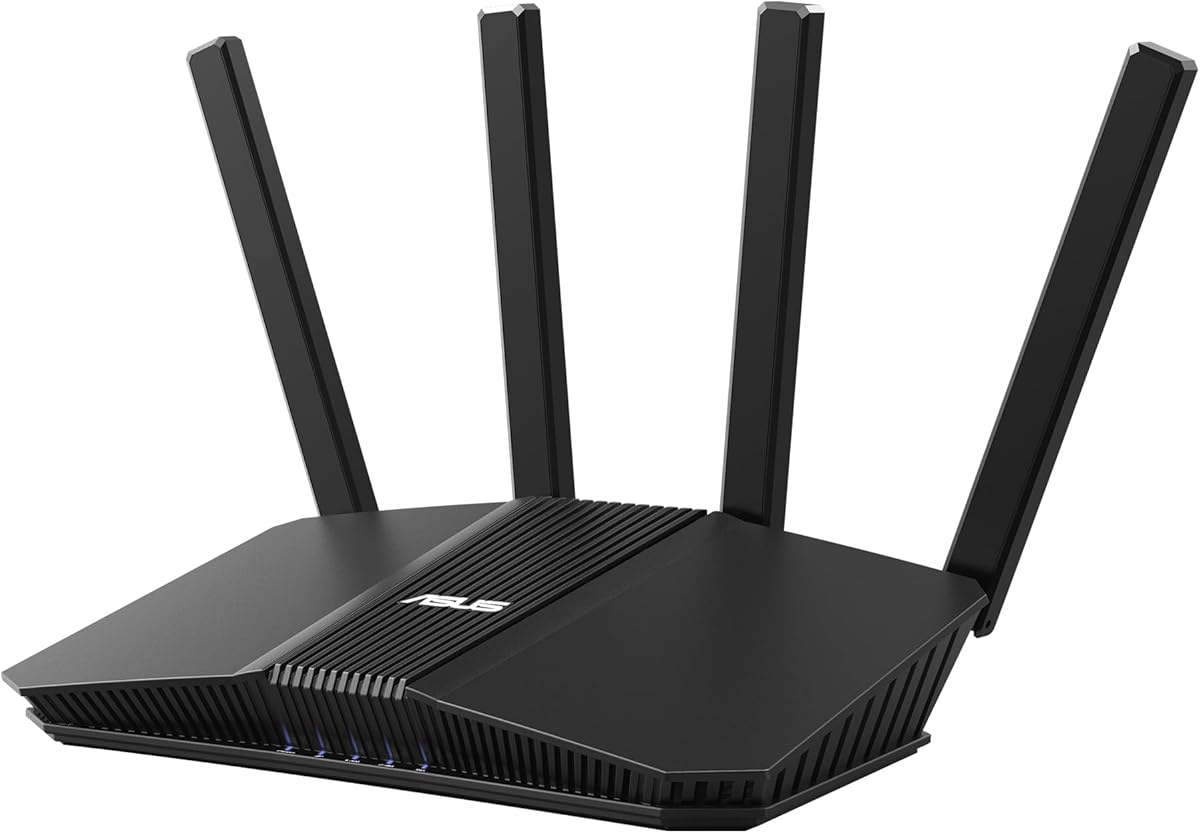

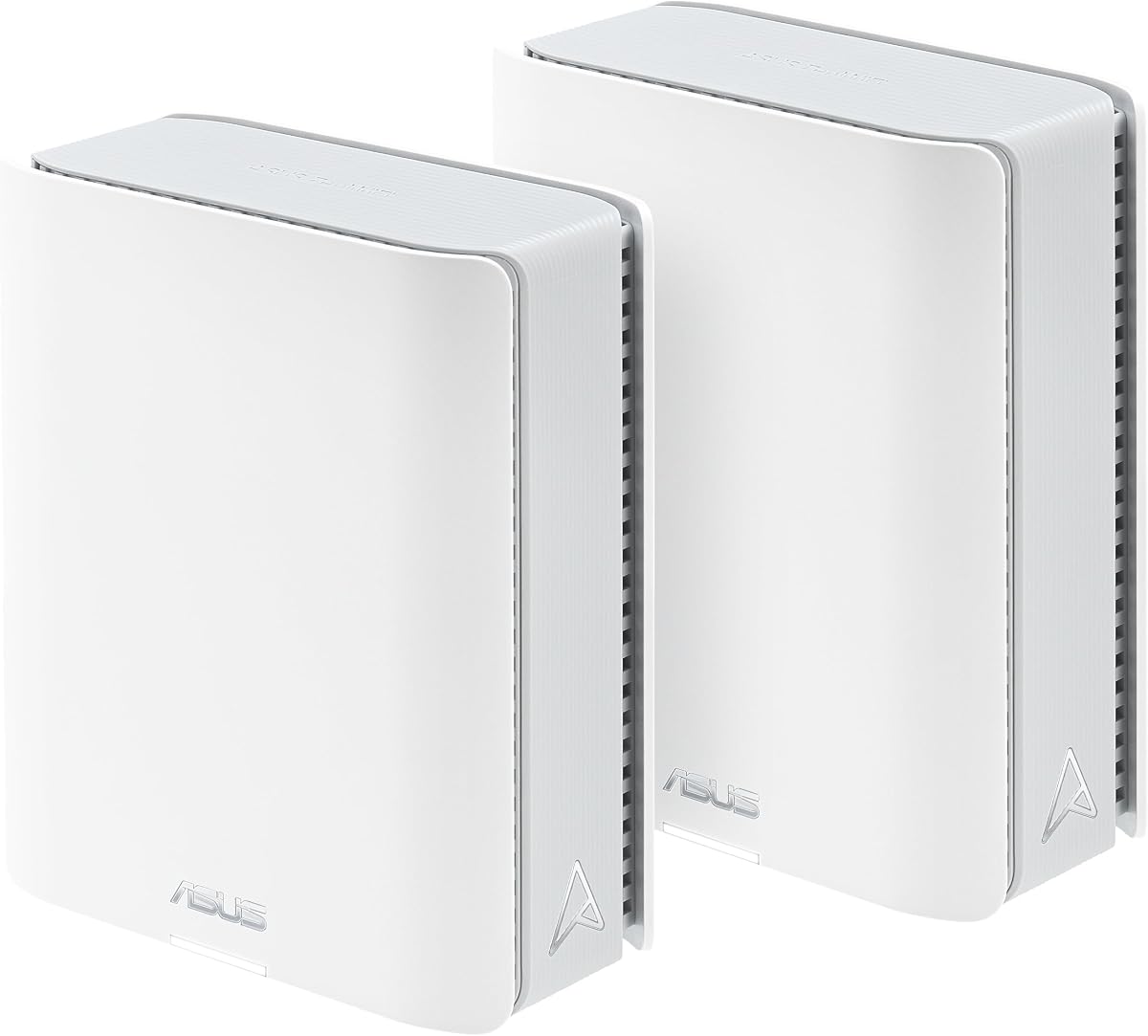



The ASUS RT-AX1800S is an affordable router that supports modern WiFi 6 standards. It scores well for users seeking basic performance with essential security tools included out of the box.
We may earn a commission when you buy through this link, at no additional cost to you.
It uses MU-MIMO and OFDMA to manage multiple devices efficiently. The router includes AiProtection Classic for threat detection and offers four Gigabit LAN ports for wired connections.
Trade-offs include limited coverage compared to higher-end models. It may struggle in larger homes but works well for apartments or small offices with moderate device counts.
Buy this model if you need reliable connectivity without overspending. It is ideal for streaming and browsing while maintaining solid network security for your family.
AiProtection Classic provides malware detection without requiring a subscription, saving you money over time.
The router supports high-throughput tasks thanks to its 1024-QAM technology for better signal quality.
We may earn a commission when you buy through this link, at no additional cost to you.
The ASUS RT-BE58U brings WiFi 7 capabilities to home networks with impressive speed potential. It stands out for its dual-WAN flexibility and robust security features included by default.
We may earn a commission when you buy through this link, at no additional cost to you.
It utilizes Multi-link Operation to connect to multiple bands simultaneously, reducing lag. The router also supports Smart Home Master for easy IoT segmentation and parental controls.
However, fully leveraging WiFi 7 requires compatible client devices which are not yet widespread. The price point reflects early adoption costs, which may deter budget-conscious shoppers.
Consider this router if you plan ahead for future tech. It suits tech enthusiasts or small offices needing stable connections and advanced network management features.
Multi-link Operation links multiple bands to ensure smoother connectivity even during heavy usage times.
Up to three SSIDs allow easy separation of IoT devices from main network traffic for better security.
We may earn a commission when you buy through this link, at no additional cost to you.
The ROG Rapture GT-BE98 Pro is a powerhouse designed for extreme performance and gaming. It offers quad-band WiFi 7 support with speeds reaching up to 30 Gbps in ideal conditions.
We may earn a commission when you buy through this link, at no additional cost to you.
Its hardware includes dual 10G ports and dual-feeding antennas for superior coverage. Triple-Level Game Acceleration optimizes traffic for PC gaming from your device all the way to servers.
The main downside is the high cost which might not be justified for typical home use. It is best suited for enthusiasts who need maximum throughput and minimal latency for competitive play.
If you demand top-tier performance and have a large network of high-end devices, this router delivers. It is the ultimate choice for serious gamers and power users.
Triple-Level Game Acceleration prioritizes gaming traffic for lower latency and smoother online experiences.
Dual 10G ports enable ultrafast wired connections for NAS or high-speed media servers directly.
We may earn a commission when you buy through this link, at no additional cost to you.
The ASUS RT-BE92U delivers strong WiFi 7 performance with tri-band efficiency. It offers speeds up to 9.7 Gbps and includes Smart Home Master for device segmentation.
We may earn a commission when you buy through this link, at no additional cost to you.
It supports versatile WAN options including AI detection and mobile tethering. AiProtection Pro provides comprehensive network security without needing an extra subscription service.
While powerful, it may need mesh nodes to cover very large properties effectively. The cost is higher than previous gen routers but offers modern improvements worth considering.
This router fits users upgrading for speed and reliability. It is a great middle ground for those who want WiFi 7 without the extreme premium price tag.
AiProtection Pro scans for vulnerabilities and blocks malicious sites to keep your entire network safe.
Easy setup for IoT devices helps maintain organization and security across all your smart home tools.
We may earn a commission when you buy through this link, at no additional cost to you.
The ZenWiFi BT10 system covers up to 6000 square feet with tri-band WiFi 7 speeds. It aims to eliminate dead zones using internal antennas and high-power modules for reliability.
We may earn a commission when you buy through this link, at no additional cost to you.
It supports dual 10G ports for fast wired backhaul and internet. The Smart Home Master feature helps organize IoT devices for better network management and security.
User ratings are mixed likely due to setup complexity or cost. While powerful, some may find it harder to manage compared to simpler mesh systems on the market.
Choose this system if coverage is your top priority. It works well for large properties needing seamless roaming and fast speeds throughout every room.
Eight internal antennas and ten high-power modules ensure consistent signal across large floor plans.
Dual 10G Ethernet ports allow for incredibly fast wired connections between nodes or to your modem.
We may earn a commission when you buy through this link, at no additional cost to you.
The ASUS RT-AX82U is a gaming router that balances performance and features well. It supports WiFi 6 with speeds up to 5400 Mbps and includes Mobile Game Mode for phone players.
We may earn a commission when you buy through this link, at no additional cost to you.
It supports AiMesh for whole-home networks and offers lifetime free AiProtection Pro. The RGB lighting adds a customizable aesthetic touch that appeals to gaming setups.
Note that this listing is for a renewed unit which may have limited warranty. Also, it is dual-band which might limit performance in crowded wireless environments.
Buy this if you want gaming optimization without spending a fortune. It suits gamers who appreciate visual customization and reliable speeds for streaming and multiplayer.
Mobile Game Mode reduces latency for smartphone gaming with just a tap in the router app.
AiProtection Pro provides ongoing protection against threats without needing an additional subscription fee.
We may earn a commission when you buy through this link, at no additional cost to you.
The ZenWiFi BT8 is a single unit designed for mesh expansion. It provides up to 3000 sq ft coverage with tri-band WiFi 7 and speeds reaching 14 Gbps.
We may earn a commission when you buy through this link, at no additional cost to you.
It uses seven internal antennas to eliminate dead zones and supports AiMesh for seamless connectivity. Commercial-grade AiProtection Pro ensures ongoing network security for all connected devices.
As a single pack, it may not cover larger homes without extra nodes. The cost per node is high compared to buying a bundled system from the start.
This unit works well if you are expanding an existing ASUS mesh network. It suits users needing a reliable booster with strong future-proofing features.
AI-powered Smart AiMesh boosts coverage and ensures seamless roaming across all your compatible routers.
Smart Home Master makes it simple to set up separate SSIDs for your IoT devices and main traffic.
We may earn a commission when you buy through this link, at no additional cost to you.
The ASUS RT-AX3000 offers strong WiFi 6 speeds and is one of the highest rated options. It supports 3000 Mbps total speed and includes AiProtection Pro security out of the box.
We may earn a commission when you buy through this link, at no additional cost to you.
It features 160MHz bandwidth for faster throughput and AiMesh for whole-home setups. Adaptive QoS helps prioritize gaming and streaming traffic for a smooth online experience.
Its dual-band design limits range compared to tri-band alternatives but works fine for most homes. The price point makes it accessible without compromising on essential performance features.
Choose this router for a balanced mix of speed and reliability. It fits families seeking dependable Wi-Fi and robust security at a reasonable cost.
160MHz bandwidth and 1024-QAM boost total network speed significantly over older WiFi generations.
AiProtection Pro provides advanced parental controls and malware protection for all connected family devices.
We may earn a commission when you buy through this link, at no additional cost to you.
The RT-AC68U is a classic dual-band router still available today. It offers speeds up to 1900 Mbps with a dual-core CPU that handles multitasking efficiently.
We may earn a commission when you buy through this link, at no additional cost to you.
It includes five Gigabit ports for wired devices and AiProtection for security. Despite older tech, it maintains strong performance for browsing and streaming in smaller setups.
However, it lacks WiFi 6 efficiency and newer security features found in modern routers. It may struggle with heavy loads or many devices compared to newer models.
Buy this only if budget is very tight. It suits basic users who need a simple upgrade from old hardware without investing in next-gen features.
Dual-core CPU enables smart multitasking with dedicated lanes for Wi-Fi and USB data processing.
Five Gigabit ports give plenty of wired connection options for consoles or PCs directly.
We may earn a commission when you buy through this link, at no additional cost to you.
The ExpertWiFi EBR63 is a business router offering robust management tools. It supports up to five SSIDs for separate guest and employee traffic with custom portal branding options.
We may earn a commission when you buy through this link, at no additional cost to you.
It includes commercial-grade security and remote management via the ExpertWiFi app. Remote backup WAN via USB ensures stable connectivity even if main internet fails.
Its specialized features may be unnecessary for typical home use. Most home users will find home routers easier to manage for similar speeds.
This router fits small offices needing network segmentation and security. It is ideal for businesses wanting branded guest Wi-Fi and enterprise control tools.
Custom guest portals let you tailor the look and feel to match your business brand identity.
Free commercial-grade security includes safe browsing and protection against enterprise-level threats.
We may earn a commission when you buy through this link, at no additional cost to you.
Choosing a router involves balancing speed, coverage, and features. Review key factors to find a model that matches your home size and device needs.
WiFi 6 and 7 offer better performance and capacity. Newer standards handle more devices efficiently and support higher speeds.
Choose WiFi 6 for most homes and consider 7 if you want future-proofing for high-density environments.
Coverage depends on signal range and home layout. Larger spaces may require mesh systems or multiple nodes to eliminate dead zones.
Check the advertised sq ft coverage and ensure it matches your home size for consistent connectivity.
Modern routers include AiProtection Pro for threat detection. This blocks malicious sites and secures devices without extra costs.
Look for routers with included subscription-free security to protect your network from vulnerabilities.
Wired connections often outperform wireless ones for stability. Check the number and speed of LAN ports available.
Prioritize models with Gigabit or higher-speed ports if you connect consoles or PCs via cable.
Mesh support allows expanding coverage with additional nodes. ASUS AiMesh works across compatible models for a unified network.
Choose an AiMesh router if you expect to scale your network over time.
Gaming routers often include traffic prioritization for lower latency. Adaptive QoS helps maintain stable connections during matches.
Look for game acceleration features if you play competitive online titles frequently.
Prices vary widely based on features and performance. Balance your needs with cost to avoid overspending on unused capabilities.
Set a budget range and compare models to find the best value for your situation.
User-friendly apps and web interfaces simplify setup and monitoring. Intuitive controls help manage parental controls and device lists easily.
Select models with strong app support if you want remote management or simpler configuration.
Place your router in a central elevated spot away from obstructions for best signal. Avoid placing it on the floor or near thick walls.
Update firmware regularly to maintain security and performance. Use the ASUS Router app for notifications about available updates.
Protect your router from power surges using a surge protector. This prevents damage and ensures long-term reliability for your network.
Yes, many ASUS models support AiMesh technology. You can link multiple routers to form a seamless network. This feature scales well for larger homes.
Most include AiProtection Pro which provides lifetime threat detection. There is no need for paid antivirus subscriptions on each device. This adds value to the purchase.
WiFi 7 supports much higher speeds and lower latency. It handles more data simultaneously with MLO technology. This improves gaming and streaming quality.
Yes, ASUS offers business-specific models with guest portals. They include VLAN support and custom management tools. These fit small office needs well.
Press and hold the reset button for about ten seconds. This restores factory settings for a clean setup. You will need to reconfigure your network after.
The ROG Rapture GT-BE98 Pro offers top gaming tools. It has Triple-Level Game Acceleration and 10G ports. Gamers seeking low latency should consider it.
We reviewed ten ASUS routers ranging from budget picks to high-end systems. Each model offers unique features tailored to different home or business needs.
Consider your home size and required speed when selecting a model. Security and mesh compatibility often justify the cost for long-term benefits.
Prices and availability can change quickly so verify current listings. Choosing the right router will keep your network fast and secure for years.