
OBDLink EX FORScan OBD Adapter
4.7Editor score
Dealership level diagnostics
Simultaneous CAN bus access
Maximum throughput speed
This guide compares the top Forscan USB OBD2 adapters for Ford and Mazda owners focusing on compatibility speed and reliability for advanced vehicle diagnostics
Choosing the right Forscan USB OBD2 adapter is essential for vehicle owners who want to access deep diagnostic data and modify hidden features without visiting a dealership.
We evaluated ten top-rated models based on connection stability software compatibility and support for specific CAN bus protocols required by modern Ford and Mazda vehicles.
Each pick highlights key strengths and limitations so you can find the best tool for your needs while keeping in mind that availability and pricing may change over time.
4.7Editor score

4.7Editor score

4.3Editor score
The following table provides a side-by-side overview of all ten adapters including their core specifications and key features to help you quickly identify the model that fits your diagnostic requirements.




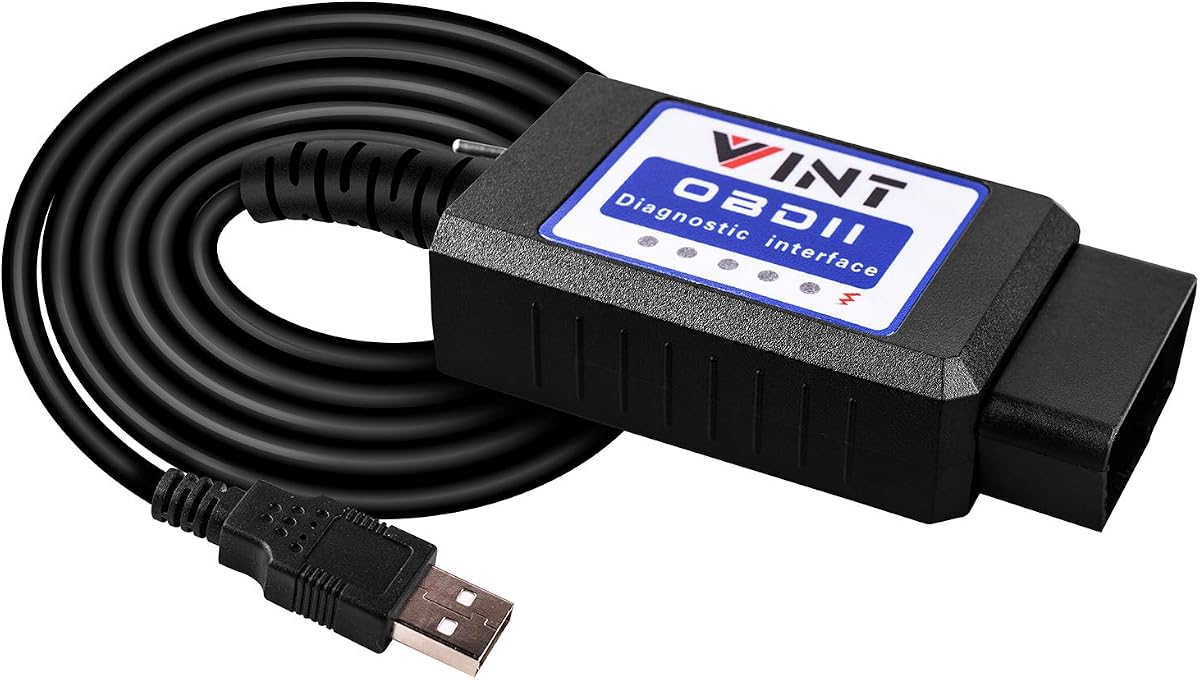
The Vgate vLinker FS is a top choice for users seeking reliable connectivity with FORScan software. It features an intelligent automatic switching mechanism that handles HS-CAN and MS-CAN protocols seamlessly without manual intervention.
We may earn a commission when you buy through this link, at no additional cost to you.
Its optimization for FORScan ensures stable performance during long diagnostic sessions or ECU programming tasks. The adapter supports high-speed data transfer rates up to 3 Mbps and handles full 4095-byte packets without truncation.
While it is highly capable users should note that software is not included and must be installed separately. Additionally compatibility may vary depending on vehicle year region and configuration.
This adapter is ideal for DIY enthusiasts who need a dependable tool for advanced diagnostics and module coding on supported Ford Lincoln Mazda and Mercury vehicles.
The adapter automatically identifies and connects to supported CAN buses ensuring seamless multi-module access for complex diagnostics.
It delivers up to approximately 18V output which is essential for ECU programming and flashing on select older US-market vehicles.
We may earn a commission when you buy through this link, at no additional cost to you.
The OBDLink EX is engineered specifically for use with FORScan and is officially recommended by the development team. It provides dealership-level diagnostics capabilities with access to all Ford modules and advanced features.
We may earn a commission when you buy through this link, at no additional cost to you.
Unlike many competitors it uses an electronic switch that allows FORScan to access all CAN buses simultaneously. This design enables advanced functions that are not possible with traditional toggle switch adapters.
Users benefit from maximum throughput which is up to 20 times faster than toggle switch models. The connection is rock solid avoiding data corruption and dropped packets during critical operations.
This adapter is best for professional users or serious enthusiasts who need the highest performance and reliability for complex programming and diagnostic tasks.
The electronic switch enables access to all CAN buses simultaneously unlocking advanced functions unavailable on toggle switch adapters.
Supports all Ford protocols modules and advanced features providing a comprehensive diagnostic experience comparable to dealer tools.
We may earn a commission when you buy through this link, at no additional cost to you.
The OHP FORScan adapter offers a budget-friendly entry point for vehicle owners looking to perform DIY diagnostics on Ford and Mazda vehicles. It connects via USB and is compatible with the popular FORScan software.
We may earn a commission when you buy through this link, at no additional cost to you.
It supports connection speeds up to 500 kbit/s and provides clear fault code descriptions to help identify root causes. The device allows users to read interpret and clear Diagnostic Trouble Codes from various vehicle systems.
A notable limitation is that it only works with Windows operating systems and does not support macOS or mobile devices unless running a full Windows environment. Drivers may need to be installed manually if auto-installation fails.
This adapter is a solid choice for users who already have a Windows PC and want an affordable tool for basic to intermediate diagnostics without breaking the bank.
Read interpret and clear diagnostic trouble codes from engine transmission ABS and other systems with detailed fault descriptions.
Supports Windows XP through 10 ensuring broad compatibility with older and newer Windows based laptops and desktops.
We may earn a commission when you buy through this link, at no additional cost to you.
The VGATE vLinker FS USB is a reliable adapter designed specifically for use with FORScan software. It features automatic electronic switching that allows seamless access to all CAN buses at the same time.
We may earn a commission when you buy through this link, at no additional cost to you.
It supports the FEPS 18V programming voltage output and reaches a transmission rate of 3Mpbs ensuring smooth graphics and real-time meters during diagnostics. The serial buffer and request byte sizes are optimized for long frame communication.
Battery saver and protection technology allows the device to be left plugged in without damaging the car battery. It automatically sleeps when idle reducing current draw to as low as 3mA.
This adapter is suitable for users who need stable programming capabilities and battery protection features alongside comprehensive software compatibility.
Switches seamlessly between HS-CAN MS-CAN and Ford car networks without manual intervention to prevent transmission errors.
Auto sleep and wake up mode prevents battery drain allowing safe long-term connection to the vehicle OBD port.
We may earn a commission when you buy through this link, at no additional cost to you.
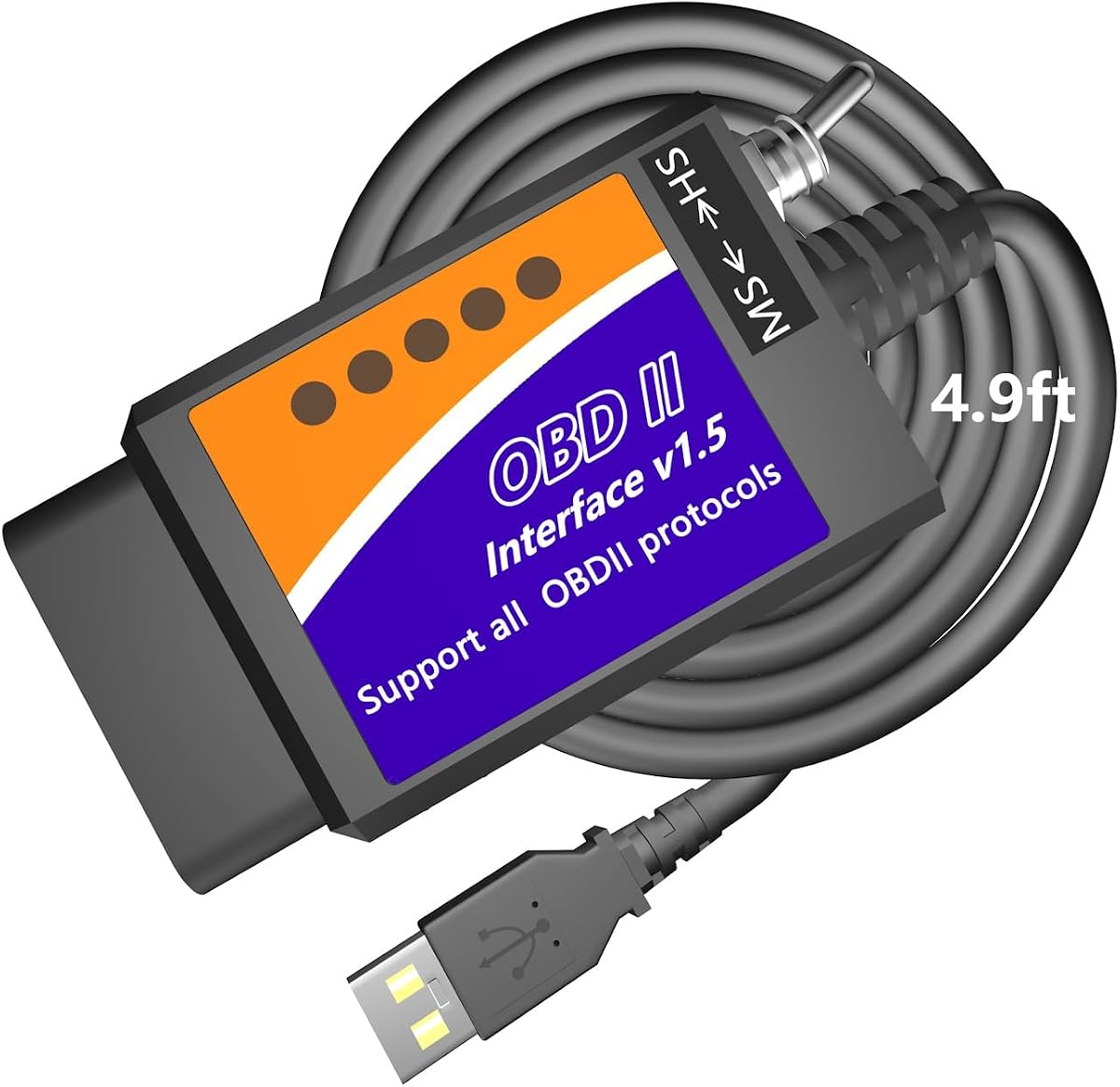
This ELM327 USB adapter uses V1.5 hardware and features manual MS-CAN and HS-CAN toggle switches. It delivers stable performance far exceeding wireless connections and is compatible with multiple diagnostic software tools.
We may earn a commission when you buy through this link, at no additional cost to you.
Users can unlock hidden features such as global window functions Bambi mode and tire size calibration. It supports all major OBD2 protocols including J1850PWM and various CAN variants for wide vehicle compatibility.
The adapter requires the installation of specific USB drivers before use and is not suitable for trailers or semi-trailers. Proper setup ensures reliable diagnostics and configuration changes.
This tool is ideal for Windows users who want flexibility in software choice and need to access hidden vehicle configurations safely.
Access global window functions security idle and tire size calibration to personalize your driving experience.
Supports J1850PWM HS-CAN MS-CAN and other protocols ensuring compatibility with a vast majority of supported models.
We may earn a commission when you buy through this link, at no additional cost to you.
This adapter is compatible with Ford F150 F250 and most Mazda Lincoln and Mercury vehicles manufactured after 1996. It includes a physical MS-HS CAN switch for protocol selection and works with FORScan software.
We may earn a commission when you buy through this link, at no additional cost to you.
Users can access features like global windows Bambi mod reverse tilt mirrors and tire size correction. It supports all OBD2 protocols ensuring broad compatibility across different vehicle models.
While it is affordable users should note that newer 2019 Mazda 3 and CX-30 models are not yet supported. Installation requires the USB driver and FORScan software before connecting to the vehicle.
This adapter is suitable for budget-conscious users with older Ford or Mazda models who need basic diagnostic and customization capabilities.
Works with 99% of models after 2000 and 92% of models after 1996 ensuring broad compatibility.
Access global window Bambi mod and reverse tilt mirrors to customize your vehicle features easily.
We may earn a commission when you buy through this link, at no additional cost to you.
The MOCATEC adapter stands out with its 4.9ft cable which provides extra comfort when working in tight spaces. It includes a toggle switch for seamless access to hidden modules in Ford Lincoln Mercury and Mazda vehicles.
We may earn a commission when you buy through this link, at no additional cost to you.
Users can customize everyday driving options like global window control Bambi mode and auto-folding mirrors. It also supports live data graphing and precise freeze frame fault data analysis.
This tool is made for standard x86/x64 Windows PCs and is not compatible with ARM-based Windows macOS or mobile devices. Comprehensive graphic and video tutorials are provided to assist with module modification rules.
It is ideal for users who prioritize physical comfort and detailed guidance when performing advanced customization and diagnostic tasks.
The 4.9ft cable is longer than standard 3ft cables allowing laptop placement on knees without strain.
Customize daytime running lights speedometer calibration and Sync menus to match personal driving preferences.
We may earn a commission when you buy through this link, at no additional cost to you.
This adapter uses an FTDI chip to ensure reliable connection and avoid data corruption during diagnostic sessions. It is designed for use with FORS-can software and supports various other diagnostic tools.
We may earn a commission when you buy through this link, at no additional cost to you.
Switching the MS-CAN/HS-CAN switch enables fast operation up to 500 kbit per second for professional-grade fault programming. It covers all major Ford models including F150 F250 Ranger and Mustang.
Installation requires the CH340T USB driver and FORS-can software before connecting. The device is compatible with all Windows versions from XP to 10.
This tool is suitable for users who need a reliable connection and support for multiple diagnostic software platforms.
The FTDI chip provides a reliable advantage over other chips reducing data corruption and dropped packets.
Reach speeds up to 500 kbit/s for professional-grade engine fault light programming and coding.
We may earn a commission when you buy through this link, at no additional cost to you.
This Vgate model is custom-designed for FORS-can and recommended by their team. It features automatic electronic switching that allows access to all CAN buses simultaneously without manual toggle switches.
We may earn a commission when you buy through this link, at no additional cost to you.
It supports configuration and programming functions including FEPS 18V programming voltage output. The transmission rate reaches 3Mpbs with smooth graphics and real-time meters for enhanced user experience.
Users should be aware that the extended license for FORS-can offers a free two-month trial and must be consulted separately. The device has improved support for USB 2.0 and USB 3.0 interfaces.
This adapter is perfect for users who want a seamless automatic switching experience without worrying about manual CAN bus selection.
Allows FORS-can to access all CAN buses at the same time for uninterrupted diagnostic sessions.
Enhanced compatibility with USB 2.0 and USB 3.0 interfaces ensures stable connection across different PCs.
We may earn a commission when you buy through this link, at no additional cost to you.
This adapter is highly sought after by Ford owners for its flawless scanning and programming capabilities on models from 1996 onwards. It features a manual toggle switch for convenient access to as-built data.
We may earn a commission when you buy through this link, at no additional cost to you.
Users can apply endless mods like global window features Bambi mod and heated steering wheel settings. It retrieves both generic and manufacturer-specific diagnostic trouble codes helping overcome troubleshooting easily.
The interface runs at a constant speed of 500kbit/s ensuring stable communication with vehicle modules. It is only applicable to Windows systems and requires internet access for driver updates.
This tool is ideal for owners of Ford F150 F250 and related models who need a trusted interface for comprehensive diagnostics and configuration.
Access and configure as-built data of your vehicle conveniently using the MS-CAN and HS-CAN toggle switch.
Retrieves generic and manufacturer-specific DTCs and helps overcome troubleshooting with ease for accurate repairs.
We may earn a commission when you buy through this link, at no additional cost to you.
Selecting the right adapter involves considering connection stability protocol support software compatibility and physical design features.
Modern Ford and Mazda vehicles use HS-CAN and MS-CAN protocols which the adapter must support. Some adapters require manual switching while others use automatic electronic switching for seamless access.
Always check if the adapter supports both protocols simultaneously or automatically to avoid compatibility issues during diagnostics.
Ensure the adapter works with FORScan software which is essential for accessing hidden features and advanced diagnostics. Check if the manufacturer recommends specific software versions.
Some adapters may work with other diagnostic apps but prioritize compatibility with FORScan for the best experience.
Most adapters are designed for Windows operating systems. Verify compatibility with your PC version such as Windows 10 or 11 before purchasing.
If you use macOS or mobile devices look for adapters that support these platforms or plan to run a Windows emulator.
Higher data transfer speeds like 3 Mbps or 500 kbit/s ensure smoother graphics and real-time data streaming during diagnostics.
Faster speeds reduce lag when reading live data or programming ECUs making the workflow more efficient.
If you plan to flash or reprogram ECUs ensure the adapter supports the required voltage output such as 18V FEPS.
This feature is critical for successful module coding and should be verified with your vehicle specifications.
Consider the cable length and build quality. Longer cables like 4.9ft provide more comfort when connecting to the OBD port in the driver seat.
Robust connectors and durable cables prevent accidental disconnections during use.
Look for adapters with battery saver and protection technology to prevent drain when left plugged in.
Features like auto-sleep modes and over-voltage protection extend the life of both the adapter and your vehicle battery.
Choose products that offer warranties and responsive technical support. Firmware updates and driver assistance are vital for long-term use.
Check if the manufacturer provides resources like user manuals or community support.
Connect the adapter securely to your vehicle's OBD port typically found under the dashboard near the steering column. Ensure the vehicle ignition is in the accessory mode to power the adapter without starting the engine.
Install the necessary USB drivers and diagnostic software such as FORScan on your Windows PC before attempting to connect. Follow manufacturer instructions for driver installation to avoid connection errors.
Store the adapter in a cool dry place when not in use to prevent physical damage. Avoid excessive bending of the USB cable and keep it away from moisture or extreme temperatures.
You do not need a special license to use FORScan for basic diagnostics. However some advanced features require a FORScan Extended License which is free to download but has trial periods for certain vehicle functions.
Most of these adapters are designed for Windows systems. Mac users need to run a full Windows environment via Boot Camp or virtualization software to use them effectively with FORScan.
Detection issues are often due to incorrect COM port settings or missing USB drivers. Try lowering the COM port number in Device Manager or manually installing the FTDI or CH340T driver.
HS-CAN is the high-speed CAN bus used for critical systems like engine and transmission while MS-CAN is the medium-speed bus used for body controls. Both are needed for full vehicle access.
It is generally safe to leave the adapter plugged in if it has battery protection features. Otherwise unplug it when the vehicle is off to prevent battery drain.
Some adapters support select hybrid and electric models but compatibility varies by year and region. Check the product details for specific EV or HEV support before purchasing.
Update firmware using the manufacturer-provided tools or websites. Ensure you connect the adapter to a stable power source during updates to prevent corruption.
We have reviewed ten top adapters ranging from budget-friendly options to high-performance premium models suitable for various diagnostic needs and vehicle types.
Prioritize automatic switching and ECU programming support if you plan on deep customization and module coding for your Ford or Mazda vehicle.
Always verify current compatibility and check the latest pricing or availability before finalizing your purchase to ensure the best value for your investment.