
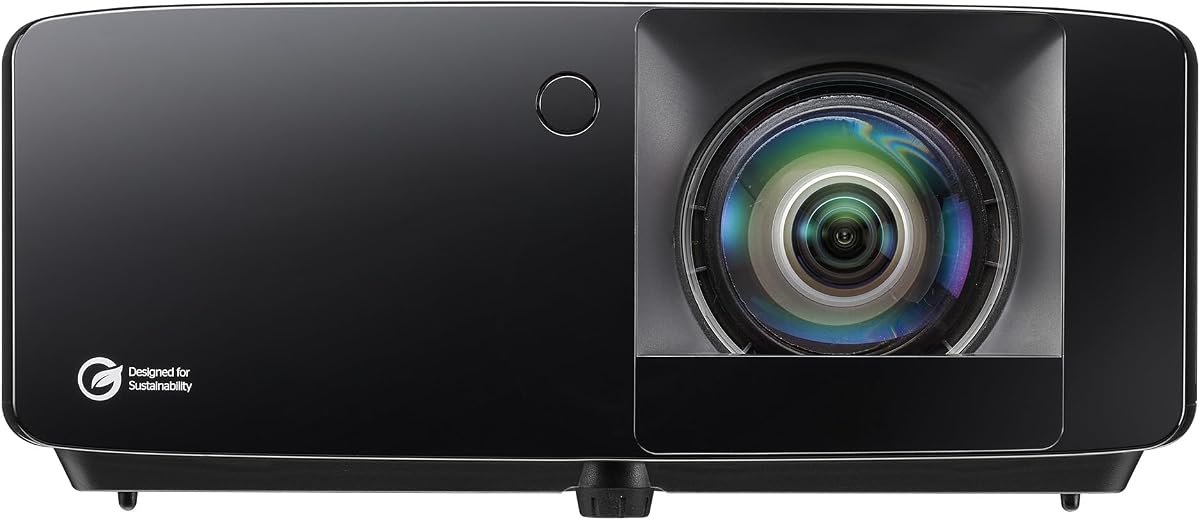
BenQ TH671ST
4.4Editor score
Full HD 1080p Resolution
3000 Lumens Brightness
Low Input Lag Gaming
This guide compares the top Benq Projector for Golf Simulator options including brightness, resolution, and short-throw features for immersive indoor golf
Choosing the right projector is essential for building a realistic indoor golf experience. You need high brightness and sharp resolution to see every detail of the virtual course clearly during your swings.
We evaluated ten top models based on throw distance, color accuracy, and connectivity. Each option offers unique benefits for different room sizes and simulation software setups.
Every pick below highlights key specs and performance traits to help you decide. Prices and availability may change, so check current listings before purchasing your ideal setup.
4.4Editor score

3.5Editor score

5.0Editor score
This side-by-side comparison shows key specs for all ten selected projectors to help you find the best fit for your golf simulator setup.


The BenQ AH700ST stands out with its dedicated Golf Picture Mode and high brightness output. Its full HD resolution and laser light source make it a strong contender for indoor golf setups.
We may earn a commission when you buy through this link, at no additional cost to you.
With 4000 ANSI lumens, this projector delivers clear images even in well-lit garages. The short throw ratio allows placement closer to the screen, reducing shadows during your swing.
While user ratings suggest some setup complexity, the visual fidelity and color accuracy are compelling. The long laser life minimizes maintenance compared to traditional lamp projectors.
This model is ideal for enthusiasts who prioritize image brightness and specific golf visualization. Consider it if you want a purpose-built solution for simulation training.
The Golf Picture Mode adjusts contrast and saturation to enhance greens and fairways for realistic course viewing.
The laser technology provides consistent brightness and extends the lifespan significantly beyond standard lamp options.
We may earn a commission when you buy through this link, at no additional cost to you.
The BenQ TH671ST offers a budget-friendly way to get a short throw projector for your golf simulator. It delivers full HD resolution and solid brightness for the price.
We may earn a commission when you buy through this link, at no additional cost to you.
Its low input lag and high refresh rates make it excellent for gaming and fast motion. The short throw design allows you to project large screens from a distance.
However, it lacks a dedicated golf mode, so you may need to tweak colors manually. Still, its performance and value make it a reliable choice for home use.
Choose this if you want a versatile projector that works well for simulation and entertainment without breaking the bank.
Designed for ultra-fast low input lag ensuring smooth gameplay without motion blur during fast swings.
Projects a 100-inch screen from just 5 feet away to save space in smaller rooms.
We may earn a commission when you buy through this link, at no additional cost to you.
The Optoma GT3900UHD brings True 4K UHD resolution to your simulator with a very short throw ratio. It is explicitly marketed as Golf Simulator Ready for optimal placement.
We may earn a commission when you buy through this link, at no additional cost to you.
Its 4000 lumens brightness and laser engine ensure vibrant images in any lighting. The low input lag supports fast action without delay or blur during your swing.
While it comes at a premium cost, the visual detail and throw distance are unmatched for tight spaces. It is perfect for high-end home setups.
Invest in this model if you demand 4K sharpness and maximum flexibility for your projector placement zone.
Delivers razor-sharp detail for realistic textures on grass and turf during simulations.
The 0.496:1 ratio allows placement closer to the screen to reduce shadows effectively.
We may earn a commission when you buy through this link, at no additional cost to you.
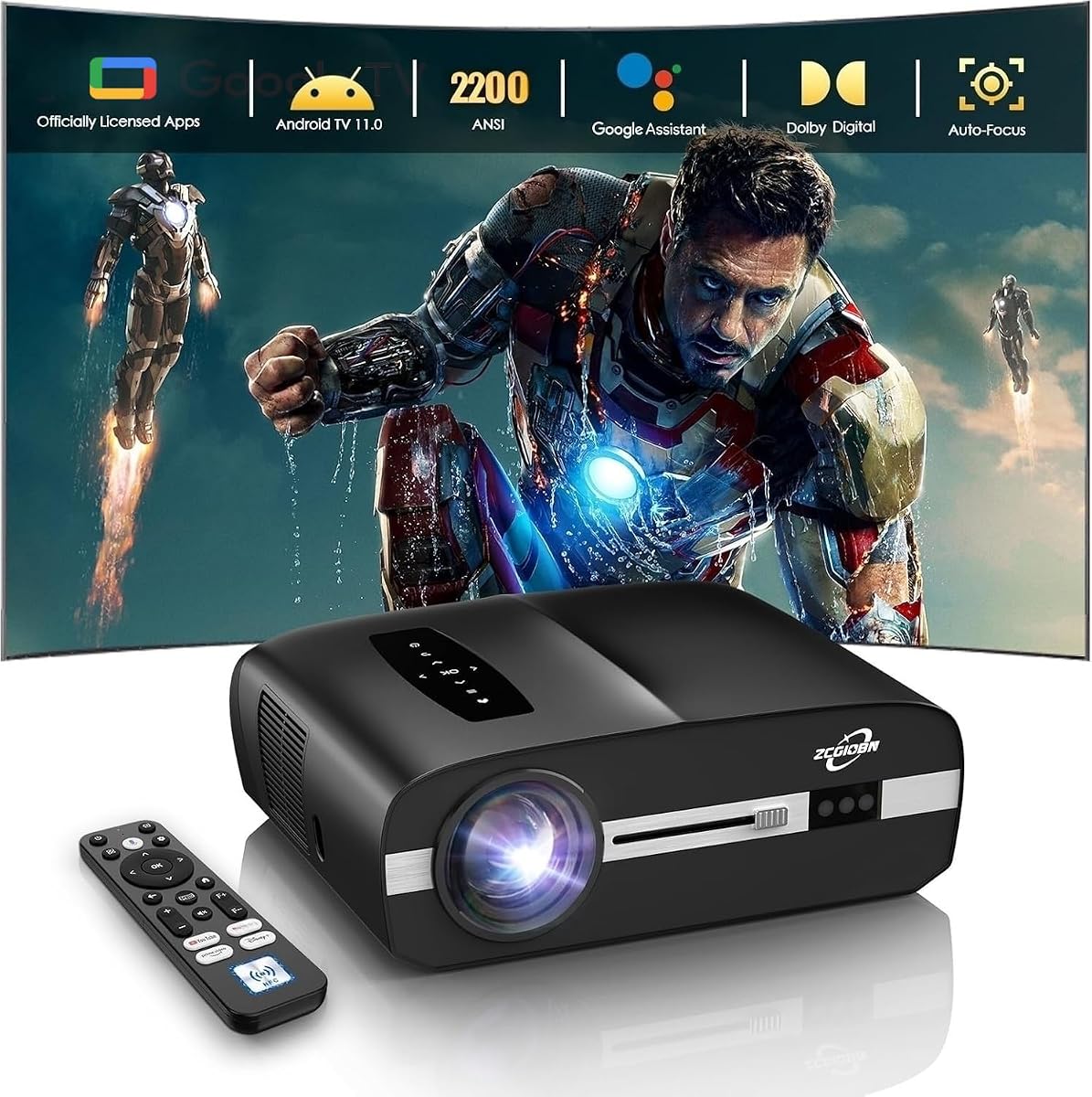
This 4K Projector includes smart features like Google TV and auto focus which simplify setup. It offers HDR10 support and high brightness for indoor environments.
We may earn a commission when you buy through this link, at no additional cost to you.
The MEMC processing ensures smooth motion for fast action content. It is designed to handle golf simulation if connected properly to your PC.
Note that it is not a short throw model, so placement might require ceiling mounting to avoid shadows. The built-in audio adds convenience to your setup.
Pick this if you want a smart projector with versatile streaming and good brightness for a lower cost.
Google TV OS allows access to apps and streaming services directly without extra dongles.
Advanced MEMC technology eliminates motion blur to keep swing visuals smooth and clear.
We may earn a commission when you buy through this link, at no additional cost to you.
The BenQ TH575i combines high brightness with a Google TV dongle for a smart experience. It delivers full HD visuals and low lag for responsive viewing.
We may earn a commission when you buy through this link, at no additional cost to you.
With 3800 lumens, it can handle bright rooms well. The low input lag ensures minimal delay between input and image display.
However, user ratings suggest it may not match other models in overall quality. It remains a solid choice for those prioritizing smart features and brightness.
Choose this if you want a ready-to-go smart projector for entertainment and basic simulation.
Included Google TV dongle provides easy access to Netflix and YouTube without extra hardware.
16.7ms input lag ensures smooth responsiveness for fast-paced action during sessions.
We may earn a commission when you buy through this link, at no additional cost to you.
The BenQ LU935ST offers extreme brightness with 5500 ANSI lumens suitable for very large spaces. It uses a laser engine for consistent performance over time.
We may earn a commission when you buy through this link, at no additional cost to you.
Its WUXGA resolution provides sharp details for presentations or visuals. The short throw allows flexible mounting in larger venues.
This is a professional-grade unit often used for classrooms or conference rooms. It is powerful but might be overkill for small home use.
Select this if you need maximum brightness for a very large projection area.
5500 ANSI lumens ensure visibility even in large well-lit rooms.
Lens shift flexibility allows you to align the image without moving the unit.
We may earn a commission when you buy through this link, at no additional cost to you.
The BenQ LK936ST is a top-tier option with native 4K UHD resolution and high brightness. Its laser light source ensures long-term reliability.
We may earn a commission when you buy through this link, at no additional cost to you.
Short throw capabilities make it easier to place in tighter spots. The connectivity options support seamless integration with various devices.
This is a premium professional projector often used for high-end displays. It offers unmatched clarity but comes at a significant price.
Ideal for those who want the best possible image quality and brightness regardless of cost.
Native 4K resolution delivers exceptional sharpness and clarity for immersive viewing.
Dual HDMI and DisplayPort ensure easy connection to computers and gaming consoles.
We may earn a commission when you buy through this link, at no additional cost to you.
The BenQ W4100i brings smart features with Android TV preloaded for easy streaming. It offers 4K resolution and advanced HDR processing for better contrast.
We may earn a commission when you buy through this link, at no additional cost to you.
With 100% DCI-P3 coverage, colors are vibrant and accurate. The LED light source provides a long life without lamp changes.
It is ideal for home theater and gaming but may lack specific golf features. The brightness suits typical indoor environments well.
Choose this for a premium smart projector experience with rich colors and sharp images.
Local contrast enhancement brings out details in dark and bright scenes effectively.
High brightness and color volume ensure a vivid and realistic picture.
We may earn a commission when you buy through this link, at no additional cost to you.
The ViewSonic LS740W includes a dedicated Golf Mode to boost greens and blues. It is a laser projector with high brightness suitable for large rooms.
We may earn a commission when you buy through this link, at no additional cost to you.
Its 5500 lumens ensure visibility even with lights on. The resolution is lower but sufficient for many setups.
It is built for commercial durability and reliability. The price reflects its professional grade and long life.
Best for facilities or users needing high brightness and a dedicated golf feature.
Specialized Golf Mode enhances greens and blues for realistic simulation play.
Allows flexible placement in any orientation for versatile setup options.
We may earn a commission when you buy through this link, at no additional cost to you.
The GoSports Cover is a protective accessory for projectors placed on the floor. It features vents to prevent overheating and a durable shell.
We may earn a commission when you buy through this link, at no additional cost to you.
It fits most standard projectors without requiring ceiling mounts. The vents ensure airflow for long-term safety.
While not a projector itself, it is essential for protecting your investment from mishits.
Buy this if you plan to place your projector on the ground in your simulator setup.
Protects your projector from hits with a polycarbonate panel and turf blend.
Built-in vents allow airflow to prevent overheating of your device.
We may earn a commission when you buy through this link, at no additional cost to you.
Selecting the right projector involves evaluating brightness, resolution, throw ratio, and special features to match your indoor golf setup needs.
Brightness measured in ANSI lumens is critical for indoor golf setups. Look for at least 3000 lumens to ensure your image remains vibrant even with ambient lighting.
Higher brightness prevents washed-out images and allows you to keep lights on for better visibility.
Resolution determines how sharp your virtual course looks. Full HD 1080p is standard, but 4K UHD offers superior detail for realistic textures.
Choose higher resolution if your simulator software supports 4K rendering for the most immersive experience.
Throw ratio is the distance required to project a large image. Short throw projectors are essential for golf simulators to avoid shadows.
A short throw ratio allows you to mount the projector closer to the screen reducing obstruction risk.
Some projectors include a dedicated Golf Mode that adjusts colors for greens and fairways. This feature enhances realism and contrast for better simulation.
Check for specific Golf Mode to boost your course visuals without manual tweaking.
Input lag affects how fast images appear after your swing. Low input lag ensures smooth motion and accurate feedback for your simulation.
Look for models with low input lag and motion processing to avoid blur.
Laser light sources last longer than standard lamps and reduce maintenance. A laser projector can last over 20000 hours which is cost-effective.
Prioritize laser or LED options for long-term reliability and consistent performance.
Connectivity options like HDMI 2.1 and USB allow you to link PCs and consoles easily. Ensure your projector has enough ports for your setup.
Verify support for your simulator software hardware connections before purchasing.
Budget varies widely from affordable 1080p models to premium 4K lasers. Decide on your priorities for brightness and resolution to find the best value.
Balance cost with features like throw ratio and brightness to get the best return.
Position your projector away from the swing zone to avoid shadows. Use ceiling mounts or floor covers to keep it safe during practice.
Connect your PC or simulator box to the projector via HDMI. Adjust the focus and keystone settings to align the image perfectly on your screen.
Keep vents clear and clean filters regularly to prevent overheating. A well-maintained projector ensures longevity and consistent brightness.
Yes you can use a regular projector but short throw models are better. Regular projectors require more distance and might cast shadows on the screen during swings.
You should look for at least 3000 ANSI lumens. Higher brightness helps combat ambient light and keeps the course visuals crisp and vibrant.
Throw ratio determines placement distance. Short throw ratios allow the projector to be closer to the screen reducing shadow interference from players.
Not strictly but it is helpful. Golf Mode optimizes colors for green courses improving realism without needing manual color calibration.
4K offers more detail for textures but 1080p is often sufficient. Choose 4K if your simulator software supports it and you want maximum clarity.
Use a floor mount or a protective cover like the GoSports Cover. Placement and covers shield the unit from mishits during practice sessions.
HDMI 2.0 or higher is standard. Ensure your projector has enough inputs for your PC console and any other devices.
Laser projectors can last up to 20000 hours. They reduce maintenance compared to lamp projectors and keep brightness consistent over time.
Choosing the right projector for your golf simulator depends on your room size, budget, and need for brightness. The models we reviewed offer strong performance for indoor training.
Prioritize short throw capabilities and high lumens to ensure a shadow-free, vibrant image. Laser options provide longevity while budget-friendly ones deliver value.
Prices and features change often so check current listings to find the best deal for your needs. Build your simulator with confidence by matching the projector to your setup.