
Aurant 15.6 Inch Laptops
5.0Editor score
AMD Ryzen R5 Processor
8GB RAM and 128GB SSD
Full Size Keyboard with Backlight
Finding a laptop that operates without annoying fan noise is essential for focus and comfort. Modern devices often rely on efficient cooling or silent fans to maintain performance.
We compared ten top-rated options including silent laptops and effective cooling accessories. Our analysis covers specs, portability, and real-world noise performance for diverse needs.
Each pick highlights unique strengths from battery life to display quality. Please note that prices and availability change frequently, so check current listings before purchasing.
5.0Editor score

4.5Editor score
4.4Editor score
As an Amazon Associate we earn from qualifying purchases.
Explore our detailed side-by-side comparison of ten top-rated options designed for silent operation. Each entry highlights key specs to help you choose the right match.




The HP 14 inch Laptop offers a practical solution for users seeking silence and portability. With a rating of 4.5 stars it stands out for everyday productivity without disturbing fans.
We may earn a commission when you buy through this link, at no additional cost to you.
Its Intel N150 processor delivers efficient performance for multitasking and browsing. The 14 inch display provides vibrant visuals while remaining easy to carry between locations.
While the 4GB RAM may limit heavy workflows it suits basic tasks well. The trade-off ensures longer battery life and cooler operation for a quiet environment.
Ideal for students or remote workers needing a reliable silent machine. This laptop balances cost and functionality for a distraction-free experience.
Slim profile and lightweight chassis ensure easy transport without noise.
Intel N150 CPU handles web browsing and documents efficiently.
We may earn a commission when you buy through this link, at no additional cost to you.
The Aurant 15.6 Inch Laptop delivers impressive value with its AMD Ryzen R5 processor. A perfect5.0 rating reflects its reliability for silent office tasks and browsing.
We may earn a commission when you buy through this link, at no additional cost to you.
Eight gigabytes of RAM support smooth multitasking without loud cooling demands. The full size keyboard enhances typing comfort during long work sessions.
Its compact design and 5G WiFi ensure stable connectivity without noise. Storage is adequate for essentials though external drives may be needed.
Best for budget-conscious buyers needing a silent workhorse. This laptop combines speed and silence effectively for daily use.
AMD Ryzen R5 handles demanding apps with minimal heat.
Backlit full size keyboard supports comfortable typing.
We may earn a commission when you buy through this link, at no additional cost to you.
The ASUS Vivobook Go 15 excels in privacy and audio clarity for remote work. Its 4.5 rating highlights the blend of silent operation and thoughtful features.
We may earn a commission when you buy through this link, at no additional cost to you.
AMD Ryzen 5 provides responsive speeds while the AI noise-canceling audio reduces background noise during calls. This creates a calm virtual meeting environment.
The NanoEdge display offers an immersive viewing experience for media and work. While storage is solid it may require upgrades for heavy file users.
Ideal for professionals prioritizing quiet and privacy. This laptop delivers high-end features without the noise of traditional cooling systems.
AI Noise-Canceling Audio filters background noise for clear calls.
NanoEdge display provides wide viewing angles and sharp details.
We may earn a commission when you buy through this link, at no additional cost to you.
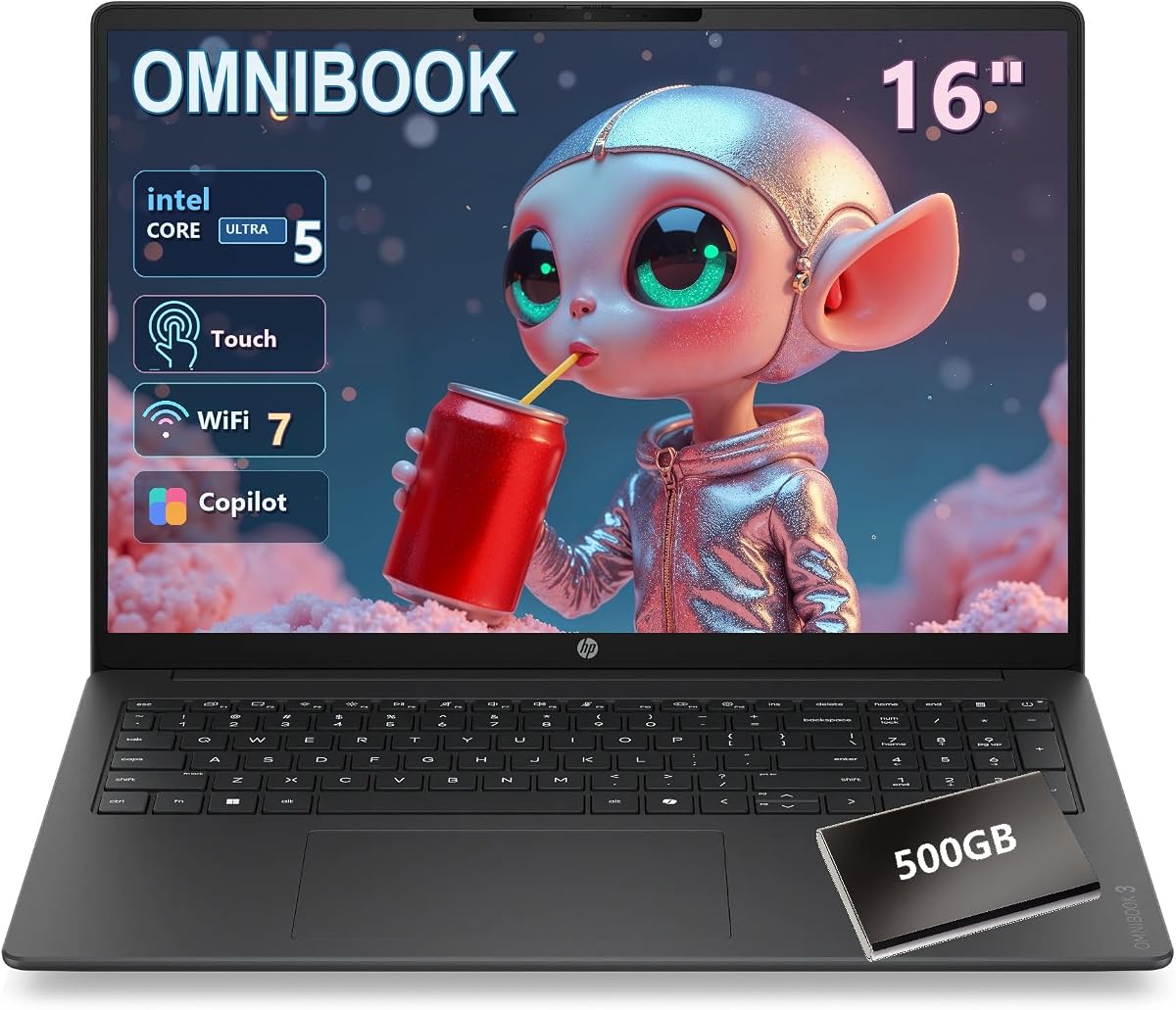
The HP OmniBook 3 16 offers top-tier performance with minimal noise thanks to advanced cooling and AI optimization. A 4.4 rating reflects its premium build and capabilities.
We may earn a commission when you buy through this link, at no additional cost to you.
The 12-Core Ultra 5 processor handles heavy workflows silently. Its AI Noise Reduction ensures clear video calls without distracting fan sounds.
A stunning touchscreen display enhances productivity with vibrant colors. The Wi-Fi 7 connectivity future-proofs your setup for faster speeds.
Best for professionals needing a silent high-end machine. This laptop combines power and quiet for demanding creative tasks.
Intel AI Boost NPU accelerates AI workloads efficiently.
Wi-Fi 7 delivers unprecedented wireless speeds.
We may earn a commission when you buy through this link, at no additional cost to you.
The Kootek Laptop Cooling Pad offers an external solution to reduce noise. A 4.4 rating shows users appreciate its silent fans and ergonomic design.
We may earn a commission when you buy through this link, at no additional cost to you.
Its 5 quiet fans keep laptops cool without adding distracting sounds. Adjustable height settings ensure comfort during extended work sessions.
USB hub connectivity adds convenience for peripherals. While it needs power it effectively prevents overheating noise in laptops.
Ideal for users with existing laptops needing noise reduction. This pad extends device life while maintaining a quiet environment.
Whisper-quiet fans allow interference-free work.
Adjustable height ensures comfortable typing angles.
We may earn a commission when you buy through this link, at no additional cost to you.
The HP Everyday Slim Laptop targets users needing mobility and silence. A perfect 5.0 rating highlights its efficiency for daily tasks without noise.
We may earn a commission when you buy through this link, at no additional cost to you.
Its Intel N150 processor runs quietly for basic browsing and email. Long battery life means fewer interruptions during travel.
True Vision camera with noise reduction aids video calls. The Copilot key integrates AI tools seamlessly into workflows.
Best for frequent travelers seeking a quiet device. This laptop balances portability with reliable performance.
Long battery life supports work on the go.
Copilot key provides instant AI assistance.
We may earn a commission when you buy through this link, at no additional cost to you.
The havit HV-F2056 provides ultra-portable cooling for silent operation. A 4.4 rating reflects its slim design and effective quiet fans.
We may earn a commission when you buy through this link, at no additional cost to you.
Three ultra-quiet fans create a noise-free environment for users. Metal mesh ensures stable surface for laptops during use.
Two adjustable height settings aid ergonomic comfort. Extra USB ports simplify peripheral management without clutter.
Ideal for travelers needing a compact cooling solution. This pad protects investment while ensuring quiet performance.
Ultra-portable design protects investment anywhere.
Metal mesh provides stable laptop carrying.
We may earn a commission when you buy through this link, at no additional cost to you.
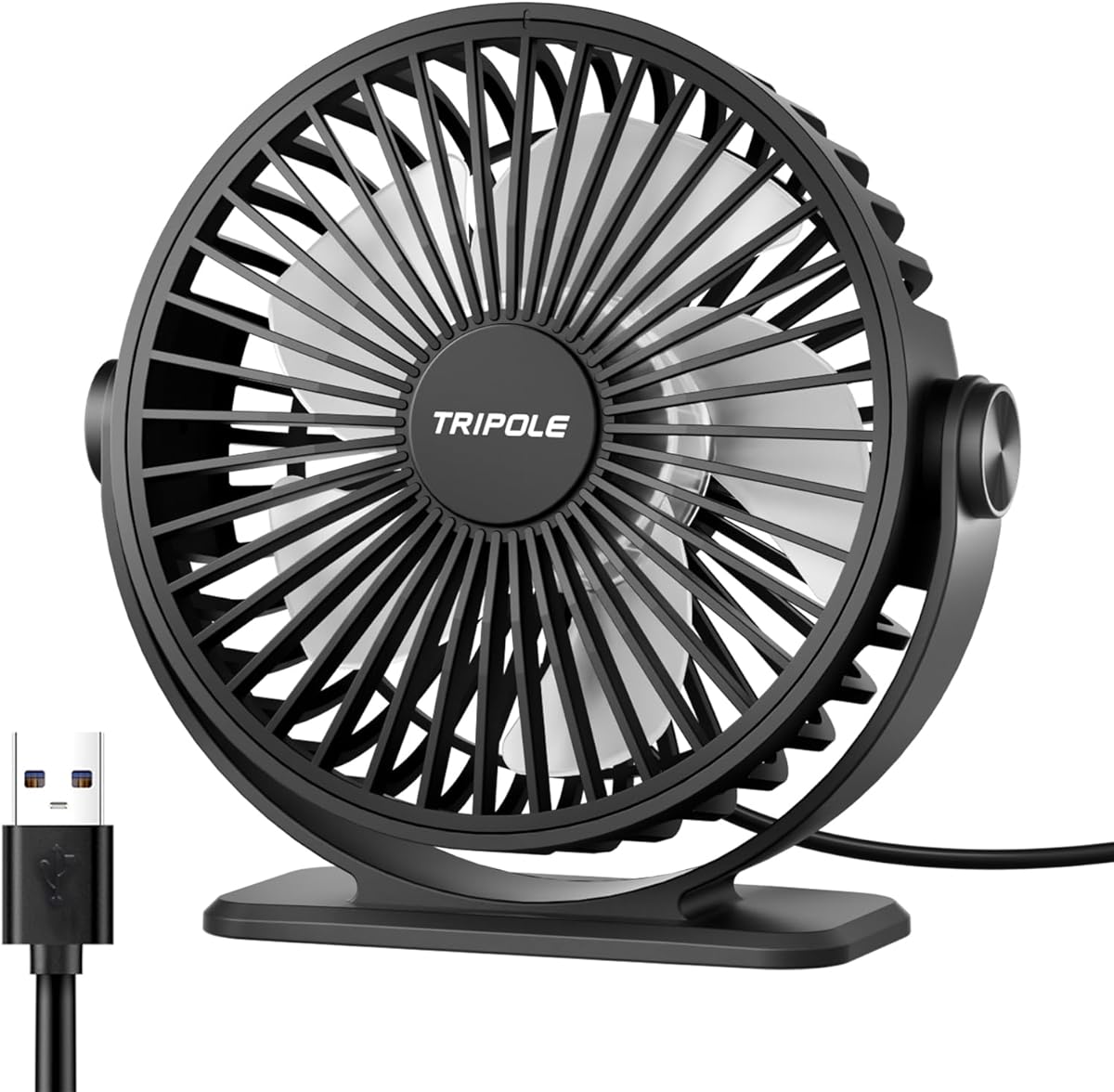
The TriPole USB Desk Fan offers personal cooling for quiet environments. A 4.6 rating highlights its silent operation and portability.
We may earn a commission when you buy through this link, at no additional cost to you.
Three speed modes provide flexibility for airflow. USB power allows placement near laptops without extra outlets.
Silicone pads reduce vibration for minimal noise. Compact size fits desks or nightstands without clutter.
Best for personal cooling without laptop noise. This fan complements silent setups for focused work.
360 degree rotation directs airflow easily.
Silicone pads reduce vibration noise.
We may earn a commission when you buy through this link, at no additional cost to you.
The Targus Lap Chill Mat ensures comfort while keeping laptops cool. A 4.4 rating reflects its soft material and effective cooling fans.
We may earn a commission when you buy through this link, at no additional cost to you.
Dual fans powered by USB-A connection aid heat dispersion. Neoprene cushioning makes lap work comfortable for long periods.
Tilt design aids typing ergonomics. Four stops prevent laptop slipping ensuring safety.
Best for lap users seeking silent and soft support. This mat protects devices without adding noise.
Soft neoprene provides cushioned comfort for legs.
Dual fans disperse heat efficiently.
We may earn a commission when you buy through this link, at no additional cost to you.
The HP 17 inch Business Laptop offers a large display with silent operation. A 4.5 rating highlights its productivity features and efficient cooling.
We may earn a commission when you buy through this link, at no additional cost to you.
Sixteen gigabytes of RAM support complex workflows quietly. The 17.3 inch screen provides ample space for multitasking.
Numeric keypad and long battery aid business needs. Weight reduces portability but enhances workspace ergonomics.
Ideal for office users prioritizing screen real estate. This laptop delivers performance without disturbing sounds.
17.3 inch FHD display supports detailed work.
16GB RAM ensures smooth multitasking.
We may earn a commission when you buy through this link, at no additional cost to you.
Selecting a silent laptop requires checking processor efficiency and cooling design. Here are key factors to ensure a quiet and powerful device.
Modern processors like Intel N-series or AMD Ryzen R5 offer balance between performance and heat. Efficient chips generate less heat reducing the need for noisy fans.
Choose CPUs with low wattage for quieter operation.
Look for laptops with passive cooling or optimized fan control. Larger heat pipes and better vents help dissipate heat without loud spinning.
Passive or advanced active cooling reduces noise.
Sufficient RAM like 8GB or 16GB prevents heavy load on CPU. SSDs generate less heat than HDDs contributing to a cooler and quieter system.
Upgrade RAM and use SSDs for better thermal performance.
Metal or high-quality plastic chassis aids in heat dissipation. Good build quality ensures internal components are insulated from noise.
Select sturdy materials to reduce fan noise.
Define if the laptop is for office work or gaming. Casual tasks demand less cooling which helps maintain silence during daily use.
Match laptop specs to your typical usage needs.
Consider using cooling pads if internal fans are loud. External accessories can lower temperatures reducing the laptop's internal fan activity.
Use cooling pads to enhance silent operation.
Long battery life often correlates with lower power draw. Lower power draw means less heat generation and quieter fans during operation.
Opt for laptops with efficient battery management.
USB ports and WiFi 6 reduce reliance on external adapters. Fewer adapters mean less clutter and better airflow around the laptop for cooling.
Check ports to ensure efficient peripheral usage.
Maintain a clean environment to prevent dust accumulation in vents. Use compressed air regularly to keep fans and heatsinks free from debris.
Keep your laptop on hard flat surfaces to allow airflow. Soft surfaces like beds trap heat increasing fan noise.
Monitor software updates for power management improvements. Manufacturers often release BIOS updates that optimize cooling performance and reduce noise.
Silent laptops work well for casual gaming but may struggle with heavy AAA titles. Look for models with dedicated graphics and advanced cooling to maintain silence under load.
No cooling pads with quiet fans actually reduce internal laptop fan noise. They help dissipate heat allowing the laptop's internal fans to spin slower.
Intel N-series and AMD Ryzen R5 are excellent choices for balance. They offer sufficient power for daily tasks without generating excessive heat.
Passive cooling systems use no fans making them completely silent. However they are less powerful than active cooling for demanding workloads.
It is possible but often voids warranty. Aftermarket silent fans exist but ensure compatibility with your model before installation.
Yes SSDs generate less heat than mechanical hard drives. Less heat means the cooling system has to work less reducing noise.
We reviewed ten top options ranging from silent laptops to cooling accessories. The Aurant 15.6 and ASUS Vivobook Go 15 offer strong value for quiet daily tasks.
Prioritize processor efficiency and RAM to maintain silence. Cooling pads can also enhance existing devices to reduce internal fan noise significantly.
Always check current prices and availability before purchasing. These products provide reliable ways to achieve a focused noise-free workspace.