
LG UL3G 43" Class 4K UHD Conference Room & Digital Signage IPS LED Display
43-inch 4K UHD display
IPS panel wide viewing angles
System on Chip technology
Choosing the right Conference Room Monitor is essential for modern business communication. These displays enable clear visuals during meetings, presentations, and video conferences ensuring everyone stays engaged and informed throughout the session.
We compared ten leading models based on resolution, connectivity, and durability. Our analysis covers commercial-grade options designed for heavy use alongside versatile displays that support hybrid work environments effectively.
Each pick highlights key features and ideal use cases for your space. Note that availability and specifications may change over time so verify details before finalizing your purchase decision today.


As an Amazon Associate we earn from qualifying purchases.
The following table provides a side-by-side comparison of all ten products evaluated in this guide to help you quickly identify the best fit for your specific conference room requirements.

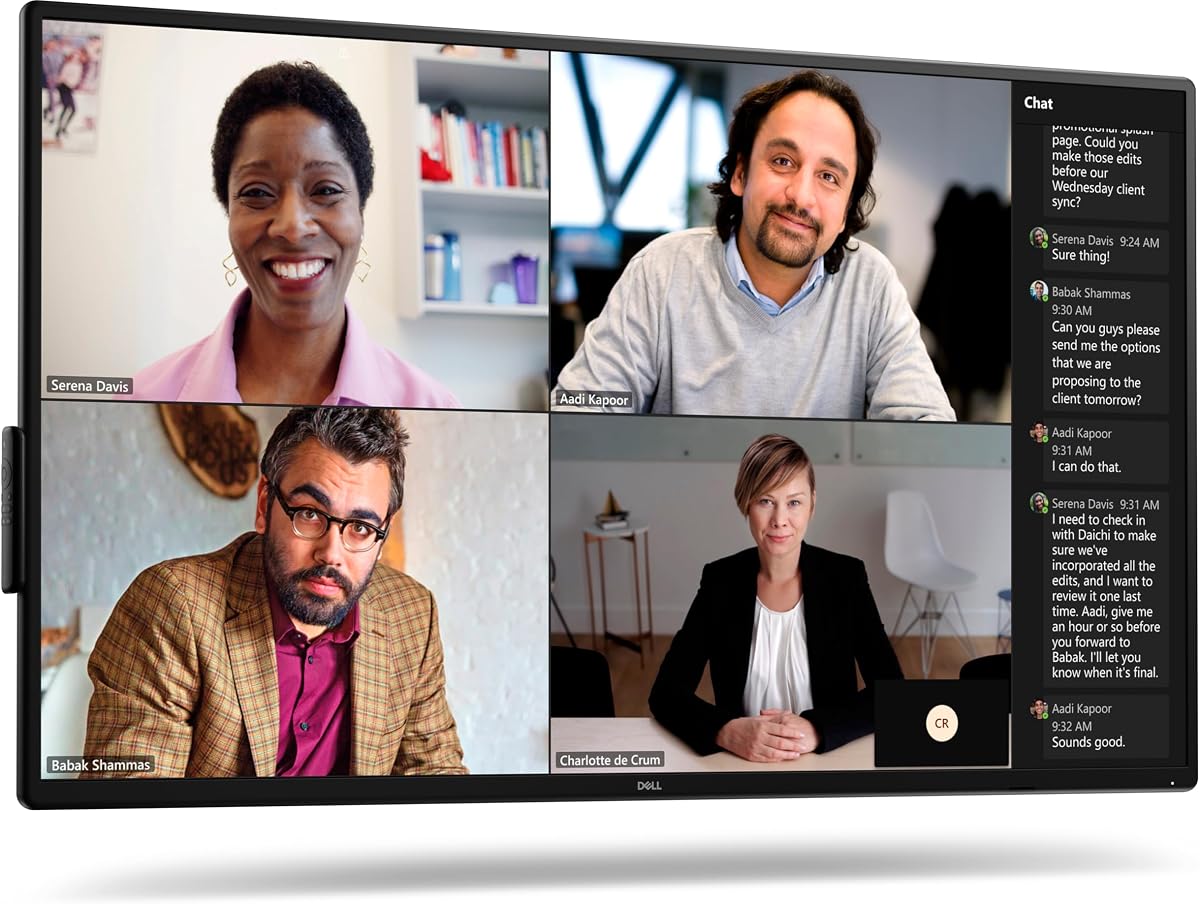


The Dell 55 4K Conference Room Monitor stands out as a top choice for businesses needing reliable visual clarity. Its high resolution ensures detailed graphics and text are visible even from the back of the room.
We may earn a commission when you buy through this link, at no additional cost to you.
Features like anti-glare coating and wide viewing angles make it ideal for collaborative sessions. The included security lock slot adds peace of mind for IT administrators concerned about theft or unauthorized removal.
While it lacks a built-in camera, this monitor excels at displaying content from external conferencing systems. The trade-off allows for better focus on display quality rather than compromise on multiple features.
Organizations seeking a durable and professional display for meeting spaces will find this model delivers excellent performance. It is a strong recommendation for mid to large-sized conference rooms.
The 4K resolution provides crisp details that make shared documents and charts easy to read during presentations.
Built-in security features like lock slots help protect valuable hardware in high-traffic business environments.
We may earn a commission when you buy through this link, at no additional cost to you.
Samsung QB65R offers a massive 65-inch canvas perfect for large boardrooms where visibility is paramount. The 4K UHD picture quality ensures every pixel contributes to a lifelike image for presentations.
We may earn a commission when you buy through this link, at no additional cost to you.
Built-in Wi-Fi and Bluetooth streamline content sharing from mobile devices without extra hardware. Compatibility with Cisco WebEx room kits makes it a seamless choice for unified communication systems.
Installation may require professional support due to size and weight but the slim design aids in clean cable management. Power usage is higher than smaller units but justified by the screen real estate.
Businesses needing a commanding presence in large meeting areas should consider this display. It balances commercial-grade reliability with smart connectivity features effectively.
Wireless options allow presenters to share content quickly without fumbling with cables during critical moments.
Dynamic Crystal Color technology enhances contrast and vibrancy to keep audience attention focused on the content.
We may earn a commission when you buy through this link, at no additional cost to you.
The LG UL3G provides excellent value for small to medium conference rooms needing high resolution without premium costs. Its 4K UHD resolution delivers sharp images comparable to more expensive options.
We may earn a commission when you buy through this link, at no additional cost to you.
Included accessories like HDMI cables and a surge protector simplify setup immediately upon arrival. The SoC technology eliminates external media players reducing clutter and potential points of failure.
While the 43-inch screen is smaller than top-tier models it remains effective for intimate meeting groups. The limited remote features are acceptable given the robust performance and price point.
Organizations prioritizing cost efficiency without sacrificing image quality will appreciate this model. It is a smart entry point for commercial-grade monitoring needs.
Receiving essential accessories with the display reduces initial setup time and avoids extra accessory purchases.
webOS provides an intuitive interface for navigating inputs and managing content without technical expertise.
We may earn a commission when you buy through this link, at no additional cost to you.
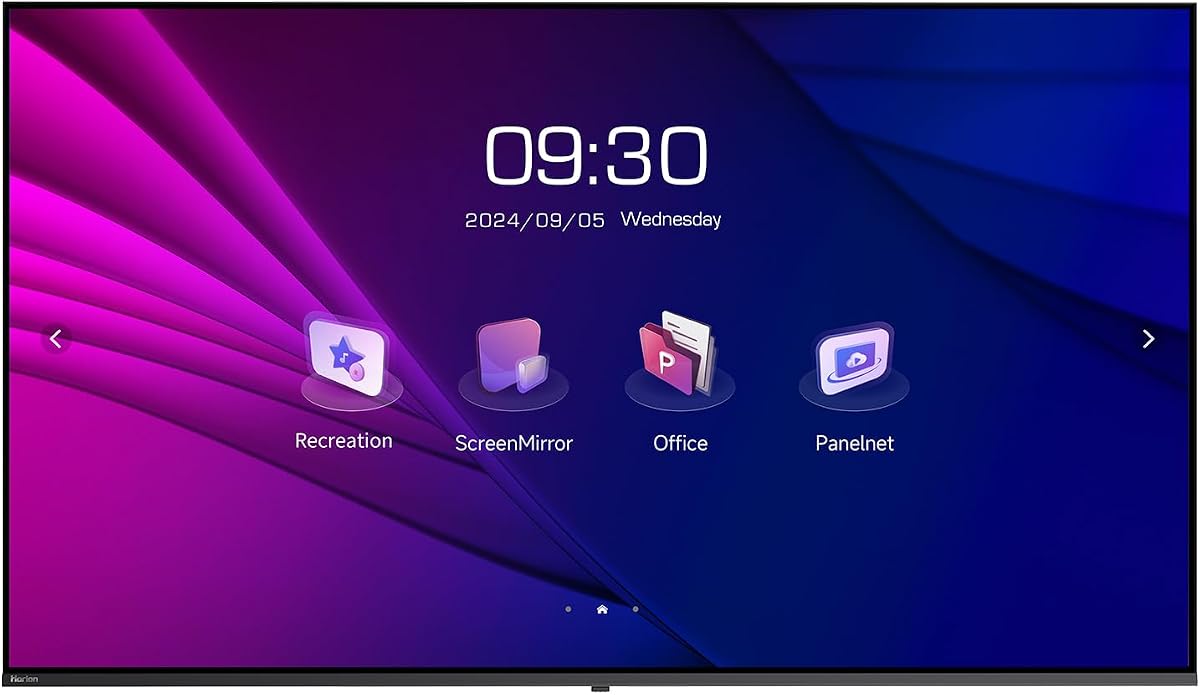
HORION 75-inch model delivers massive visual impact suitable for both conference rooms and lobby displays. The all-in-one design supports switching between meeting and digital signage modes effortlessly via its OS.
We may earn a commission when you buy through this link, at no additional cost to you.
Dual WiFi Pro stability ensures uninterrupted casting and internet connectivity during critical presentations. The 24/7 operational rating means it can run continuously without overheating or performance degradation.
Installation requires sturdy mounting hardware due to significant weight but the included kit facilitates vertical or landscape orientation. Blue light certification helps reduce eye strain during long daily usage periods.
Businesses needing a versatile display for multiple environments will find this unit adaptable and robust. It combines size with advanced reliability features effectively.
The 24/7 rating allows for extended uptime in public spaces without risking hardware failure or downtime.
Low Blue Light certification protects user vision during prolonged exposure to screen content throughout the day.
We may earn a commission when you buy through this link, at no additional cost to you.
The Dell P5525QC emphasizes modern input options with robust USB-C and HDMI support. This flexibility simplifies connecting laptops and devices without needing extra adapters during meetings.
We may earn a commission when you buy through this link, at no additional cost to you.
Brightness levels ensure visibility even in well-lit rooms without reflections overpowering the content. The IPS panel maintains consistent colors across wide angles making it suitable for side seating arrangements.
Audio capabilities are standard but not exceptional so external speakers may be preferred for larger groups. The monitor focuses primarily on visual performance and connectivity efficiency.
Teams relying heavily on diverse device connections will benefit from this model input versatility. It offers a straightforward and professional visual experience.
Multiple port options allow IT teams to integrate legacy and new devices seamlessly into the setup.
IPS technology ensures accurate colors from various viewing positions which is critical for design reviews.
We may earn a commission when you buy through this link, at no additional cost to you.
Philips 34-inch UltraWide monitor offers a compact solution for small huddle spaces needing integrated video tools. The built-in webcam and noise-canceling mic reduce clutter on conference tables significantly.
We may earn a commission when you buy through this link, at no additional cost to you.
The 21:9 aspect ratio provides extra horizontal space useful for multitasking or comparing side-by-side documents. USB-C docking allows a single cable to handle video data and power for laptops.
Although ratings are lower than some commercial options it remains a solid choice for focused small team meetings. The lack of full 4K is a trade-off for integrated convenience.
Startups or satellite offices looking for quick room setup will find this all-in-one unit practical. It streamlines conferencing with minimal hardware requirements.
Built-in peripherals eliminate the need for separate cameras and microphones simplifying the setup process greatly.
The curved screen reduces eye strain during extended sessions by matching the natural curvature of human vision.
We may earn a commission when you buy through this link, at no additional cost to you.
The Samsung QB43R combines reliability with a 4K picture quality that keeps content looking sharp. It is designed for business use with an integrated media player for easy content management.
We may earn a commission when you buy through this link, at no additional cost to you.
Wireless connectivity options allow presenters to share files directly from phones or tablets during meetings. The slim design enhances the viewing experience by minimizing bezel distractions around the screen.
While advanced features are limited compared to premium models the robust performance and warranty offer peace of mind. It is a dependable choice for standard meeting room requirements.
Companies valuing long-term reliability and consistent visual performance will appreciate this model. It balances functionality with commercial-grade durability.
The included 3-year warranty covers hardware issues providing long-term security for business investments.
Integrated media capabilities allow quick file playback without needing external computers connected constantly.
We may earn a commission when you buy through this link, at no additional cost to you.
Sony FW75BZ30L delivers exceptional visual fidelity suitable for executive boardrooms and high-end presentations. The 4K HDR support enhances contrast and brightness for a realistic viewing experience.
We may earn a commission when you buy through this link, at no additional cost to you.
Large screen real estate ensures every participant can see details clearly regardless of seating position. Versatile orientation options allow it to be mounted vertically or horizontally depending on room layout.
The premium price reflects superior display quality and build materials suited for critical environments. Connectivity options may be standard compared to more versatile models but meet most commercial needs.
Businesses prioritizing image quality above all else will find this monitor outstanding. It sets a high bar for professional display standards.
HDR technology provides deeper blacks and brighter highlights making images appear more vibrant and detailed.
Ability to rotate between portrait and landscape modes adds adaptability for various display content types.
We may earn a commission when you buy through this link, at no additional cost to you.
Samsung QE50T is built to run for up to 16 hours a day making it ideal for busy corporate environments. Its non-glare panel ensures visibility under various lighting conditions effectively.
We may earn a commission when you buy through this link, at no additional cost to you.
The USB media player allows direct content playback simplifying presentations without needing external PCs. Dust-proof design adds durability protecting internal components from debris over time.
Brightness is adequate for indoor rooms but might struggle in extremely bright spaces without blinds. Audio remains basic so external systems are often preferred for larger gatherings.
Operations needing consistent daily performance will find this model robust and efficient. It is a solid workhorse for standard commercial needs.
Designed for 16/7 usage ensures it handles extended shifts without requiring cooling downtime periods.
Dust-proof rating protects critical internal components extending the overall lifespan of the unit.
We may earn a commission when you buy through this link, at no additional cost to you.
Logitech MeetUp serves as a powerful conferencing system designed for small rooms and huddle areas. Its 4K sensor captures sharp video ensuring remote participants see every detail clearly during meetings.
We may earn a commission when you buy through this link, at no additional cost to you.
Beamforming microphones pick up voices clearly from across the room reducing background noise distractions. Motorized controls allow dynamic framing of presenters without manual adjustments after setup.
While not a display itself it complements existing monitors to create a complete conferencing environment. The requirement for external hardware is a trade-off for superior video capture quality.
Organizations prioritizing audio-visual clarity in small spaces will find this system essential. It enhances remote collaboration significantly with minimal setup effort.
4K resolution ensures remote attendees see facial expressions and details clearly enhancing connection.
Beamforming technology focuses on speakers voices while reducing ambient noise for clearer communication.
We may earn a commission when you buy through this link, at no additional cost to you.
Selecting the right monitor involves evaluating several key factors to ensure it meets your specific business needs.
Screen size determines how visible content is from different seating positions. A 55-inch screen suits medium rooms while 75-inch is better for large spaces. Resolution should be at least 4K to ensure text and graphics remain sharp and readable.
IPS panels generally offer better color accuracy and wider viewing angles than other types. This ensures consistent image quality even when viewed from the side which is common in meeting setups.
Look for monitors with multiple HDMI inputs and USB-C ports for versatile device support. Built-in Wi-Fi and Bluetooth simplify wireless sharing reducing cable clutter and enhancing user convenience.
Commercial-grade monitors are designed for extended operation hours compared to consumer models. Features like dust-proof ratings and robust cooling systems ensure reliable performance throughout long business days.
Security locks prevent theft or unauthorized removal of equipment in open environments. Remote management capabilities allow IT teams to update or troubleshoot displays without physical access.
VESA mount compatibility ensures the monitor can be easily attached to standard walls or arms. Slim bezels and cable management systems contribute to a cleaner and more professional look.
Built-in speakers and webcams reduce the need for separate peripherals saving space. Check if the audio quality meets your needs or if external systems are required for larger groups.
A solid warranty provides peace of mind for expensive business investments. Look for providers offering responsive technical support to minimize downtime if issues arise.
Start by mounting the monitor securely on a stable surface or wall using VESA mounts. Ensure cables are routed cleanly to prevent accidental unplugging during meetings.
Update the firmware regularly through the settings menu to keep security features current. Configure input sources and resolution settings to match your typical presentation formats.
Clean the screen with a microfiber cloth and approved cleaning solution to avoid damage. Avoid using abrasive materials that could scratch the protective coating over time.
For standard rooms up to 20 people a 55-inch monitor is usually sufficient to ensure clear visibility. Larger rooms may benefit from 65-inch or larger displays to maintain image size.
Yes commercial monitors are built with components designed for continuous 24/7 operation. They often include better cooling systems and durability features compared to consumer models.
Many commercial monitors include system-on-chip technology that supports digital signage directly. Check the specifications for media player capabilities if you need this function.
4K resolution provides four times the detail of Full HD making text and graphics significantly sharper. This is essential for professional presentations where clarity is critical.
Built-in speakers are convenient for small meetings but often lack sufficient volume for large spaces. External sound systems may be needed to ensure everyone can hear audio clearly.
Use built-in Wi-Fi and Bluetooth features to connect supported devices. Ensure your laptop drivers are updated to facilitate smooth wireless casting without compatibility issues.
We have evaluated ten top models ranging from budget-friendly options to premium commercial-grade displays. Each offers unique strengths tailored to different room sizes and connectivity needs.
Prioritize resolution screen size and durability to ensure your investment supports long-term business communication goals. Consider your room layout and typical meeting sizes before making a final selection.
Always check current availability and specifications before purchasing as models may update over time. This ensures you get the latest features and best performance for your specific environment.