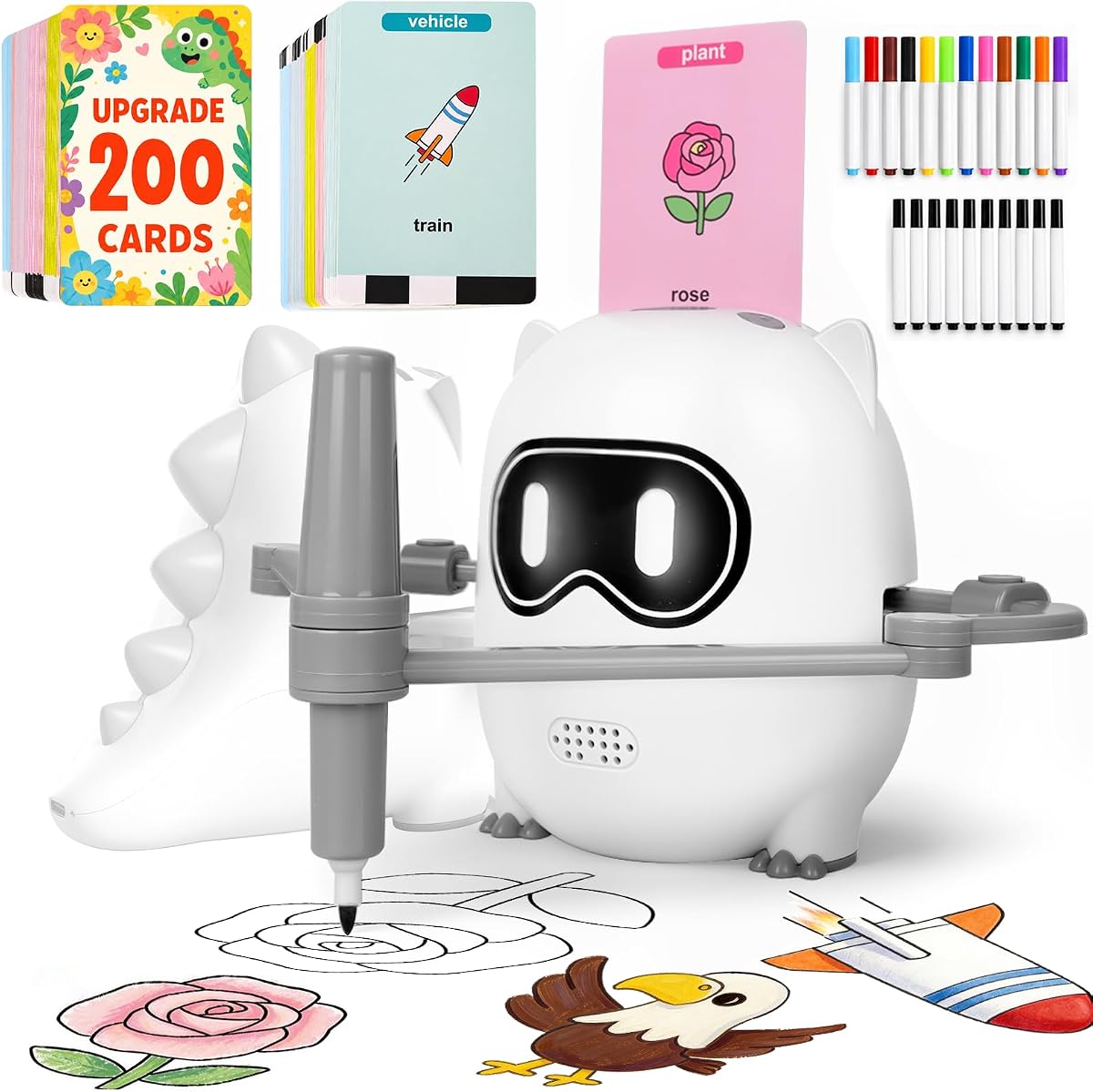
Drawing Robot Toy for Kids Ages 3-8
4.5Editor score
200 Cards
Screen-Free Fun
22 Markers Included
This comprehensive guide compares the top drawing robots for kids to help parents find the best educational art toy for creativity and learning.
Drawing robots for kids are transforming how children learn art and creativity. These interactive toys guide young artists step by step, making drawing accessible and fun for preschoolers and elementary students alike.
We compared ten leading drawing robots based on card variety, educational value, ease of use, and safety features. Each product was evaluated for its ability to engage children while fostering essential motor skills.
Every pick highlights unique strengths like voice interaction or Montessori design. Remember that prices and availability change frequently, so check current listings before making your final purchase decision.
4.5Editor score
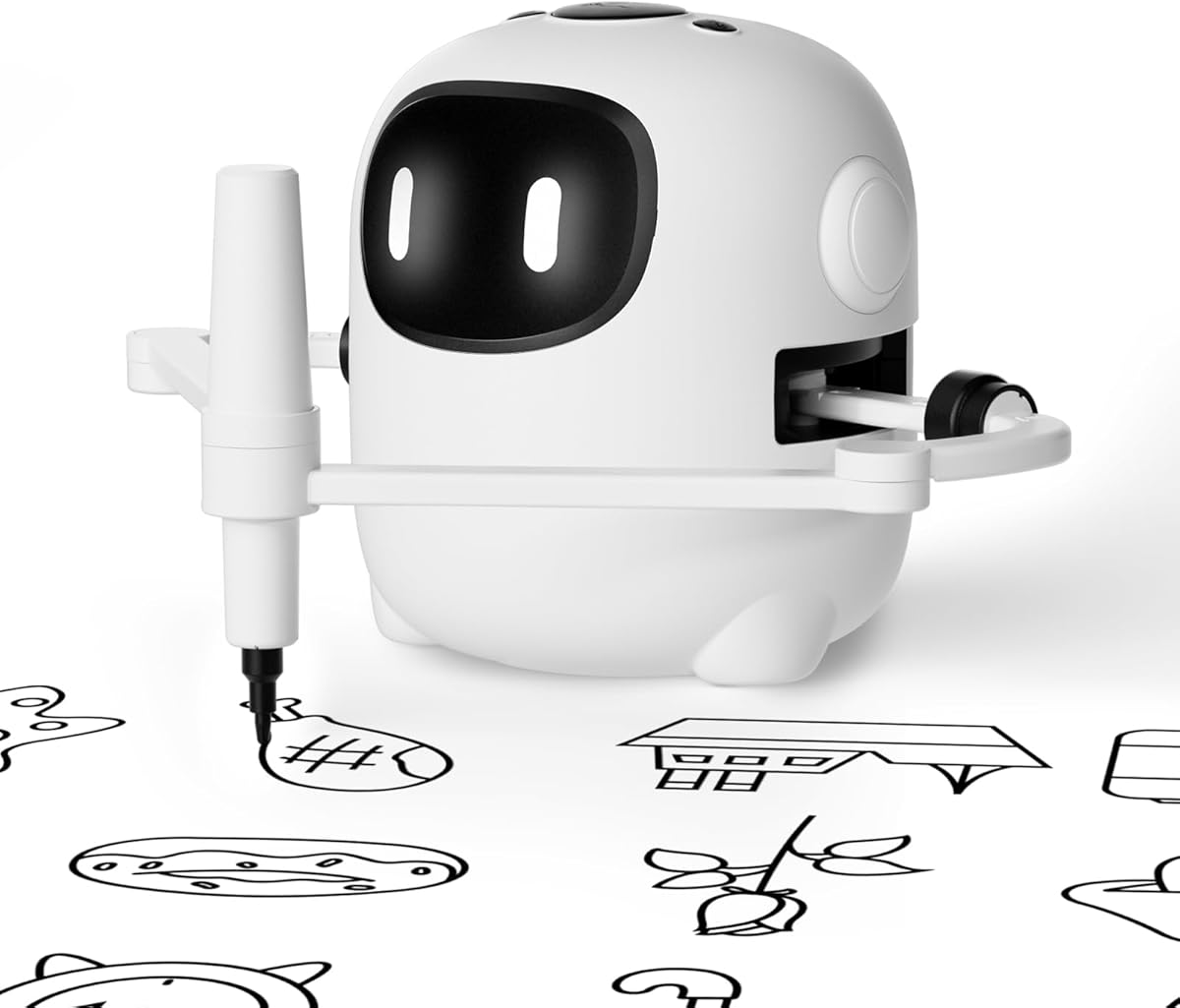
4.6Editor score
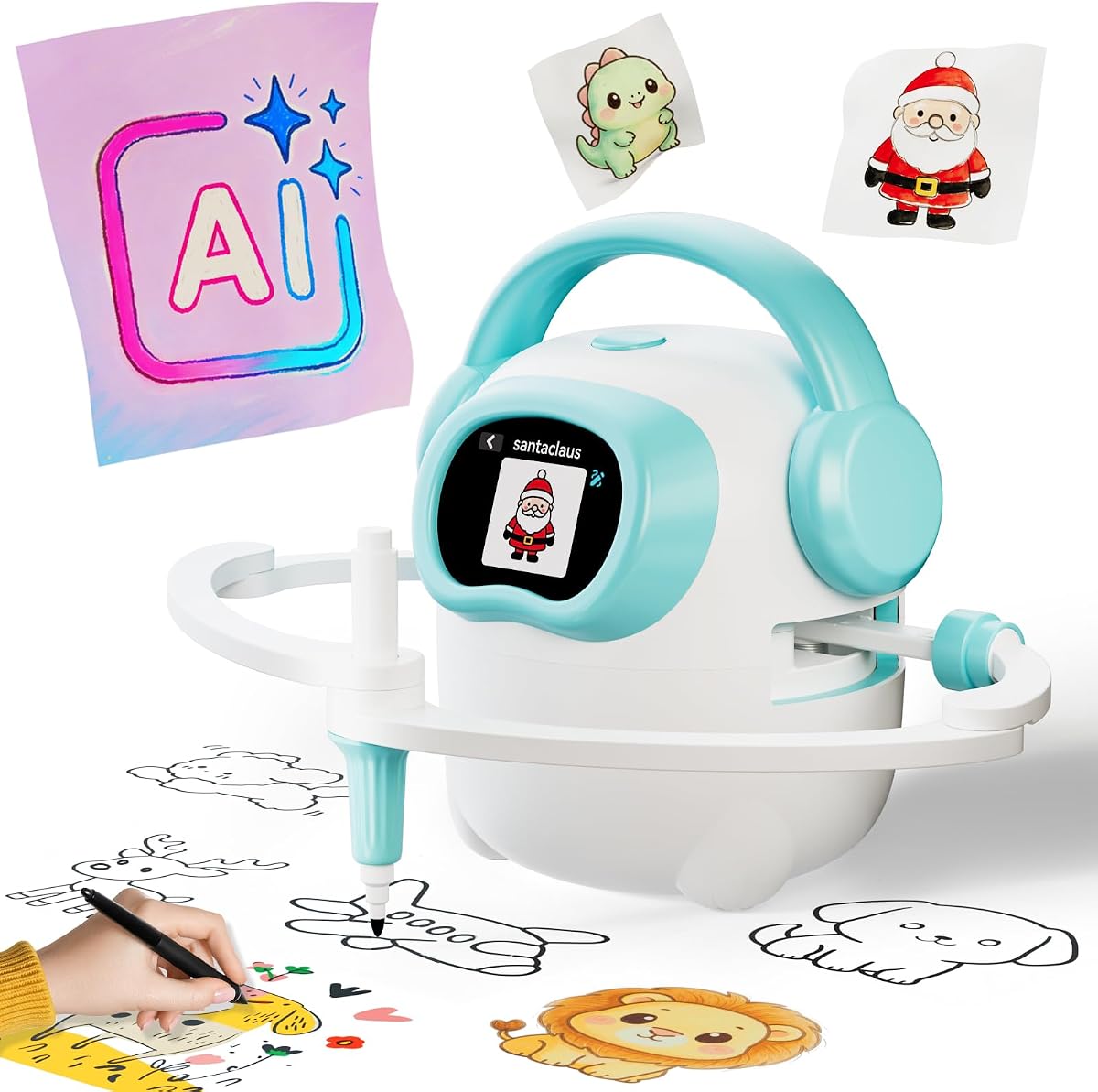
4.5Editor score
This table offers a side-by-side view of all ten drawing robots to help you quickly compare their card counts, educational focus, and unique features before deciding.
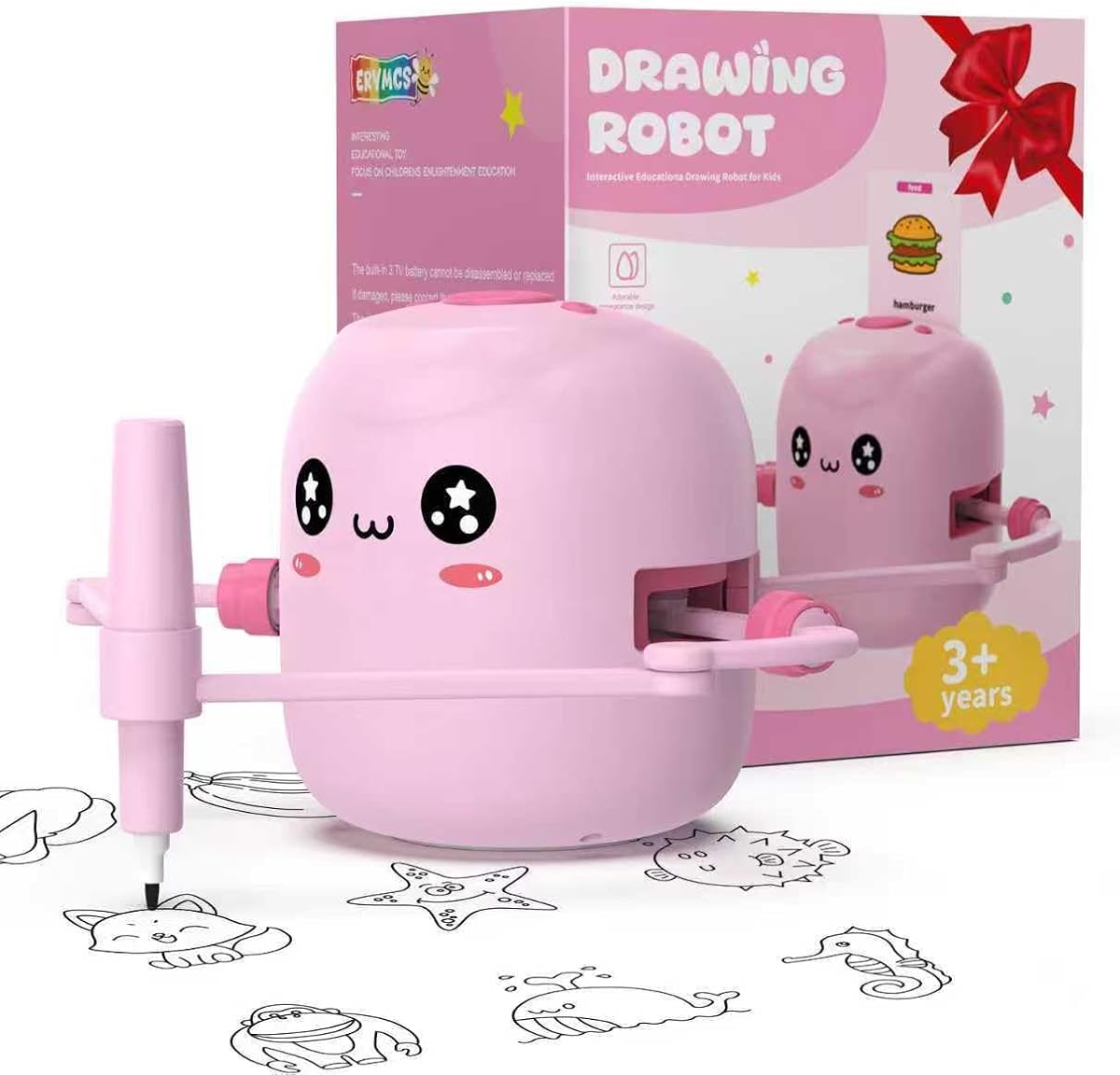


The RIVGOT Drawing Robot is a top choice for parents seeking educational art toys. With a 4.6-star rating, it combines creativity with Montessori principles effectively.
We may earn a commission when you buy through this link, at no additional cost to you.
Its 150 cards cover various themes helping kids build vocabulary while drawing. The voice interactive feature makes learning words and shapes engaging without screens.
While some users note it needs a separate power adapter, the included markers and board ensure ready-to-play fun. The independent learning aspect reduces parent workload.
This robot is ideal for children aged three to eight who enjoy hands-on creativity. It supports fine motor skills and concentration making it a fantastic gift.
The robot promotes independent thinking and problem-solving by guiding children through drawing steps alone.
Children can explore endless themes with 150 cards that encourage artistic experimentation.
We may earn a commission when you buy through this link, at no additional cost to you.
The AI Drawing Robot stands out with its 10000+ free AI-generated images. It introduces children to AI prompt learning in a safe environment.
We may earn a commission when you buy through this link, at no additional cost to you.
Kids can generate custom images via voice commands which sparks imagination. The touchscreen allows easy selection without swapping physical cards.
Privacy features like parental mode disable network access when needed. The only downside is reliance on WiFi for the full experience.
This is best for tech-savvy families wanting to foster future skills. It merges art with digital literacy effectively for modern learners.
Children learn how to communicate with AI through prompts boosting logical thinking.
Cloud updates ensure the library stays fresh without extra purchases.
We may earn a commission when you buy through this link, at no additional cost to you.
This drawing toy offers immense value with 200 cards and 22 markers. It is a screen-free option focusing purely on creative learning.
We may earn a commission when you buy through this link, at no additional cost to you.
The design simplicity means no phone or tablet is needed. Kids insert a card and let the robot draw step by step.
With a five-year warranty parents have peace of mind regarding durability. The only minor issue is shorter battery life between charges.
Perfect for budget-conscious families this toy teaches focus and artistic skills. It is an excellent entry-level robot for young kids.
No app or tablet is required ensuring undistracted creative playtime.
The five-year warranty supports long-term use and reliability.
We may earn a commission when you buy through this link, at no additional cost to you.
This kit is designed for beginners with simple card insertion. It uses voice to guide children through drawings easily.
We may earn a commission when you buy through this link, at no additional cost to you.
The materials are child-safe ensuring no sharp edges. Kids love the step-by-step guidance that helps them learn vocabulary too.
While theme variety is decent it might be less than premium models. The markers are standard quality but sufficient for home use.
Ideal for ages three to eight it builds early drawing confidence. It is a solid choice for first-time robot users.
Children can start drawing immediately with simple one-touch operation.
High-quality child-safe materials prevent accidents during use.
We may earn a commission when you buy through this link, at no additional cost to you.
TREEFIA brings music to drawing time making it lively and fun. The robot works simply without needing complex apps.
We may earn a commission when you buy through this link, at no additional cost to you.
It suits older kids aged six to twelve well. The music feature helps maintain focus during creative sessions.
However the card count is lower than other models. Volume control is basic so it might be loud in quiet rooms.
This robot is great for kids who enjoy rhythm and art. It supports hand-eye coordination effectively for school ages.
Built-in music keeps kids engaged during the drawing process.
Suitable for older kids up to twelve years old.
We may earn a commission when you buy through this link, at no additional cost to you.
This robot stands out with an impressive 200 cards. It features word learning which helps kids connect images to vocabulary.
We may earn a commission when you buy through this link, at no additional cost to you.
With a 4.7-star rating users praise its ease of use. Just insert a card and press the button to start.
The musical effects add fun without being distracting. Standard markers are included but might need replacing over time.
Great for repetitive learning this toy builds confidence. It is a reliable choice for daily creative practice.
The robot reads words aloud to help expand vocabulary.
Simple insertion makes it easy for small hands.
We may earn a commission when you buy through this link, at no additional cost to you.
Uneviesyka focuses on durability with high-quality ABS plastic. It has rounded edges to prevent accidents during play.
We may earn a commission when you buy through this link, at no additional cost to you.
The voice tutorial guides kids like a personal teacher. With 200 cards there is plenty of variety.
Users love its high rating of 4.8 stars. The only downside is average battery life between charging sessions.
Best for rougher play this toy withstands daily use. It is a smart investment for active children.
ABS plastic ensures the toy survives daily play.
Voice features guide kids through the drawing process.
We may earn a commission when you buy through this link, at no additional cost to you.
This robot offers a unique audio visual experience with lighting control. It adjusts light based on the room environment.
We may earn a commission when you buy through this link, at no additional cost to you.
The Montessori style encourages independent thinking. Auto standby saves battery when not in use.
However it has a lower rating due to complex settings. Some kids might find the lighting confusing initially.
Ideal for sensory learning this toy supports creativity. It is a good pick for tech-friendly families.
Adjustable lighting helps protect eyes during use.
Auto standby helps conserve power when idle.
We may earn a commission when you buy through this link, at no additional cost to you.
Shovira focuses on STEM skills through step-by-step drawing. It helps kids build confidence and hand-eye coordination.
We may earn a commission when you buy through this link, at no additional cost to you.
The ABS plastic ensures safety for independent play. With 150 cards themes cover common objects.
It lacks voice interaction but keeps the focus pure. Standard markers allow immediate coloring once drawing finishes.
Perfect for structured learning this toy fits classroom needs. It supports early STEM education through art.
The robot uses a Montessori approach for learning.
Child-safe materials ensure worry-free play.
We may earn a commission when you buy through this link, at no additional cost to you.
This product is currently unavailable on the platform. Please check back later or consider alternative options.
We may earn a commission when you buy through this link, at no additional cost to you.
It is listed in our database for reference purposes only.
For the best experience we recommend checking our top picks above.
Stay updated by signing up for alerts on new arrivals.
The product is currently out of stock.
Consider other drawing robots for similar value.
We may earn a commission when you buy through this link, at no additional cost to you.
Selecting the right drawing robot involves considering your child's age, interests, and learning goals. Below are key factors to help you choose wisely.
Look for robots designed for specific age groups like 3-8 or 6-12. Younger kids need simpler interfaces and sturdy materials while older kids may enjoy more complex features.
Ensure the toy matches your child's motor skills to avoid frustration.
Some robots focus on Montessori principles fostering independent thinking. Others teach vocabulary or STEM concepts. Identify what skill you want to develop.
Educational robots should guide step-by-step rather than just coloring.
A wide range of cards keeps kids interested longer. Models with 150 to 200 cards offer better longevity than those with fewer themes.
Choose diverse themes like animals and vehicles to build broader knowledge.
Voice interactive and AI models add engagement but require batteries or WiFi. Decide if you want screen-free play or digital connectivity.
Touchscreens and cloud updates are premium features worth considering for tech lovers.
Materials like ABS plastic ensure durability. Rounded edges and non-toxic markers are essential for young children.
Check for certifications like CPC to ensure safety standards are met.
Look for tools that require no app or complicated setup. Simple card insertion ensures independent play for kids.
User-friendly robots save parents time and frustration daily.
USB-C charging is convenient but battery life varies. Ensure the robot supports long play sessions without frequent charging.
Models with auto standby help conserve power effectively.
Budget models cost less but may lack features. Higher price points often bring better build quality and warranties.
A five-year warranty provides peace of mind for long-term use.
Start by charging the robot using the included USB-C cable. Ensure the battery is full before the first use to avoid interruptions.
Insert a drawing card into the slot. Press the start button and watch the robot draw outlines. Once done color the drawing with the provided markers.
Clean the robot with a soft dry cloth. Store cards in the included box to prevent loss. Replace markers when ink runs low.
Most models are suitable for ages three to eight. Some specific kits target older kids up to twelve. Always check the product description for age recommendations to ensure safety and engagement.
Most robots use rechargeable batteries via USB-C. A few older models might need external power adapters. Check the specs for battery life to plan play sessions.
Many sets include washable markers to protect furniture. Always check the specific product details to confirm ink type. This ensures easy cleanup after creative play.
Most robots do not support extra card purchases. You usually get all themes in one package. Check if the model supports updates or expansions before buying.
Most robots play music or voice prompts which can be turned off. Volume levels are generally safe for indoor use. Look for mute options if quiet play is needed.
Designs are safe for independent play but adult setup helps. Supervision ensures markers are used properly. It is always good to guide younger kids.
The RIVGOT and AI robots lead our list for educational value and features. Budget models like the drawing toy offer great entry points.
Prioritize safety and card variety when choosing. Consider interactive features if you want to teach digital literacy.
Prices and availability change so check current listings. Pick the robot that fits your child's unique creative style.