
Kingwin 80mm Silent Fan
4.5Editor score
Quiet 80mm operation
High airflow design
Long life bearing
Discover the top 10 exhaust fans for PC builds. This guide compares airflow, noise levels, and durability to help you choose the best cooling solution.
Choosing the right exhaust fan for your PC is crucial for maintaining optimal temperatures and ensuring system stability. A good fan moves air efficiently while keeping noise levels low during everyday use.
We evaluated ten leading models based on airflow capacity, bearing life, noise output, and build quality. Each product was selected for its ability to handle diverse cooling needs effectively.
This list highlights key strengths and trade-offs to guide your decision. Prices fluctuate frequently, so please verify current listings before making your final purchase.
4.5Editor score

4.7Editor score

4.8Editor score
The following table compares all ten selected models side by side. Review the key specifications to find the ideal match for your cooling needs.


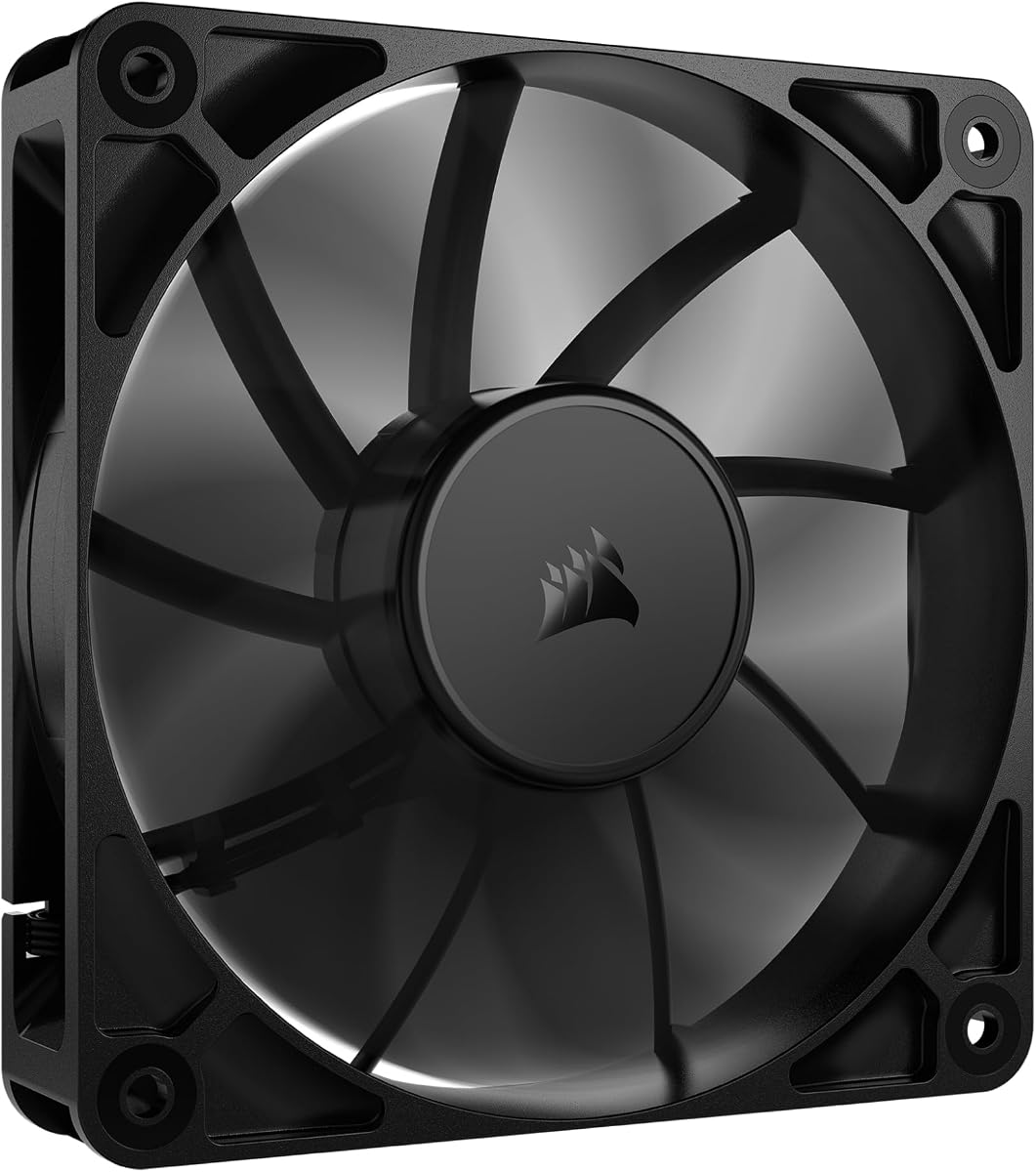


This 120mm axial fan offers robust cooling with a variable speed controller. It holds a 4.4 rating and stands out for direct AC power compatibility.
We may earn a commission when you buy through this link, at no additional cost to you.
Its dual ball bearings promise a 50,000 hour lifespan. The controller allows adjusting speed from 700 to 2800 RPM based on thermal needs.
The noise level peaks near 41dB. This is acceptable for utility cases or equipment racks where maximum airflow is prioritized over silence.
Ideal for server cabinets or DIY cooling projects. Choose this if you need flexible AC-powered cooling without motherboard headers.
Adjust the fan speed to balance cooling power and noise levels.
Works with PCs, routers, and even greenhouses requiring ventilation.
We may earn a commission when you buy through this link, at no additional cost to you.
The Pure Wings 3 delivers exceptional silence and performance. It holds a strong 4.7 rating and features seven optimized blades for airflow.
We may earn a commission when you buy through this link, at no additional cost to you.
German engineering ensures high efficiency and reliability. The rifle bearing supports an 80,000 hour lifespan with stable operation.
It operates at very low RPMs quietly. This makes it perfect for media PCs or quiet office builds requiring low noise.
Buy this for balanced performance and silence. It suits users who value German quality and long-term reliability.
Achieves silence by spinning at minimal speeds without sacrificing airflow.
Designed specifically to maximize performance on radiators.
We may earn a commission when you buy through this link, at no additional cost to you.
This three-pack offers value without sacrificing quality. It holds a 4.6 rating and provides nine blades for effective cooling.
We may earn a commission when you buy through this link, at no additional cost to you.
Hydraulic bearings ensure stable rotation and low noise. The maximum noise is around 32dB, keeping the environment quiet.
Installation is straightforward for any case. PBT material provides durable insulation and heat resistance for long use.
Perfect for budget builds needing multiple fans. Buy this for reliable cooling on a tight budget.
Silicone cushions absorb vibration to keep noise levels low.
Three fans at a low price for complete case coverage.
We may earn a commission when you buy through this link, at no additional cost to you.
This portable fan is ideal for cooling peripherals like consoles. It holds a 4.4 rating and operates at just 18dB.
We may earn a commission when you buy through this link, at no additional cost to you.
Its USB power makes it flexible for use anywhere. The 55.8 CFM airflow helps drop device temperatures by 20%.
Noise levels are whisper quiet, suitable for living rooms. It is built with eco-friendly ABS for durability.
Buy this for cooling routers or game consoles. It prevents overheating without adding noise.
Works with consoles, routers, and streaming devices.
Integrated cable reduces clutter on your desk.
We may earn a commission when you buy through this link, at no additional cost to you.
This fan simplifies multi-fan setups with daisy-chaining. It holds a 4.6 rating and features Magnetic Dome bearings.
We may earn a commission when you buy through this link, at no additional cost to you.
AirGuide technology directs airflow efficiently to hot components. The daisy-chain allows controlling multiple fans through one header.
It operates quietly while pushing 72.8 CFM. Static pressure is high for radiator performance.
Ideal for users managing complex cooling loops. Choose this to reduce cable clutter.
Connect multiple fans with just a single PWM connector.
Anti-vortex vanes direct air where it is needed.
We may earn a commission when you buy through this link, at no additional cost to you.
This five-pack provides comprehensive case cooling and lighting. It holds a 4.7 rating and features soft ARGB effects.
We may earn a commission when you buy through this link, at no additional cost to you.
S-FDB bearings ensure stable and quiet rotation. PWM control allows automatic speed adjustments based on temperature.
The light effects match coolers and cases well. Five units allow full coverage for large cases.
Perfect for builders wanting aesthetic lighting. Choose this to synchronize your entire case setup.
Atomizing blades create a soft and attractive lighting effect.
Adjusts speed automatically for efficient cooling.
We may earn a commission when you buy through this link, at no additional cost to you.
An 80mm model for compact cases. It holds a 4.5 rating and is designed for silent operation.
We may earn a commission when you buy through this link, at no additional cost to you.
Optimized blades deliver excellent ventilation. It fits standard mounts and works well as a replacement.
It is ideal for mining rigs or desktops. Noise levels are low for small form factors.
Choose this for small case cooling. It provides reliable airflow without the bulk.
Low noise levels ensure silent use.
Consistent cooling over extended periods.
We may earn a commission when you buy through this link, at no additional cost to you.
This redux edition delivers proven Noctua quality. It holds a 4.8 rating and is optimized for pressure.
We may earn a commission when you buy through this link, at no additional cost to you.
The design supports air-based coolers and radiators. MTTF exceeds 150,000 hours for long-term reliability.
It offers a balance of performance and silence. The 1700 RPM provides strong airflow when needed.
Ideal for demanding system cooling. Choose this for award-winning reliability.
Outstanding quietness and strong CFM performance.
Proven quality at an attractive price point.
We may earn a commission when you buy through this link, at no additional cost to you.
A high-speed fan for extreme heat. It holds a 4.5 rating and produces 230 CFM.
We may earn a commission when you buy through this link, at no additional cost to you.
The 38mm thickness and 5300 RPM push massive air. It is compatible with server and mining chassis.
Noise is higher at full speed. This is acceptable for industrial or high-performance cooling.
Buy this for maximum airflow needs. It handles hot spots better than standard fans.
Moves 230 CFM to tackle heat buildup.
Set trigger temperature in BIOS for control.
We may earn a commission when you buy through this link, at no additional cost to you.
This three-pack mirrors the five-pack with lighting. It holds a 4.7 rating and features soft ARGB effects.
We may earn a commission when you buy through this link, at no additional cost to you.
S-FDB bearings ensure stable rotation. PWM control allows automatic speed adjustments based on temperature.
The light effects match coolers and cases well. Three units provide excellent coverage for most cases.
Perfect for builders wanting aesthetic lighting. Choose this to synchronize your entire case setup.
Adjusts speed automatically for efficient cooling.
S-FDB bearings solve blade shaking issues.
We may earn a commission when you buy through this link, at no additional cost to you.
Selecting the right exhaust fan depends on several technical factors. This section breaks down the critical specs to consider for your build.
Most cases support 120mm or 140mm fans. Check your case specifications to ensure the chosen model fits the mounting holes. Standard sizes are 120x120mm or 140x140mm. Using a non-standard size will require adapters.
Always verify the internal clearance before purchase. Ensure that larger fans do not obstruct RAM or GPUs.
Airflow (CFM) determines how much air is moved. High CFM fans are ideal for front and rear exhaust. Static pressure matters for radiators or dust filters. Choose based on resistance.
Balance CFM and pressure needs. Exhaust usually requires high airflow while radiators need high pressure.
Noise is measured in decibels (dBA). Silent fans operate under 25dB while performance fans may exceed 35dB. Consider your environment when selecting noise tolerance.
Lower noise usually means lower RPM. High-performance setups often sacrifice silence for cooling.
Bearings affect lifespan and noise. Fluid dynamic bearings are quiet but sensitive to orientation. Ball bearings are durable but louder. Check MTTF ratings for expected longevity.
For longevity, look for dual ball or magnetic bearings. Quiet builds benefit from hydraulic designs.
PWM fans use a 4-pin connector for precise control via BIOS. Voltage fans use 3-pin for fixed speeds. PWM is preferred for modern motherboards.
Always prefer PWM for automatic speed adjustments. It ensures efficiency under load.
Quality frames reduce vibration. Look for rubber mounts or silicone pads. ABS or PBT plastics are durable against heat.
Durable materials ensure years of stable operation. Check frame rigidity before buying.
Short cables may not reach motherboard headers. Standard PWM cables are around 150mm. Verify cable length for your case.
Ensure headers are accessible. Use extensions if needed for clean cable management.
Budget fans offer basic performance while premium models deliver silence. Warranty periods vary from 1 to 5 years. Check return policies.
Higher price often reflects better engineering. Balance budget with longevity needs.
Install the fan securely using the provided screws. Align the airflow direction arrow on the frame outward for exhaust. Ensure rubber grommets are in place if available.
Connect the fan to the motherboard header labeled SYS_FAN or CHA_FAN. Use PWM cables for automatic control. Test before closing the case.
Clean dust from the blades every few months. Use compressed air to maintain performance. Check for wobble if noise increases over time.
Yes, airflow direction is critical. The fan should push air from inside the case to the outside. Look for arrows on the frame to ensure correct installation for optimal cooling.
Signs include increased noise, wobble, or reduced cooling performance. Bearings wear out over time. Replace the fan if you notice grinding sounds or instability.
Yes, if your motherboard supports it. Use a splitter or daisy-chain compatible fans. Ensure the total power draw does not exceed the header limit.
It depends on speed. High RPM fans can be loud but low RPM options are very quiet. Always check the noise specs before purchasing.
Clean them every 3 to 6 months. Dust buildup restricts airflow and causes overheating. Use compressed air carefully to avoid spinning blades too fast.
PWM fans have four pins for precise speed control. DC fans have three pins and vary speed via voltage. PWM offers better control for modern systems.
Thicker fans are 38mm compared to standard 25mm. Check clearance on radiators or side panels. Standard cases usually only fit 25mm fans.
Yes, adapters exist to connect AC fans to PC power supplies. These are common for server builds. However, standard DC fans are easier to control.
We reviewed ten top models ranging from compact 80mm to high airflow 120mm options. Each offers distinct advantages depending on your build requirements.
Prioritize airflow and noise balance. High static pressure is essential for radiators while low noise suits quiet home environments.
Prices change frequently, so verify listings before purchase. Always ensure the fan matches your case and header specifications for best results.