
Lenovo Legion 5a Gaming Laptop
5.0Editor score
AMD Ryzen 7 250 Processor
RTX 5060 Graphics
15.3 inch OLED Display
Discover the top 10 gaming laptops with OLED displays available in October 2026. This guide compares specs, performance, and visuals to help you choose.
Gaming laptops with OLED displays offer stunning visuals that transform how you experience games. Deep blacks and vibrant colors create immersion that traditional screens cannot match. Choosing the right model requires balancing performance, portability, and display quality for your specific needs.
We compared ten leading models based on processor power, graphics capabilities, and display refresh rates. Our analysis focuses on real-world gaming performance, thermal management, and build quality. Each entry highlights key strengths and weaknesses to help you make an informed decision quickly.
Every pick includes detailed specifications and pros and cons for clarity. Prices fluctuate frequently due to demand and promotions. Always verify current pricing and availability before purchasing to ensure you get the best value for your investment today.
5.0Editor score
5.0Editor score

5.0Editor score
This side-by-side comparison highlights the core specifications of all ten selected models. We focus on processor type, graphics card, memory capacity, and display characteristics to show how each machine stacks up against the others.


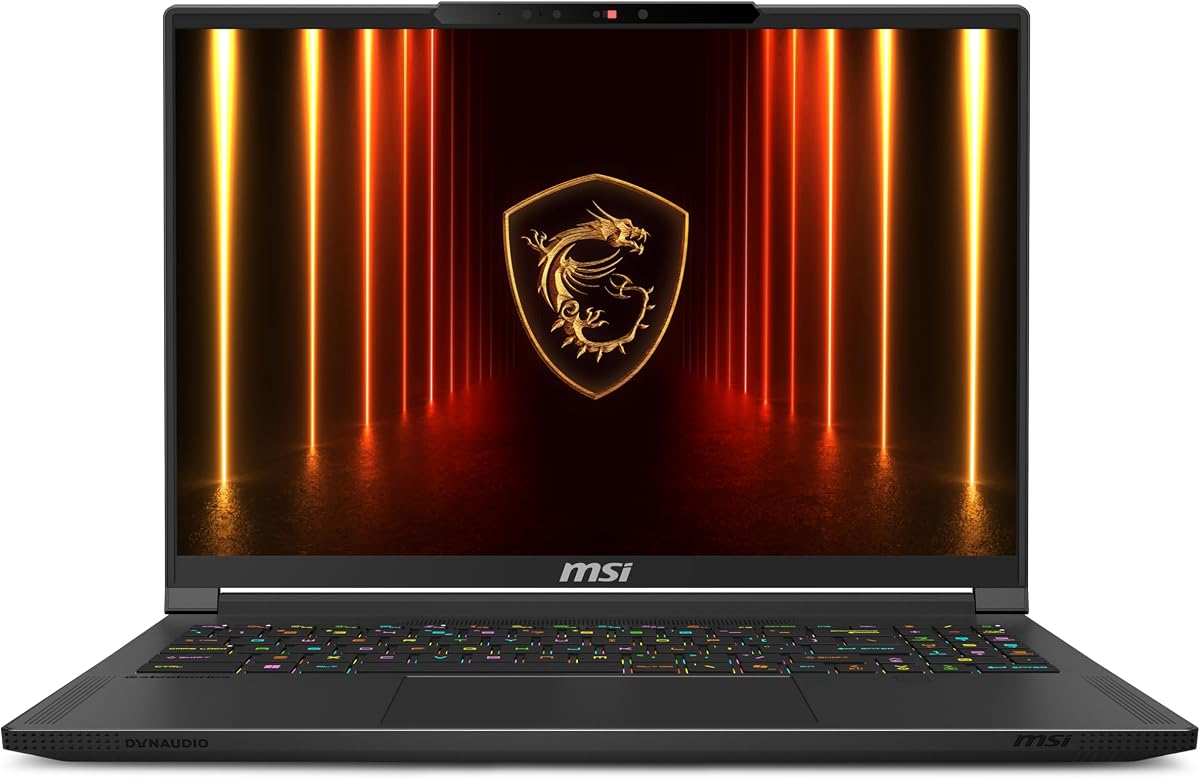


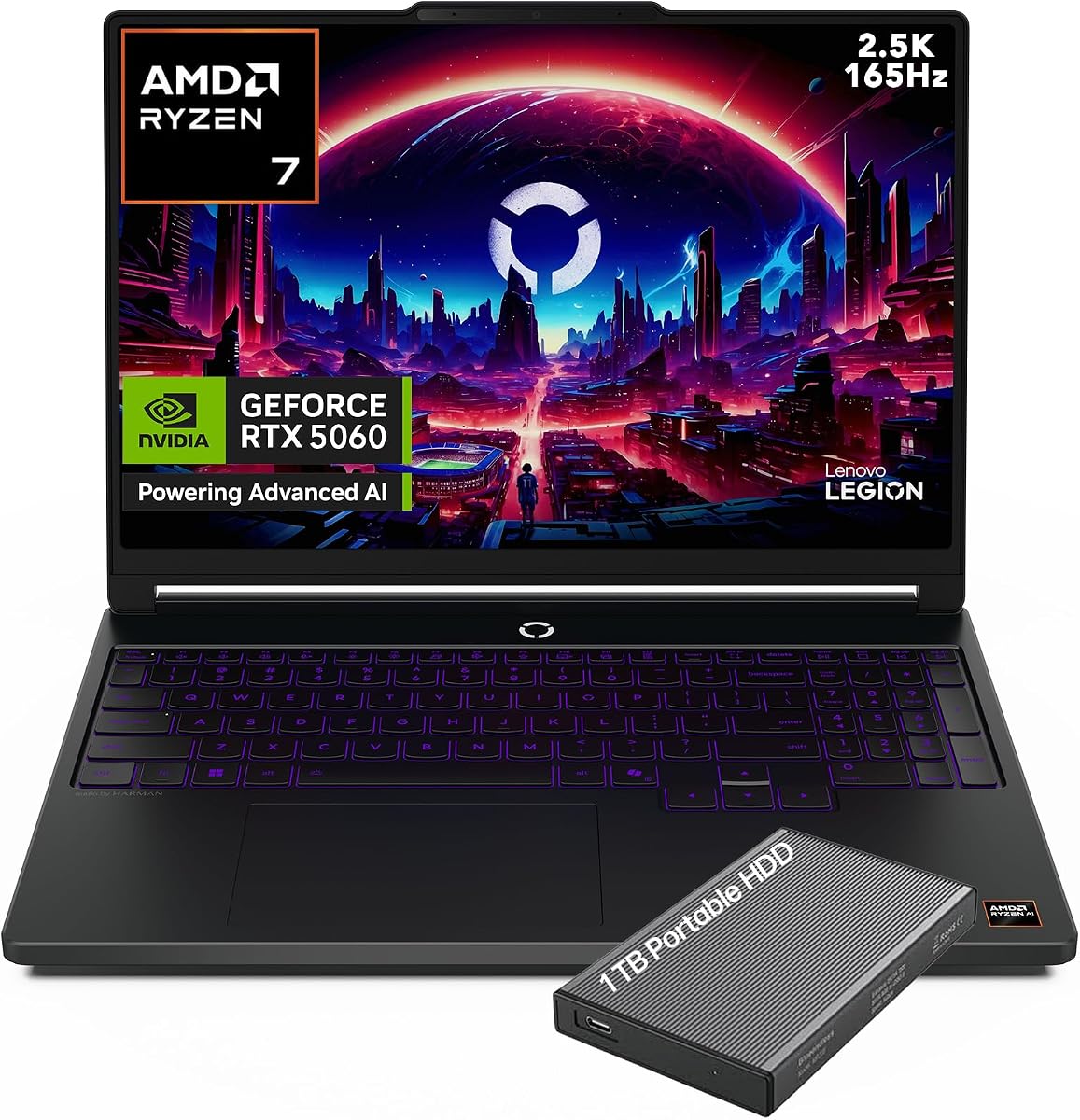
This laptop stands out for its powerful AMD Ryzen processor paired with a stunning OLED screen. It offers exceptional visual fidelity and responsiveness for modern gaming needs.
We may earn a commission when you buy through this link, at no additional cost to you.
The RTX 5060 delivers smooth gameplay with realistic lighting effects. Deep blacks and rich colors enhance immersion significantly during entertainment sessions.
While it carries a premium price, the included portable drive adds real value. Users should expect solid performance for heavy workloads and content creation.
Ideal for gamers who prioritize display quality without needing extreme specs. It balances features effectively for students and professionals alike.
The WQXGA resolution and 100% DCI-P3 coverage ensure vibrant images.
Ryzen AI support helps accelerate supported applications and multitasking workflows.
We may earn a commission when you buy through this link, at no additional cost to you.
Powered by Intel's latest core i9, this model targets users who need raw processing power. It excels in both gaming and professional software environments.
We may earn a commission when you buy through this link, at no additional cost to you.
The RTX 5070 ensures high frame rates in demanding titles. The glossy OLED panel provides sharp visuals with excellent color accuracy.
It handles complex workflows without breaking a sweat. However, users should note its weight when carrying it frequently.
Best suited for power users who value performance above portability. It remains a strong contender in the high end segment.
The 14900HX delivers exceptional speed for CPU intensive tasks.
WQXGA resolution ensures text and images look crisp.
We may earn a commission when you buy through this link, at no additional cost to you.
This variant offers excellent value for those seeking OLED visuals without breaking the bank. It comes with a bonus external drive for additional storage.
We may earn a commission when you buy through this link, at no additional cost to you.
The processor and GPU combination handles modern games well. The 165Hz refresh rate ensures fluid motion during competitive play.
While it has less RAM, the external drive compensates for some limitations. Users should prioritize it if budget is a key factor.
Perfect for students or casual gamers who want premium visuals. It balances cost and features effectively for daily use.
The included external drive provides extra space for games.
Pricing makes it accessible while keeping key specs strong.
We may earn a commission when you buy through this link, at no additional cost to you.
Designed with university gamers in mind, this laptop balances mobility and power. The included GamePass adds immediate value to the setup.
We may earn a commission when you buy through this link, at no additional cost to you.
The PureSight OLED display offers true to life colors. Silent fans ensure it stays quiet in classrooms or libraries.
Its fast charging helps keep sessions going longer between outlets. The thin design makes it easy to carry around campus.
Ideal for students who need a reliable machine for work and play. It is a versatile choice for various learning environments.
Three months of PC GamePass offer hundreds of games.
Coldfront cooling keeps noise levels low during use.
We may earn a commission when you buy through this link, at no additional cost to you.
This machine pushes boundaries with a 240Hz QHD+ screen and powerful AMD silicon. It is built for professionals who demand top tier specs.
We may earn a commission when you buy through this link, at no additional cost to you.
The RTX 5070Ti handles intense graphics workloads effortlessly. Windows 11 Pro adds business features often missing in consumer laptops.
Ample storage means no need to delete files constantly. However, the cost reflects its advanced feature set.
Best for power users who need the absolute best performance. It justifies the investment through raw capability and speed.
240Hz ensures silky smooth motion in competitive games.
Windows 11 Pro supports enterprise features and security.
We may earn a commission when you buy through this link, at no additional cost to you.
Featuring Intel's Core Ultra 9, this laptop delivers next gen AI performance. It targets professionals seeking immersive visual experiences.
We may earn a commission when you buy through this link, at no additional cost to you.
The display supports high refresh rates for smooth gaming. VR Ready features ensure compatibility with headsets.
Wi-Fi 7 enables faster downloads and streaming. Users should note the storage difference compared to similar models.
Ideal for creatives and gamers wanting advanced technology. It remains a strong choice for performance driven tasks.
DLSS and AI tools enhance image quality significantly.
Wi-Fi 7 ensures low latency connections.
We may earn a commission when you buy through this link, at no additional cost to you.
This 2026 model maintains the strong legacy of the Legion series. It offers a reliable experience for daily computing and entertainment.
We may earn a commission when you buy through this link, at no additional cost to you.
The OLED panel provides deep blacks for rich visuals. Its refresh rate ensures games feel responsive and fluid.
While not the most expensive, it delivers consistent results. Users can rely on it for steady performance.
A safe choice for those wanting proven reliability. It suits students and professionals alike with its balanced specs.
Legion series reputation for durability holds true here.
WQXGA OLED provides sharp and vibrant imagery.
We may earn a commission when you buy through this link, at no additional cost to you.
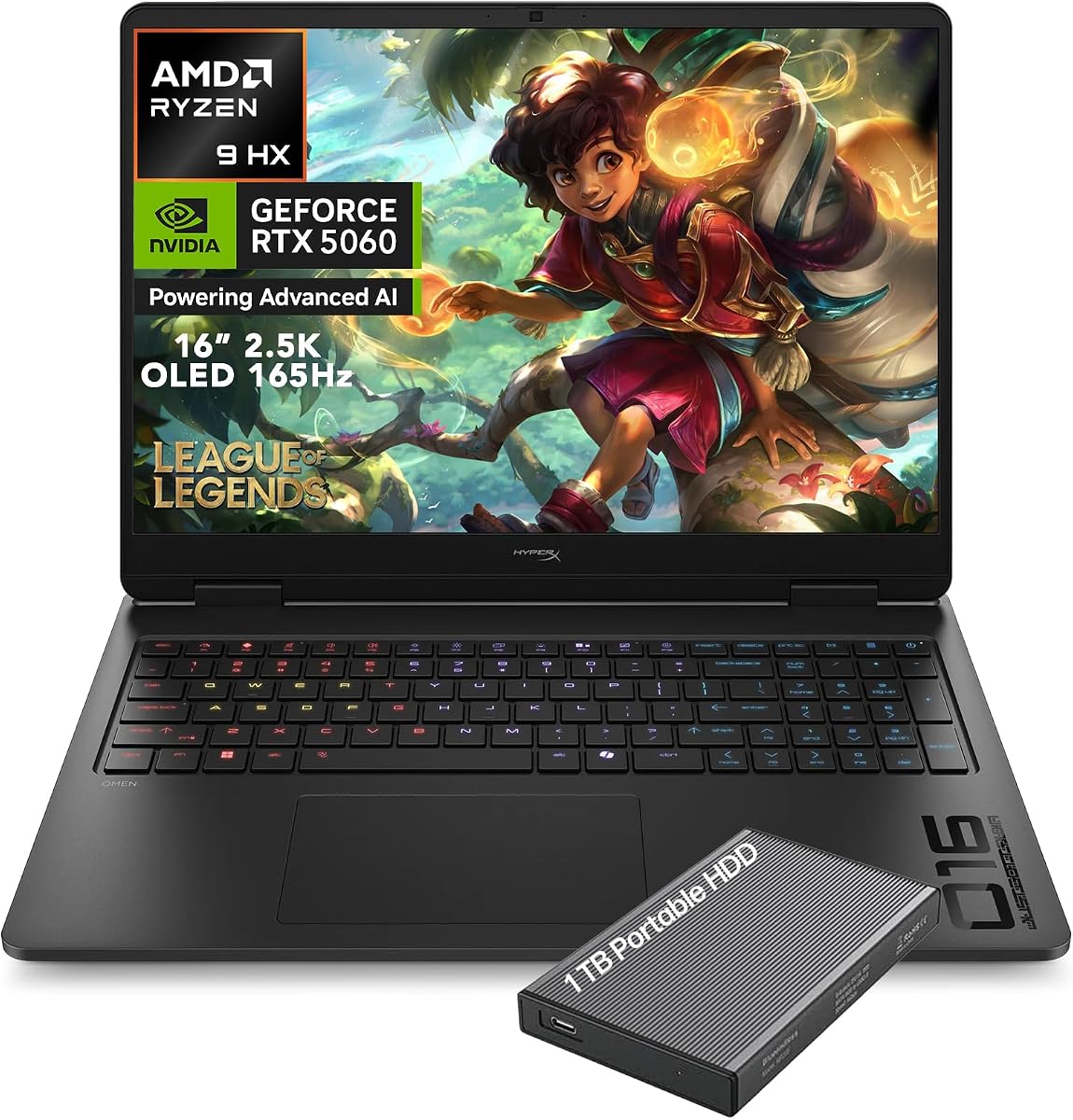
This HP OMEN model combines HyperX audio quality with powerful gaming specs. It delivers an immersive experience with great sound.
We may earn a commission when you buy through this link, at no additional cost to you.
The cooling system reduces dust buildup effectively over time. The display offers true black levels with fast refresh rates.
It handles modern games well without overheating. Users should consider storage needs before buying due to capacity.
Perfect for gamers who value audio and visuals. It offers a strong feature set for the price point.
HyperX Dual Speakers enhance game audio significantly.
Self cleaning fans maintain optimal airflow.
We may earn a commission when you buy through this link, at no additional cost to you.
This bundle offers exceptional value with a massive storage drive. It stands out for its high brightness and RGB customization.
We may earn a commission when you buy through this link, at no additional cost to you.
The display is bright enough for varied lighting. The GPU handles modern titles with ease.
It is designed for those who stay mostly at home. Weight and cost reflect its premium nature.
Best for power users needing storage and visuals. It delivers top tier gaming performance consistently.
1000 nits ensure visibility in bright rooms.
2TB SSD provides ample room for games.
We may earn a commission when you buy through this link, at no additional cost to you.
Weighing just over 4 lbs, this model is easy to transport. It offers unique features like swappable keys for customization.
We may earn a commission when you buy through this link, at no additional cost to you.
The keyboard ensures responsive input during intense gaming. Privacy features protect users during video calls.
While RGB is limited, performance remains solid. It balances portability with gaming needs well.
Ideal for travelers who need a portable rig. It is a smart choice for students and commuters.
4.12 lbs makes it one of the lightest.
Privacy e-shutter webcam secures your view.
We may earn a commission when you buy through this link, at no additional cost to you.
Selecting the right OLED gaming laptop requires understanding several technical factors that impact performance and longevity.
OLED panels offer deep blacks and vibrant colors that traditional LCDs struggle to match. Look for 100% DCI-P3 coverage to ensure accurate visuals. A refresh rate of 144Hz or higher is essential for competitive gaming to minimize screen tearing.
Prioritize displays with high brightness and HDR certification for a truly immersive experience.
Modern games and content creation tools demand strong processors. Look for latest gen Intel Core or AMD Ryzen chips. The GPU determines how well you run AAA titles. Aim for RTX 50 series or higher for future proofing.
Ensure the laptop has adequate cooling to sustain peak performance during long sessions.
Fast multitasking relies on at least 16GB of RAM. For heavy usage like streaming or editing, 32GB is preferred. NVMe SSDs provide quick load times. Larger drives reduce the need for external storage.
Check for upgrade slots to extend the laptops lifespan over time.
Gaming laptops often suffer from short battery life. Look for models with fast charging support to mitigate this. Weight matters if you travel frequently. Lighter chassis reduce physical strain during daily transport.
Balance screen size and battery capacity to meet your mobility needs.
Future connectivity standards like Wi-Fi 7 ensure low latency. USB-C with Power Delivery helps charge devices easily. HDMI 2.1 supports high resolution external monitors. Ethernet ports are vital for stable online gaming.
Verify all ports you need are available without dongles.
High performance generates heat. Advanced cooling systems with multiple fans or heat pipes keep temps stable. Self cleaning fans reduce maintenance needs. Good thermal design ensures consistent performance without throttling.
Look for user reports on noise levels to ensure a quiet environment.
A good keyboard is crucial for gaming precision. Look for anti ghosting and tactile feedback. RGB lighting can enhance aesthetics but check if it is customizable per key. Trackpad quality should complement keyboard input.
Prioritize comfortable key travel to avoid fatigue during long sessions.
Determine your maximum budget before shopping. Higher price often means better specs but weigh features. Some models include bundles like external drives. Consider warranty options to protect your investment.
Compare total package value rather than just the base price.
Always enable dark mode or screen savers to reduce burn in risk on OLED panels. Keep brightness levels reasonable to extend the lifespan of the display pixels.
Use the included cooling software to manage fan speeds. Ensure the laptop sits on a hard flat surface to avoid blocking air vents.
Regularly update drivers for both the GPU and motherboard to maintain performance. Use power settings that balance performance with battery life for your needs.
OLED panels can experience burn in if static images are shown for long periods. However, modern gaming laptops include pixel shift technology and automatic brightness adjustments to mitigate this risk. Enabling dark mode and using dynamic wallpapers helps.
Both Intel and AMD offer top tier options for gaming. AMD Ryzen chips often excel in efficiency and multi core performance. Intel Core i9 provides raw speed. Choose based on specific model benchmarks.
16GB is sufficient for most modern games but multitasking benefits from 32GB. If you stream or edit video while gaming, more memory ensures smooth performance. Consider models that allow upgrades later.
Generally OLED laptops have standard battery life compared to LCDs due to power efficiency. However, gaming drains battery quickly regardless of display. Expect 4 to 6 hours for general use.
A refresh rate of at least 144Hz is standard. Competitive gamers often prefer 240Hz or higher. Higher rates ensure smoother motion and reduce input lag significantly.
Wi-Fi 7 offers lower latency and higher speeds for gaming. It is future proof for upcoming routers. If you plan to upgrade your network soon, having Wi-Fi 7 is a strong advantage.
Look for benchmark scores specific to your games. RTX 5060 and 5070 offer solid performance for 1080p and 1440p. Ensure the GPU has dedicated VRAM of at least 8GB.
Many models include physical privacy shutters on webcams. Check if the keyboard has privacy settings or encrypted BIOS features. These add extra security for remote work.
We highlighted ten top models including the HP OMEN and various Legion variants. Each offers unique benefits from raw power to portability.
Prioritize display quality and processor speed based on your needs. Do not ignore cooling and memory capacity when comparing.
Prices change frequently so verify the latest deals before buying. Use this guide to find the perfect match for your gaming style.