
Samsung TU87F Series 32-Inch Viewfinity
4.1Editor score
Dual Thunderbolt 3 ports
99.9% sRGB color
VESA compatible mounting
Finding the right display for modern workflows requires balancing resolution, connectivity, and color accuracy. Thunderbolt technology offers a streamlined solution by combining video, data, and power into a single cable connection for maximum efficiency.
We evaluated ten top-rated 4K monitors featuring Thunderbolt ports to help you choose the best fit. Our analysis focuses on display quality, connectivity options, ergonomic design, and overall value for professional and creative tasks.
Each selection highlights unique strengths ranging from budget-friendly options to premium professional hubs. Prices and availability may change frequently, so verify current details before purchasing to ensure you get the best deal available today.
4.1Editor score

4.6Editor score
4.4Editor score
As an Amazon Associate we earn from qualifying purchases.
The following table provides a side-by-side comparison of all ten selected monitors to help you quickly identify the model that best fits your specific needs and budget constraints.


This monitor stands out as a top choice for creators and professionals who demand precision and speed. With a high rating, it delivers exceptional visuals and seamless connectivity through Thunderbolt 4 technology.
We may earn a commission when you buy through this link, at no additional cost to you.
The 32-inch 4K screen offers vast workspace while the 99% Display P3 coverage ensures colors remain vibrant and true to life. Built-in KVM switching allows you to control two devices with one keyboard and mouse.
While it is priced higher than standard options, the investment pays off through superior build quality and performance. The IPS Black panel provides deeper blacks and better contrast than typical IPS displays.
Ideal for graphic designers and video editors, this monitor meets professional standards. Its comprehensive port selection and ergonomic stand make it a versatile centerpiece for any modern workstation.
Factory calibration ensures Delta E less than 1.5 so your work appears exactly as intended without manual adjustments.
Thunderbolt 4 supports video data and power over a single cable while daisy chaining connects multiple displays easily.
We may earn a commission when you buy through this link, at no additional cost to you.
This Samsung model offers incredible value for users needing a large screen with Thunderbolt support. It delivers solid 4K performance at a price point that beats many competitors in the market today.
We may earn a commission when you buy through this link, at no additional cost to you.
The 32-inch VA panel provides deep blacks and wide viewing angles suitable for multitasking. Dual Thunderbolt 3 ports allow you to connect two 4K sources simultaneously for a streamlined setup.
While not ideal for fast-paced gaming due to the 60Hz refresh rate, it excels at productivity tasks. The Picture by Picture feature lets you view two inputs side by side effectively.
Budget-conscious professionals will appreciate the balance of size and features. It is an excellent choice for offices or home workspaces where screen real estate matters most.
You get a large 32-inch display with Thunderbolt capabilities without paying premium prices found in other models.
Connect two devices via Thunderbolt 3 and manage them side by side using built-in split screen technology.
We may earn a commission when you buy through this link, at no additional cost to you.
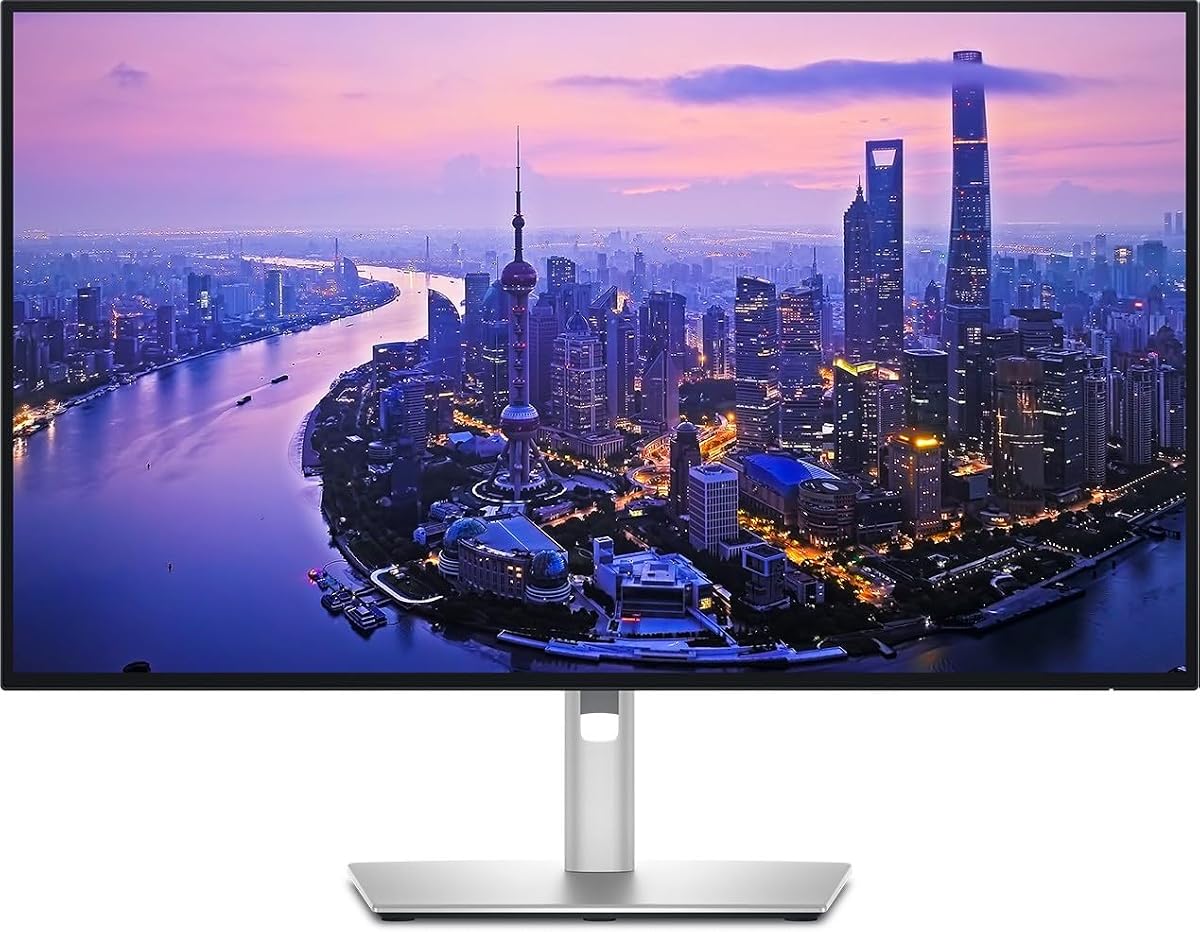
As a flagship model, this Dell monitor sets the standard for professional displays. Its high rating reflects superior build quality and advanced features designed for demanding creative workflows.
We may earn a commission when you buy through this link, at no additional cost to you.
The IPS Black panel enhances contrast significantly over standard IPS screens. With 140W power delivery, you can charge powerful laptops while transferring data and video through one cable.
Factory calibration ensures accuracy out of the box which saves time for professionals. The daisy chain feature allows you to connect additional monitors reducing cable clutter on your desk.
This is the ultimate choice for those seeking top-tier performance. Its premium price is justified by the exceptional image quality and robust connectivity options it provides.
IPS Black technology provides deeper blacks and improved contrast for more immersive and realistic viewing experiences.
Deliver up to 140 watts to charge high-performance laptops ensuring your device stays powered during heavy use.
We may earn a commission when you buy through this link, at no additional cost to you.
This monitor brings 120Hz performance to the 4K budget segment making it great for casual gaming and smooth work. It offers excellent color accuracy and eye comfort features for long sessions.
We may earn a commission when you buy through this link, at no additional cost to you.
The 99% sRGB coverage ensures vibrant visuals for media consumption and design work. ComfortView Plus reduces blue light emissions helping to minimize eye strain during extended use throughout the day.
While it lacks the power delivery of premium models, the 65W option suits most laptops. The FreeSync Premium support adds value for users who also enjoy gaming on their work setup.
It is a smart pick for students or professionals needing a balanced display. The combination of speed and affordability makes it a strong contender in the mid-range market.
The 120Hz refresh rate provides fluid motion and reduced motion blur for both work and entertainment.
Reduced blue light emissions protect your eyes during long hours of screen time without compromising color quality.
We may earn a commission when you buy through this link, at no additional cost to you.
This model offers a compact Thunderbolt hub solution for those with limited desk space. It brings professional color accuracy and versatile connectivity to a smaller form factor effectively.
We may earn a commission when you buy through this link, at no additional cost to you.
The Thunderbolt hub simplifies your setup by allowing single cable connection to compatible laptops. Color performance covers 100% sRGB ensuring reliable results for design and photography tasks.
While some users report mixed feedback, the technical specs remain strong for the price. The stand offers full ergonomic adjustments to help you find a comfortable viewing position quickly.
Ideal for small offices or home desks, it balances size and functionality well. Consider it if you need a Thunderbolt connection without a large screen footprint.
A 27-inch screen provides ample workspace without overwhelming smaller desks or cramped home office environments.
Built-in Thunderbolt hub transforms the monitor into a docking station for peripherals and storage devices easily.
We may earn a commission when you buy through this link, at no additional cost to you.
LG delivers a versatile monitor that balances professional and consumer needs well. High ratings indicate strong user satisfaction with its HDR capabilities and audio integration.
We may earn a commission when you buy through this link, at no additional cost to you.
The DisplayHDR 400 certification enhances contrast and brightness for media viewing. Built-in speakers with Waves MaxxAudio provide decent sound quality reducing the need for external peripherals.
It supports USB-C with 90W power delivery which works well with most laptops. While not Thunderbolt 4, the USB-C speed is sufficient for many workflows and file transfers.
This model suits users who want a media-friendly workspace. Its audio and HDR features make it great for presentations and content consumption alongside regular tasks.
HDR 400 support brings out more detail in bright and dark areas for a richer viewing experience.
Built-in speakers eliminate the need for external devices ensuring convenient audio playback during calls or media.
We may earn a commission when you buy through this link, at no additional cost to you.
This listing represents a specific configuration or bundle of the popular Dell UltraSharp model. While ratings are unavailable, it inherits the trusted build quality associated with the Dell brand.
We may earn a commission when you buy through this link, at no additional cost to you.
It features the same Thunderbolt hub capabilities found in other premium models ensuring efficient connectivity. The 4K resolution provides sharp text and detailed images for professional work.
Without specific user reviews, it is best to verify the exact included accessories before purchasing. The core monitor performance aligns with the high standards of the UltraSharp series.
Consider this if you are looking for a specific package deal. It offers the reliability of Dell with potentially added value through bundled accessories.
Dell continues to be a trusted name in enterprise hardware providing reliable and durable display solutions.
The Thunderbolt hub allows for fast data transfer and peripheral connectivity through a single display unit.
We may earn a commission when you buy through this link, at no additional cost to you.
Perfect for compact desks this ViewSonic monitor brings professional specs to a small package. High ratings confirm its effectiveness for color-critical tasks in limited spaces.
We may earn a commission when you buy through this link, at no additional cost to you.
Thunderbolt 4 ensures top speed connectivity while the 100W power delivery keeps laptops charged. Pantone validation guarantees that colors meet professional industry standards for accurate output.
The 24-inch size makes it ideal for secondary screens or minimalist setups. While small, the 4K resolution ensures text remains sharp and readable even at close range.
Ideal for Mac users needing a portable yet powerful display. Its color accuracy and Thunderbolt integration make it a strong choice for freelancers or travelers.
Pantone validation ensures that your design work looks consistent across different professional grade printing and displays.
Supports 40Gbps data transfer speeds ensuring fast file movement and high-quality video transmission simultaneously.
We may earn a commission when you buy through this link, at no additional cost to you.
With an exceptional rating this Samsung monitor appeals to users seeking a premium experience. Its large screen and eye comfort features make it suitable for long working hours daily.
We may earn a commission when you buy through this link, at no additional cost to you.
The 32-inch IPS panel delivers sharp visuals while HDR10 support enhances contrast. Eye Saver Mode reduces blue light and flicker helping to prevent strain during extended sessions.
While it may lack explicit Thunderbolt 4 labeling it offers robust USB-C connectivity. The design is sleek and modern fitting seamlessly into professional home office environments.
It is a great choice for productivity focused users who value eye comfort. The high rating reflects strong overall satisfaction with its display and ergonomic qualities.
Certified technology minimizes blue light and screen flicker to reduce eye fatigue during long daily work sessions.
A 32-inch screen offers enough room to keep multiple documents open and accessible side by side efficiently.
We may earn a commission when you buy through this link, at no additional cost to you.
This monitor focuses on productivity with a large screen and efficient hub connectivity. It provides a clean modern look and solid performance for daily office tasks.
We may earn a commission when you buy through this link, at no additional cost to you.
The Thunderbolt hub simplifies your desk by connecting peripherals through the display. HDR support adds visual depth making content look more vibrant and engaging than standard panels.
At 32 inches it offers plenty of room for multitasking without the complexity of multiple screens. The bezels are slim providing a more immersive viewing experience across the display.
Good for office workers needing a single large display for complex workflows. Its balance of size and hub features makes it a practical addition to any workspace.
A large screen allows you to open multiple applications and windows side by side for seamless multitasking.
The Thunderbolt hub allows you to connect drives and peripherals directly to the monitor reducing cable clutter.
We may earn a commission when you buy through this link, at no additional cost to you.
Selecting the right Thunderbolt monitor involves evaluating several technical and practical factors to ensure it meets your workflow needs.
Consider how much desk space you have and how close you sit to the screen. While 4K provides sharpness, larger screens like 32 inches offer more multitasking room but may require scaling for text clarity.
Choose 27 inches for balance or 32 inches for maximum productivity.
IPS panels offer the best color accuracy and viewing angles making them ideal for creative work. VA panels provide deeper blacks which are great for media consumption but may have slower response times.
Select IPS for professional color work or VA for dark room viewing.
Ensure the monitor supports Thunderbolt 4 for maximum data speeds up to 40Gbps and robust charging capabilities. Check the power delivery wattage to confirm it can charge your specific laptop adequately during use.
Prioritize Thunderbolt 4 with 100W+ for high-performance laptops.
Professional tasks require precise color reproduction. Look for monitors with factory calibration and coverage of color spaces like sRGB or DCI-P3. High-end models often include Delta E values under 2 for accuracy.
Look for Delta E < 2 and wide color gamut coverage.
A Thunderbolt hub monitor should have additional ports like USB-A and HDMI for versatile connectivity. Daisy chaining support allows you to connect multiple monitors with a single cable to reduce clutter.
Check for USB-A ports and daisy chain support.
Standard productivity monitors often have 60Hz refresh rates but some now offer 120Hz for smoother motion. If you mix work with gaming, a higher refresh rate reduces motion blur and input lag.
Choose 120Hz if you play games on your work monitor.
A fully adjustable stand with tilt swivel and height adjustment is essential for long-term comfort. VESA mount compatibility allows you to use a monitor arm if the stock stand is insufficient.
Ensure the stand supports height and pivot adjustments.
Prices vary significantly based on features like Thunderbolt 4 power delivery and color accuracy. Determine which features are essential for your work versus nice to haves to stay within budget.
Prioritize features that directly impact your daily workflow.
Connect your computer to the monitor using a certified Thunderbolt 4 cable to ensure maximum data speeds and power delivery. Verify that your operating system recognizes the display settings and adjust resolution to 3840×2160.
Clean the screen regularly using a soft microfiber cloth and distilled water. Avoid harsh chemicals or sprays that can damage the anti-glare coating or the panel surface permanently.
Update your graphics drivers and monitor firmware periodically to ensure compatibility with new operating system features. This helps maintain stability and maximizes the performance of Thunderbolt connectivity.
No not all 4K USB-C monitors support Thunderbolt. USB-C can carry video and power but Thunderbolt provides higher speeds and daisy chaining. Check the product specifications explicitly for Thunderbolt 3 or 4 labels before purchasing.
Yes most Thunderbolt monitors support Power Delivery to charge laptops. Models vary from 65W to 140W so check the wattage to ensure it meets your laptop requirements for fast charging during work.
Thunderbolt 4 offers stricter performance requirements including mandatory 40Gbps speeds and support for dual 4K displays. Thunderbolt 3 can be slower or have fewer features depending on the implementation so 4 is preferred.
Yes Thunderbolt is a universal standard used widely on MacBooks. The monitors listed here work seamlessly with macOS ensuring correct resolution and color support including Display P3 coverage for accurate visuals.
Check your computer's ports for a Thunderbolt icon resembling a lightning bolt. You can also check system settings or the manufacturer's website for port specifications to confirm Thunderbolt compatibility.
Generally no because Thunderbolt is plug-and-play. However installing manufacturer specific software like Dell Display Manager can enhance features like automatic switching and color management for a better experience.
Yes if the monitors support daisy chaining you can connect multiple screens using one cable. Ensure your laptop supports the total display load and power requirements for multiple connected devices.
We reviewed ten top-rated options ranging from the premium Dell UltraSharp series to budget-friendly choices like the Samsung TU87F. Each offers unique advantages depending on whether you prioritize color accuracy or affordability.
Prioritize color accuracy and power delivery if you are a professional creative. Casual users may find standard Thunderbolt options with USB-C sufficient for daily productivity and media tasks.
Prices and availability fluctuate so verify the latest deals before purchasing. Checking current user reviews and warranty terms ensures you get the best value for your specific setup needs.