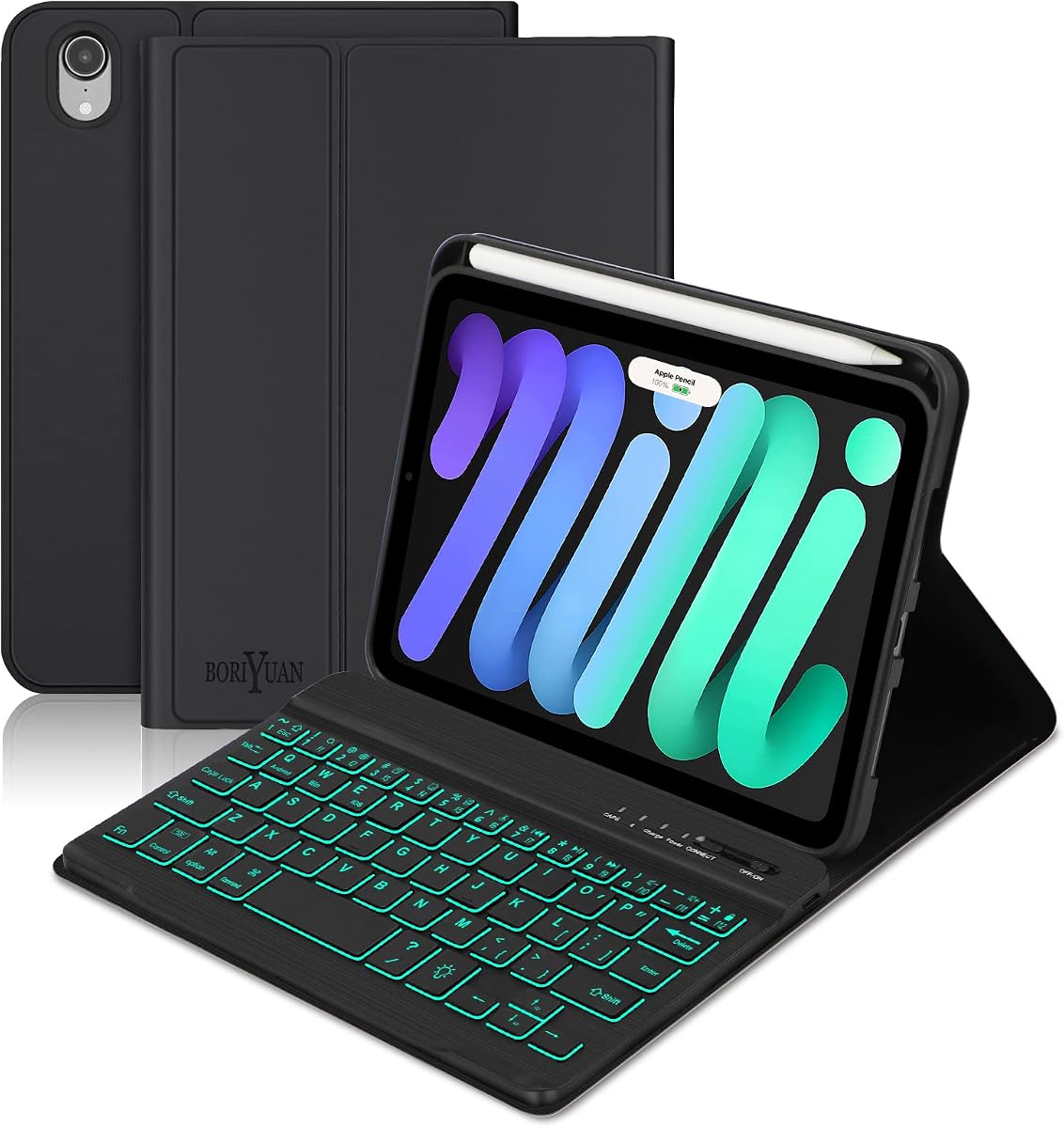
Detachable Wireless Keyboard
4.2Editor score
7 color backlight
Slim folio cover
Pencil holder included
Finding the right iPad Mini Folio Case with Keyboard transforms your tablet into a productive workstation. These cases combine protection with typing functionality to streamline your workflow.
We compared ten leading options based on build quality, key travel, trackpad responsiveness, and overall value. Each pick offers unique features for different user needs.
Our detailed reviews highlight strengths and trade-offs for every model. Prices may fluctuate, so verify current offers before purchasing your ideal accessory.
4.2Editor score

4.6Editor score

4.3Editor score
As an Amazon Associate we earn from qualifying purchases.
This side-by-side comparison highlights the key specifications and features of the top ten iPad Mini Folio Case with Keyboard models available in the market.
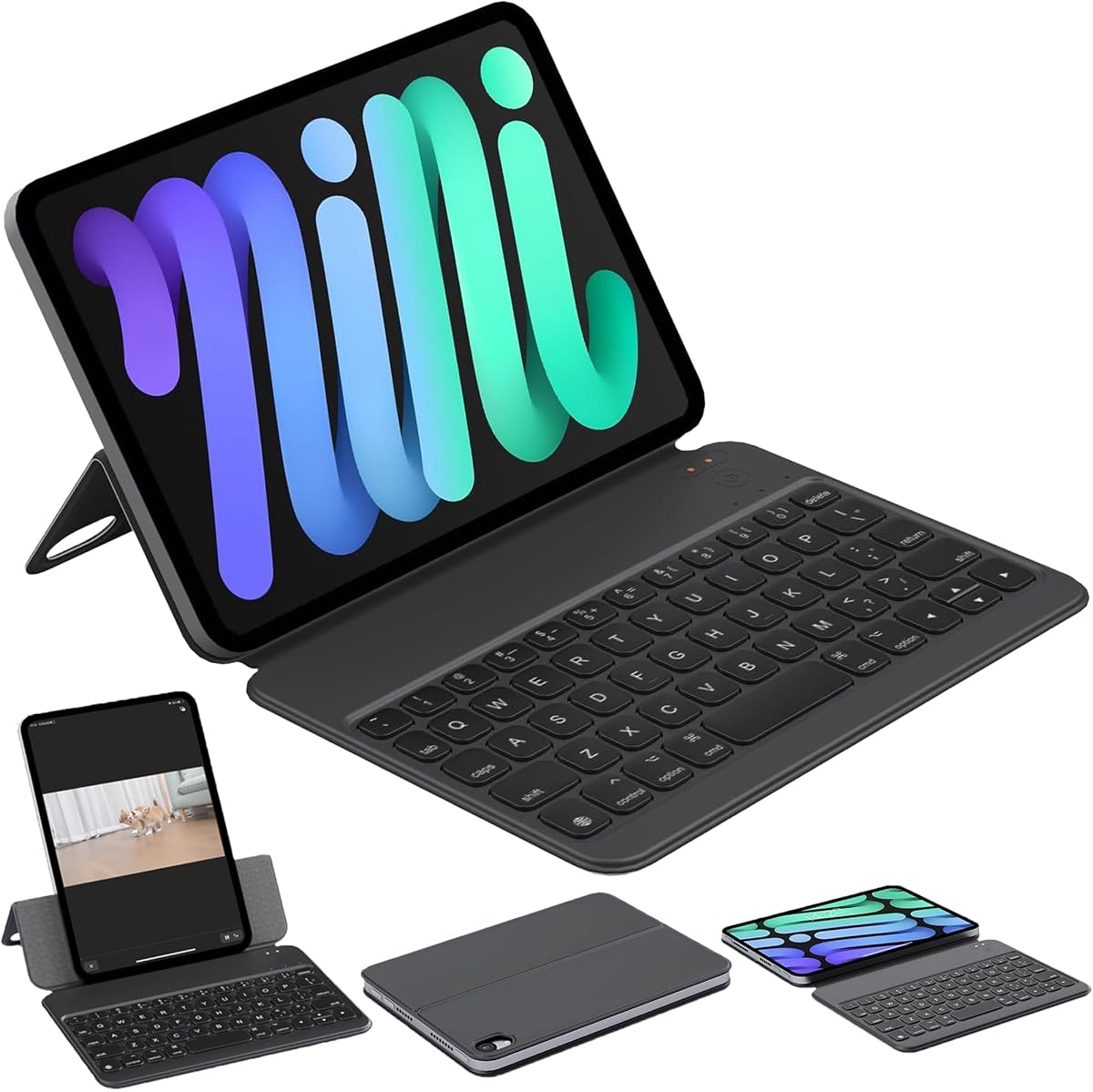


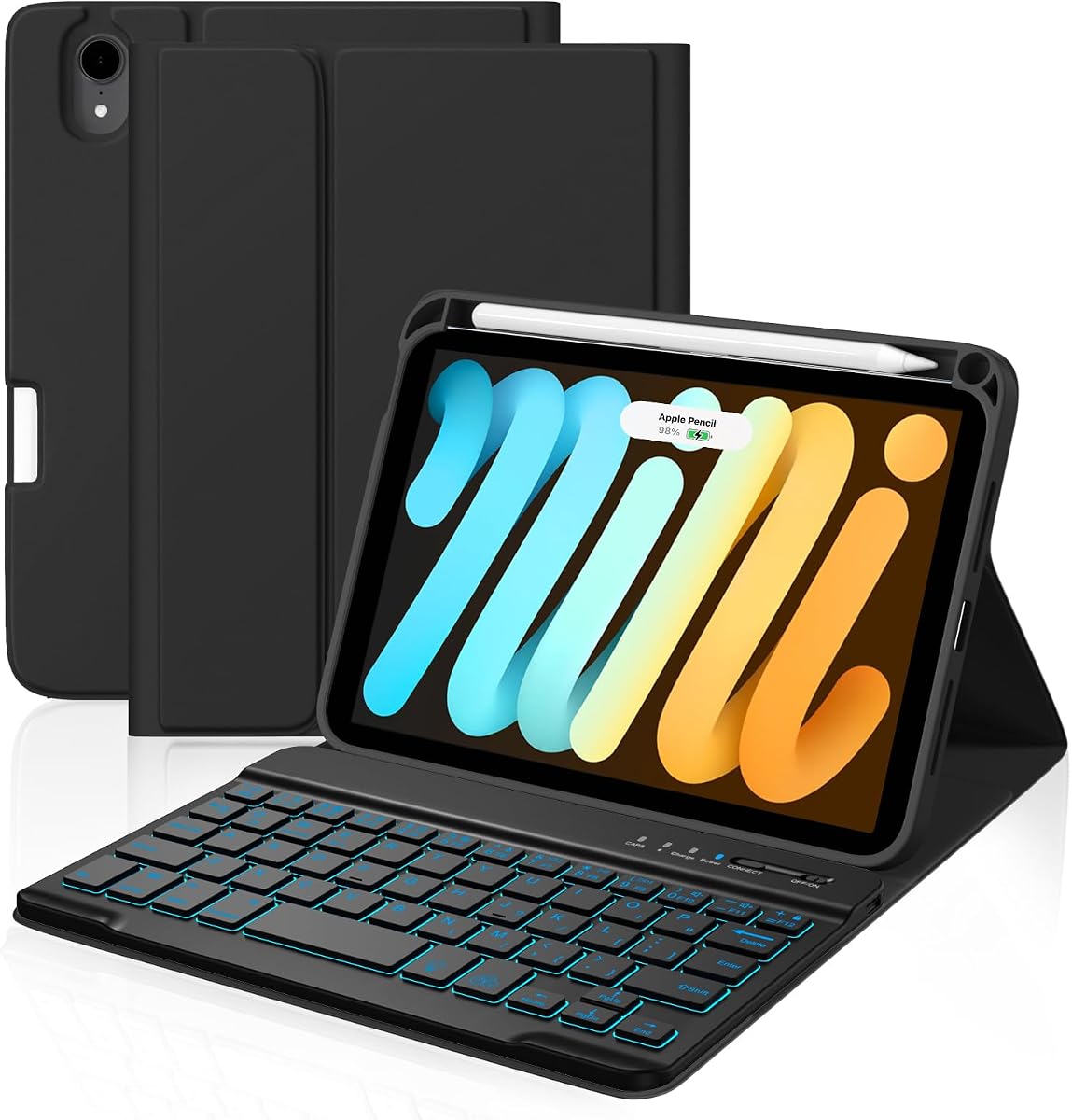
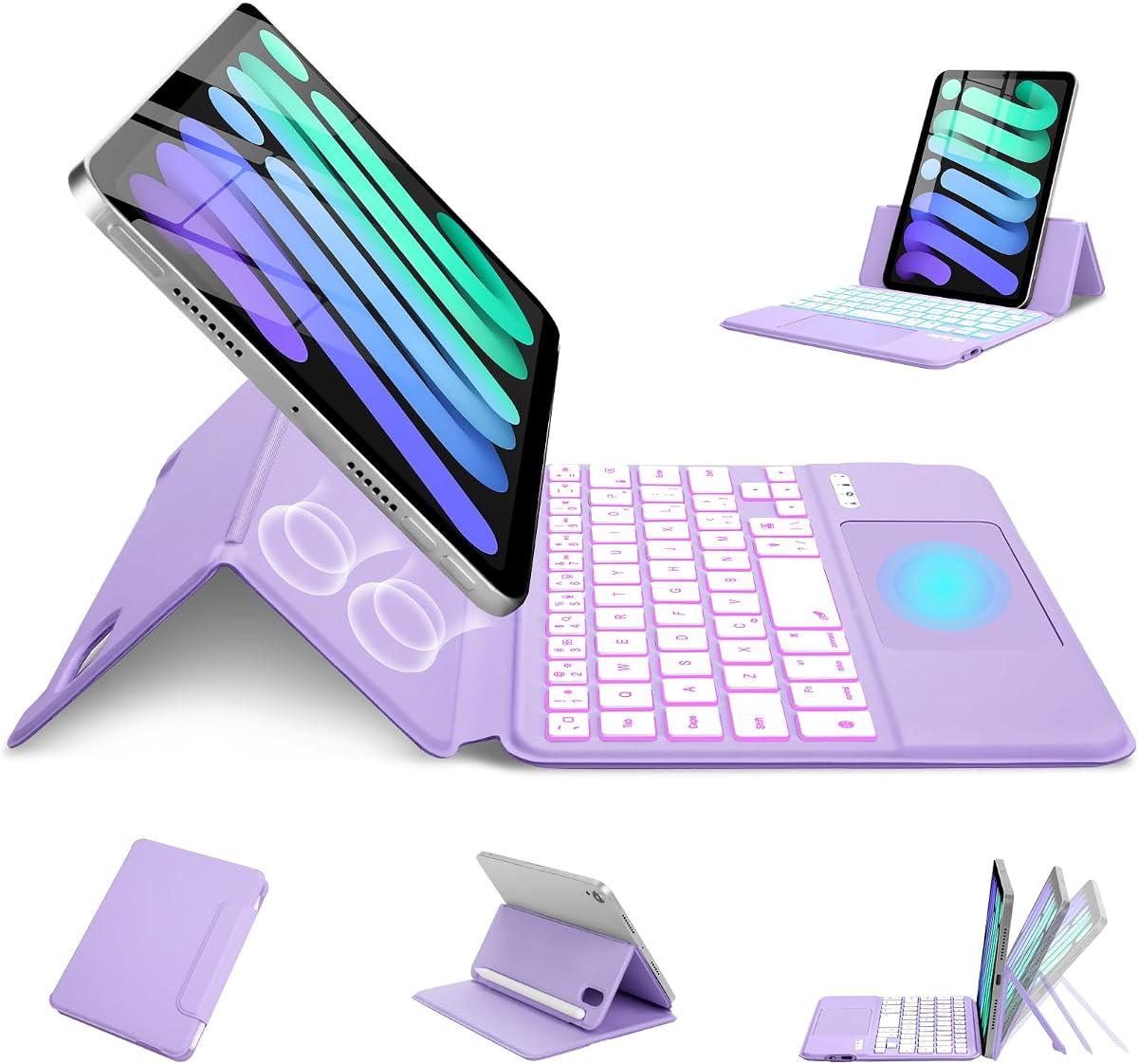
The HOU Keyboard Case stands out for its remarkably lightweight profile at just 240g. It features a slim 8mm thickness and strong magnetic adorption for stability. The gravity-sensing technology locks keys automatically when tilted for reading.
We may earn a commission when you buy through this link, at no additional cost to you.
Its design focuses on portability without sacrificing structural integrity. The infinitely adjustable shaft ensures your iPad stays stable on desks or laps. The magnetic charging method keeps the profile smooth and reduces wear on ports.
While the lack of a trackpad is a trade-off, the keylock prevents accidental presses in lap mode. This makes it ideal for casual typing and media consumption where touch control suffices.
Buy this case if you prioritize weight savings and simplicity. It works well for students or travelers needing a basic typing solution without extra bulk.
Weighing only 240g, this case adds minimal bulk to your device while offering robust protection and typing functionality.
Approximately 30 high-strength magnets ensure your iPad remains securely attached to the keyboard during use.
We may earn a commission when you buy through this link, at no additional cost to you.
The Dexnor case offers a premium floating stand and a high-precision multi-touch trackpad. Its scissor-switch keys provide quiet, responsive typing with customizable backlight brightness. The 150-hour battery life ensures extended use between charges.
We may earn a commission when you buy through this link, at no additional cost to you.
Its aluminum alloy hinge guarantees a sturdy connection and transforms your iPad into a laptop-like setup. The built-in pencil holder keeps your stylus secure while the auto sleep/wake function conserves power.
The compact keys may feel small for extended typing sessions, but the trackpad gestures streamline navigation significantly. This combination offers a near-desktop experience ideal for productivity.
Choose this case if you need a laptop-like workflow with a trackpad. Its durable build and advanced features justify the investment for power users.
The ultra-precise trackpad supports multi-finger gestures for efficient navigation and control across apps and documents.
This design provides customizable viewing angles tailored for typing or media consumption without tipping.
We may earn a commission when you buy through this link, at no additional cost to you.
This affordable case turns your iPad into a laptop with a detachable Bluetooth keyboard. It offers seven backlight colors, a built-in pencil holder, and a durable PU leather cover. The 420mAh battery ensures long usage times.
We may earn a commission when you buy through this link, at no additional cost to you.
The detachable design lets you use the keyboard separately for typing at a distance. The silicone soft shell inside protects against scratches and bumps effectively. Precise cutouts ensure full access to all ports and sensors.
While it lacks a trackpad, the magnetic connection holds the keyboard securely in place. The auto sleep/wake feature helps conserve battery life without manual intervention.
Pick this option if you want essential typing functionality without a high price tag. It suits students and casual users who value versatility and protection.
The lightweight Bluetooth keyboard can be attached magnetically or removed for flexible typing scenarios.
A dedicated slot keeps your Apple Pencil secure and accessible while supporting wireless charging when closed.
We may earn a commission when you buy through this link, at no additional cost to you.
ZAGG Slim Book mini offers a detachable Bluetooth keyboard with ergonomic typing experience. The magnetic hinge supports multiple viewing angles for comfortable work. Its sleek design maintains a professional look for business users.
We may earn a commission when you buy through this link, at no additional cost to you.
The protective case can be used alone for typing at a distance, providing great versatility. It shields the iPad from bumps while keeping a clean appearance. This makes it ideal for mobile professionals.
Although it lacks a trackpad, the smooth typing keys improve productivity significantly. The compact form factor slips easily into bags for daily commuting.
Choose this case if you prioritize typing comfort and a professional aesthetic. Its detachable design adds flexibility for varied work environments.
Responsive keys provide a premium feel ideal for productivity and extensive note-taking sessions.
Use the keyboard separately or combined with the case for adaptable workflow configurations.
We may earn a commission when you buy through this link, at no additional cost to you.
The typecase features a 360-degree rotating hinge tested for 20,000 cycles. It includes a responsive multi-touch trackpad and 11-color backlighting. A 12-month warranty ensures reliable support for your purchase.
We may earn a commission when you buy through this link, at no additional cost to you.
The rotating design allows you to switch between seven modes for various activities. The sturdy swivel hinge provides stable support for lap or desk use. The built-in pencil holder keeps your stylus ready for notes.
While the hinge mechanism is complex, it offers unmatched flexibility for different viewing angles. The trackpad supports gestures that make navigating apps smoother and more efficient.
Select this case if you need versatile viewing modes and a trackpad. Its durable design and extensive warranty make it a solid choice.
Switch between typing and viewing modes seamlessly with the durable swivel hinge tested for long-term use.
Navigate through apps and files with scrolling and swiping gestures for a smoother user experience.
We may earn a commission when you buy through this link, at no additional cost to you.
GreenLaw case offers an accurate multi-gesture trackpad for seamless navigation. The free rotation hinge provides maximum freedom for positioning your iPad. It includes 7-color backlighting with adjustable brightness for comfort.
We may earn a commission when you buy through this link, at no additional cost to you.
The all-in-one design supports multiple positions for typing on the go. The auto sleep function saves energy when the keyboard is idle for long periods. Note that the Type-C cable is not included.
This model delivers a strong combination of portability and control. The trackpad makes editing documents and browsing the web significantly more efficient.
Opt for this case if you want reliable trackpad gestures without breaking the bank. Its design supports a high-productivity workflow.
Control your device with gestures like pinching and scrolling to edit documents faster.
Adjust your iPad to any angle comfortably using the unshakable grip hinge design.
We may earn a commission when you buy through this link, at no additional cost to you.
This case features an upgraded hinge that shifts the center of gravity forward to prevent tipping. The anti-yellowing fabric repels dirt and keeps the look fresh. A responsive touchpad ensures natural navigation similar to a laptop.
We may earn a commission when you buy through this link, at no additional cost to you.
The 11 adjustable backlight colors allow you to match your mood or environment. The compact 60-key keyboard includes shortcut rows for media and brightness control. It balances comfort with practical daily use.
The hinge design is a major improvement for stability on various surfaces. While the rating is slightly lower, the anti-yellowing fabric adds value over time.
Consider this case for its stable typing experience and modern fabric. It is a good fit for users seeking style and basic trackpad features.
The forward-shifted gravity ensures stable, hassle-free typing on most surfaces.
High-quality fabric keeps the keyboard clean and fresh with minimal effort over time.
We may earn a commission when you buy through this link, at no additional cost to you.
This model emphasizes long battery life with a 420mAh rechargeable battery. It supports auto wake/sleep to save power when not in use. The silicone soft shell inside protects against accidental drops and bumps.
We may earn a commission when you buy through this link, at no additional cost to you.
The keyboard connects easily via Bluetooth and can be removed when not needed. Its slim folio cover offers durable protection while maintaining a stylish look. Precise cutouts ensure all ports remain accessible.
Although it lacks a trackpad, the battery performance is impressive for daily workflows. The magnetic attachment holds the keyboard securely for typing sessions.
Choose this case if battery longevity is a priority. It offers a cost-effective solution for adding typing convenience to your tablet.
Built-in 420mAh capacity ensures low consumption and at least 230 hours of usage.
High-quality PU leather with a soft shell guards against scratches and accidental drops.
We may earn a commission when you buy through this link, at no additional cost to you.
This case features an ultra-lightweight detachable case weighing just 70g. The 125-degree floating stand provides exceptional comfort and stability. A breathing backlight mode offers a soft-glow typing experience in dark settings.
We may earn a commission when you buy through this link, at no additional cost to you.
The upgraded widened hinge prevents the keyboard from tipping backward during use. It supports both portrait and elevated screen modes for various activities. Smart sleep/wake functionality extends battery life efficiently.
Its transparent acrylic design combines durability with a modern aesthetic. The secure magnetic attachment ensures a seamless connection between keyboard and back cover.
Pick this case for its premium build and innovative lighting features. It suits users valuing lightweight portability and design aesthetics.
Weighing only 110g with a 1.4mm thickness, it offers protection without bulk.
Adjustable breathing mode speeds offer a comfortable typing experience in dark environments.
We may earn a commission when you buy through this link, at no additional cost to you.
The MePadKey case includes a smart touchpad supporting multi-finger gestures for efficient file editing. Its strong magnetic suction stabilizes the tablet horizontally or vertically. The slim design makes it easy to carry in one hand.
We may earn a commission when you buy through this link, at no additional cost to you.
It folds like a book without taking up much space in bags or desks. Type-C charging is convenient for recharging the backlight and battery. The scissor mechanism ensures smooth responsive typing.
Setup includes enabling Tap to Click in settings for best results. This model provides solid value for users needing a trackpad without extra bulk.
Select this case for its lightweight portability and touchpad utility. It is suitable for office or travel tasks requiring quick navigation.
Multi-touch gestures improve efficiency when editing files and switching pages quickly.
Ultra-thin construction allows easy one-handed pickup for mobile usage.
We may earn a commission when you buy through this link, at no additional cost to you.
Choosing the right case requires understanding key factors that impact usability and protection for your iPad mini.
Ensure the case supports your specific iPad mini model generation. Most options target the 8.3-inch 6th and 7th generation devices.
Check the model number in settings before purchasing to avoid incompatibility issues.
Cases with trackpads offer laptop-like navigation that improves productivity significantly.
Look for multi-touch support for gestures like scrolling and pinching to enhance control.
Responsive keys with adjustable backlight improve typing comfort in dim environments.
Opt for scissor-switch keys if you prefer a quiet and tactile typing feel.
A sturdy hinge ensures your device stays stable at different viewing angles.
Consider designs that prevent tipping backward for a more secure typing experience.
Slim and lightweight cases are easier to carry daily without adding bulk.
Check the weight and thickness specifications if travel is a priority for you.
Long-lasting battery ensures you can type for hours without frequent recharging.
Look for USB-C charging support for convenient power replenishment on the go.
Built-in pencil holders and auto sleep/wake functions add practical convenience to your workflow.
These features help keep your stylus secure and save device battery life.
Compare prices against included features to find the best value for your needs.
Check if the product offers a warranty or technical support for added peace of mind.
Start by attaching your iPad securely to the case using magnets or clips to ensure stability.
Connect the keyboard via Bluetooth and adjust brightness or trackpad settings through system preferences.
Keep the case clean with a soft cloth and avoid excessive force on hinges to extend its lifespan.
Most of the featured cases include a dedicated pencil holder. Some allow wireless charging when the case is closed. Verify this feature in product specifications before purchase.
Battery life varies by model but ranges from 100 to 300 hours of use. Look for rechargeable options with USB-C ports for easy power topups.
Detachable models allow you to use the keyboard independently via Bluetooth. This provides flexibility for typing at a distance.
These cases are specifically designed for iPad mini 6th and 7th generation devices. Older models may not fit due to size differences.
Use a soft microfiber cloth to wipe the keys gently. Avoid liquids directly on the keyboard to prevent damage to electronics.
Most cases are not fully waterproof but offer some resistance to dust. Avoid exposure to water or liquids to protect the keyboard.
Our top picks like the Magic-Style and Dexnor cases offer exceptional trackpad and hinge features.
Focus on what matters most to you whether it is budget or premium functionality.
Verify current prices and availability before buying to secure the best deal available.