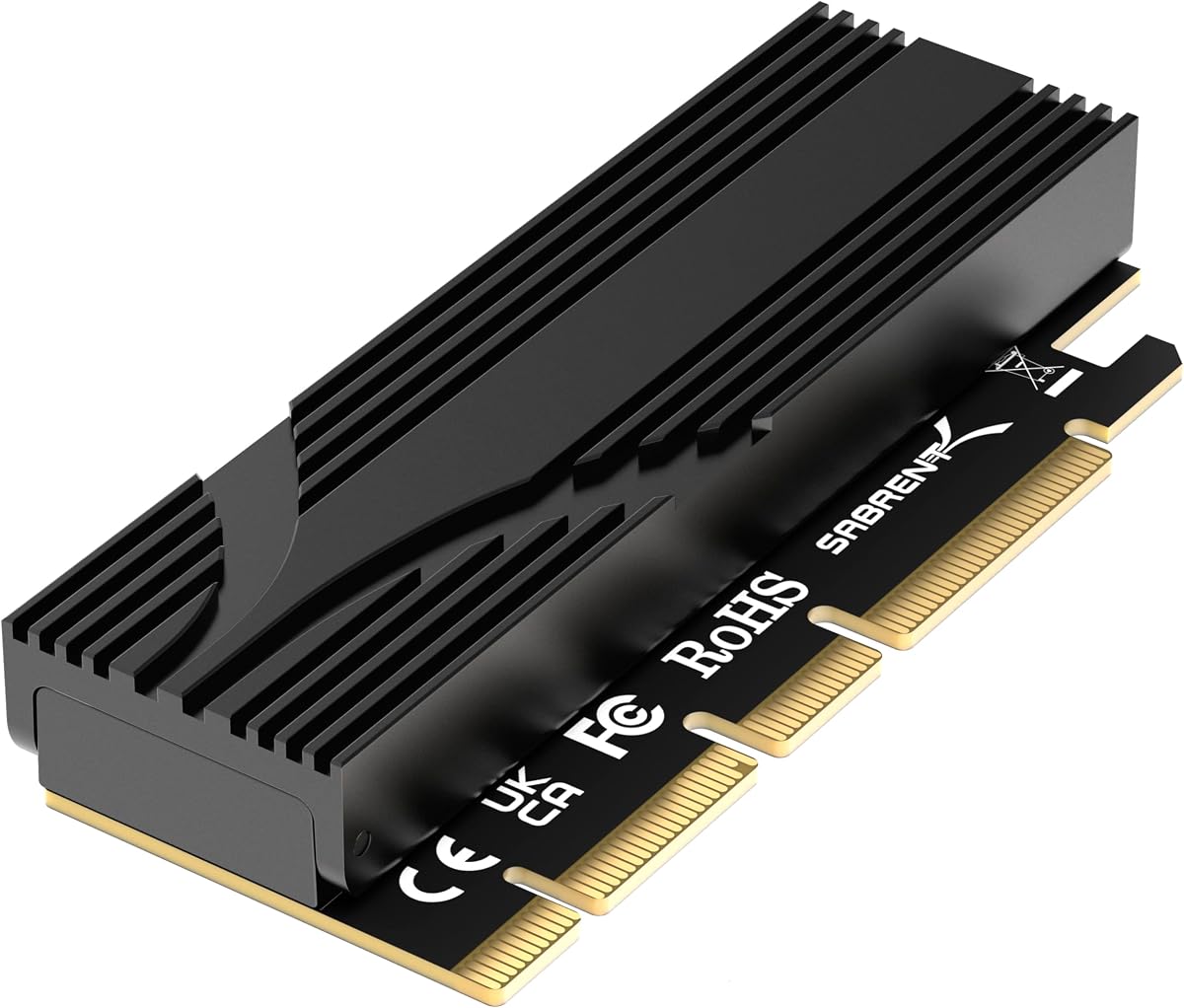
SABRENT M.2 NVMe SSD to PCIe x16 Adapter Card
4.6Editor score
Supports PCIe 5.0 speeds
Tool-free installation design
Built-in aluminum heatsink
This guide compares the top M2 Pcie Adapter models for NVMe SSD expansion, covering speed, cooling, and compatibility to help you choose the right card.
Finding the right M2 Pcie Adapter can transform your PC storage setup by unlocking unused PCIe slots for fast NVMe drives. These cards allow you to add high-speed storage without changing your motherboard layout or sacrificing other expansion options.
We evaluated ten leading adapters based on build quality, thermal performance, and compatibility with various PCIe generations. Our analysis focuses on real-world usability, ease of installation, and how well each model handles sustained workloads under typical conditions.
Each pick highlights key strengths and trade-offs so you can match the adapter to your specific needs. Keep in mind that availability and pricing fluctuate frequently, so verify current listings before making your final purchase decision for your system.
4.6Editor score

4.6Editor score

4.6Editor score
The following table provides a quick side-by-side overview of all ten adapter models reviewed in this guide. Each entry lists essential specifications to help you compare features at a glance before diving into the detailed reviews.


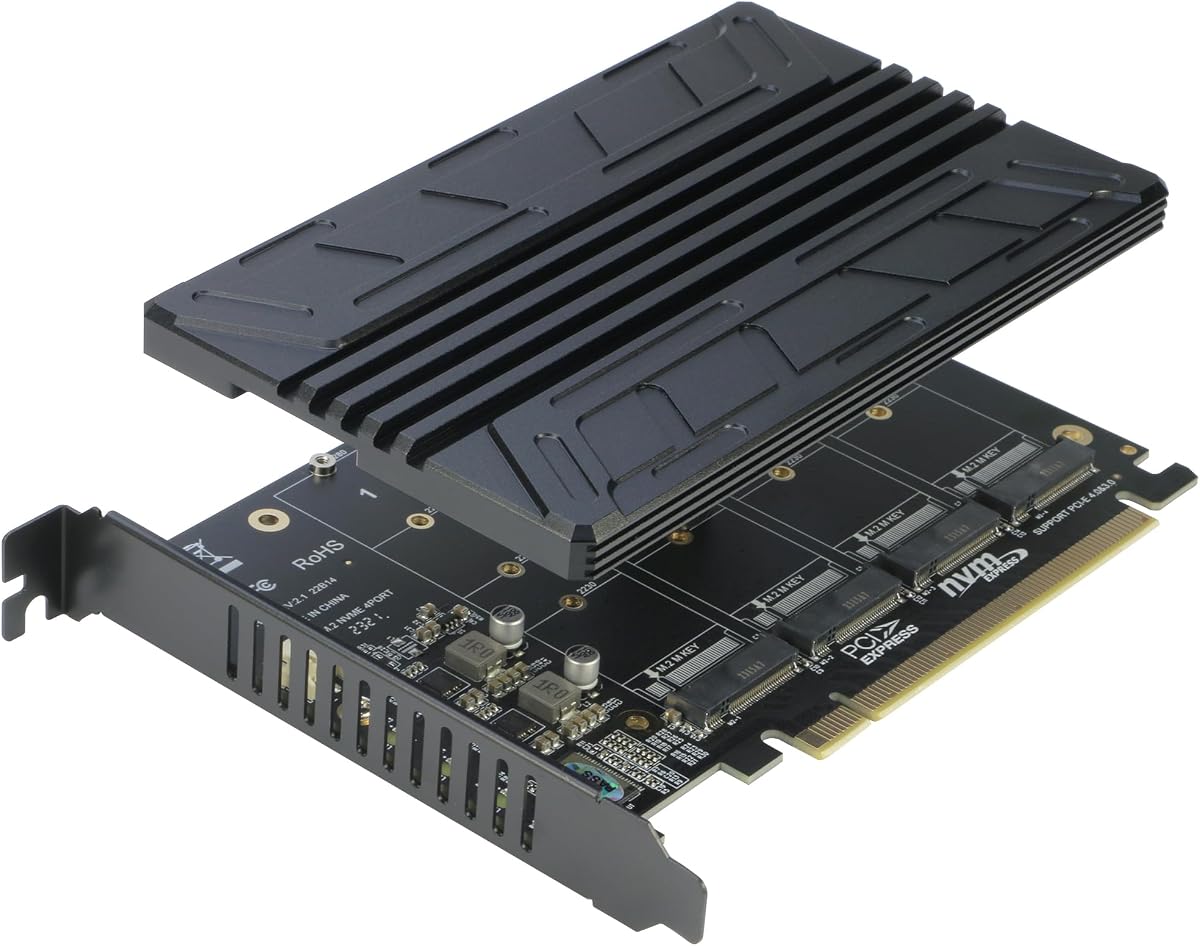


This adapter stands out as a top tier choice for users seeking maximum speed and ease of use. It supports PCIe 5.0 standards and features a tool-free design that simplifies drive swaps significantly.
We may earn a commission when you buy through this link, at no additional cost to you.
The build quality is exceptional with a robust aluminum heatsink that keeps drives cool without a fan. It supports common M.2 sizes and does not require motherboard bifurcation support for operation.
While it lacks SATA compatibility, this limitation ensures it focuses entirely on NVMe performance. The x16 connector ensures stability even in high performance computing environments.
Buyers who want a future proof solution with minimal friction during installation will appreciate this model. It is ideal for workstation builds where thermal stability and speed are paramount.
Supporting Gen5 ensures longevity as storage speeds continue to increase across new motherboard generations.
The locking mechanism removes the need for screws which makes swapping drives faster and safer for users.
We may earn a commission when you buy through this link, at no additional cost to you.
This adapter offers excellent value for users needing to expand NVMe storage without breaking the bank. It supports Gen4 speeds and includes necessary hardware for various case sizes.
We may earn a commission when you buy through this link, at no additional cost to you.
The heatsink provides solid thermal management and the dual bracket option ensures fitment in both standard and small form factor systems. It works well with common operating systems including Linux.
While it lacks the newest Gen5 generation the performance is still very high for modern workloads. It does not support SATA M.2 drives so buyers must check their SSD type.
Budget conscious shoppers looking for a reliable way to add fast storage will find this model appealing. It is a solid choice for secondary drives or game libraries.
Pricing remains competitive while still offering robust features like Gen4 support and a functional heatsink.
Including both full and low profile brackets makes this adapter versatile for different PC chassis sizes.
We may earn a commission when you buy through this link, at no additional cost to you.
StarTech has long been a trusted name in IT infrastructure and this adapter reflects that reliability. It supports both NVMe and AHCI drives for broader compatibility with older storage types.
We may earn a commission when you buy through this link, at no additional cost to you.
The adapter is straightforward to install and includes a low profile bracket for small form factor systems. It works with older PCIe versions ensuring longevity in legacy hardware environments.
While it lacks advanced cooling or Gen4 speeds it provides stable performance for standard storage expansion needs. It is a reliable choice for corporate or office environments.
Users who prioritize brand reliability and basic functionality will appreciate this straightforward solution. It is perfect for adding extra storage to older desktops without complex setup.
StarTech products are known for durability and support which adds confidence to IT procurement decisions.
Supporting both NVMe and AHCI ensures this card can work with a wider range of legacy SSD models.
We may earn a commission when you buy through this link, at no additional cost to you.
This card is designed for high performance storage arrays using four M.2 drives simultaneously. It features an active cooling fan to prevent thermal throttling during heavy workloads.
We may earn a commission when you buy through this link, at no additional cost to you.
Users can configure RAID arrays and achieve high aggregate transfer speeds. It supports VROC which allows for hardware RAID on compatible Intel platforms.
Installation requires motherboard bifurcation support which is not available on all consumer boards. It is best suited for enthusiasts or workstation users with advanced needs.
Those needing massive storage density and RAID capabilities will find this adapter powerful. It is ideal for rendering workstations or media servers needing fast local storage.
Holding four drives in one slot maximizes storage density and speeds without occupying multiple PCIe lanes.
A built-in blower fan keeps drives cool even when all four slots are populated and under load.
We may earn a commission when you buy through this link, at no additional cost to you.
This adapter allows you to connect two drives simultaneously including both NVMe and SATA types. It provides versatility for mixed storage setups in older systems.
We may earn a commission when you buy through this link, at no additional cost to you.
The design includes two separate heatsinks to manage temperatures across both slots effectively. LED indicators show power and data status for easier diagnostics.
SATA drives require cable connections which adds some complexity compared to pure NVMe adapters. It is a niche solution for users needing specific SATA NVMe flexibility.
Buyers needing to mix legacy SATA with modern NVMe drives will appreciate this dual option. It is useful for transitional systems upgrading from older storage technologies.
Handling both SATA and NVMe in one card simplifies upgrades for systems with mixed drive requirements.
LEDs for power and activity help users quickly verify drive status without software tools.
We may earn a commission when you buy through this link, at no additional cost to you.
This adapter comes as a complete kit with screws thermal pads and brackets. It supports PCIe 4.0 and provides solid cooling through a standard aluminum heatsink.
We may earn a commission when you buy through this link, at no additional cost to you.
The inclusion of thermal pads and multiple bracket types ensures you have everything needed for installation. It is a straightforward card that focuses on performance.
While it lacks special features it covers all the basics effectively for modern SSDs. The price remains competitive compared to similar Gen4 options on the market.
Users looking for a ready to install solution without extra purchases will find this convenient. It is well suited for general purpose storage expansion in gaming PCs.
Including all necessary hardware like screws and brackets saves time and avoids extra trips to the store.
Thermal pads help transfer heat efficiently from the drive to the heatsink for sustained performance.
We may earn a commission when you buy through this link, at no additional cost to you.
RIITOP offers a quad slot adapter that supports PCIe 4.0 speeds with individual LEDs for each drive. It is designed for users who need high capacity without multiple cards.
We may earn a commission when you buy through this link, at no additional cost to you.
The heatsink is designed to avoid blocking adjacent slots which helps with airflow management. Individual status lights make troubleshooting easier when one drive fails.
It requires BIOS bifurcation support which limits compatibility to specific motherboards and server platforms. Software RAID is required since hardware RAID is not supported.
Workstation users needing dense storage with Gen4 speeds will find this adapter powerful. It is ideal for creative professionals needing fast local scratch space.
Individual LEDs allow you to quickly identify which drive is active or experiencing an issue.
The slim heatsink design helps preserve airflow and space for other components in the chassis.
We may earn a commission when you buy through this link, at no additional cost to you.
ELUTENG focuses on stability and safe power delivery with solid state capacitors. The aluminum heatsink ensures drive temperatures stay low during sustained operations.
We may earn a commission when you buy through this link, at no additional cost to you.
It supports high transfer speeds up to 16Gb/s theoretically depending on your system hardware. The low profile bracket makes it suitable for small form factor desktops.
The design is straightforward without extra features which keeps costs down for users. It is a solid workhorse for systems needing basic storage expansion.
Buyers valuing stability and basic performance at a fair price will prefer this model. It is great for office PCs or home servers where reliability matters.
Solid state capacitors help regulate voltage and protect drives from power fluctuations.
The aluminum heatsink provides passive cooling which avoids noise from active fans.
We may earn a commission when you buy through this link, at no additional cost to you.
This adapter delivers reliable Gen4 performance with a focus on cooling efficiency. It supports common M.2 sizes and uses a standard aluminum heatsink solution.
We may earn a commission when you buy through this link, at no additional cost to you.
The cooling effect can reduce drive temperatures by up to 20 degrees ensuring stable speeds. It is compatible with all major operating systems including Windows and Linux.
While it lacks advanced features it offers dependable performance for general storage needs. The price is reasonable for a Gen4 ready adapter card.
Users wanting to expand storage with reliable cooling will find this adapter suitable. It is a great choice for secondary storage in gaming and content creation rigs.
Effective passive cooling helps maintain peak SSD speeds during long file transfers.
Works with standard NVMe drives across a wide range of motherboard chipsets.
We may earn a commission when you buy through this link, at no additional cost to you.
This adapter allows you to use a PCIe X1 slot for NVMe storage which frees up main slots. It is ideal for adding secondary storage without occupying the GPU slot.
We may earn a commission when you buy through this link, at no additional cost to you.
The bandwidth is limited by the X1 interface which slows speeds compared to X4 cards. It works for media storage but not for boot drives on many systems.
The dual bracket setup ensures it fits both full and low profile cases easily. It is an economical choice for users who just need extra space.
Buyers needing a low cost storage expansion option will appreciate this X1 adapter. It is perfect for archival storage or less critical data tasks.
Using an X1 slot preserves the primary PCIe slots for graphics cards or other expansion.
Low pricing makes it an accessible option for casual storage upgrades in older systems.
We may earn a commission when you buy through this link, at no additional cost to you.
Selecting the right adapter involves understanding your motherboard capabilities and storage needs. This section breaks down the critical factors to consider before purchasing.
Ensure the adapter matches your motherboard's PCIe generation for optimal speeds. A Gen4 card in a Gen3 slot will run at Gen3 speeds.
Check your motherboard manual to confirm which PCIe versions your slots support before buying.
Most adapters support NVMe M.2 drives but some also support SATA M.2 drives. Verify if your specific drive type is compatible.
Focus on NVMe support if you want the fastest performance from modern SSDs.
Measure available space in your case to ensure the adapter fits without blocking other components. Consider heatsink height and connector length.
Small form factor builds require low profile brackets and slim heatsink designs.
Multi-drive cards often require motherboard support for PCIe bifurcation to split lanes. Check if your BIOS supports this feature.
Single drive cards generally do not require bifurcation and work on most boards.
Active cooling fans are useful for multi-drive cards to prevent overheating. Passive heatsinks are sufficient for single drives.
Prioritize adapters with adequate cooling to maintain stable performance under load.
Confirm that your OS supports NVMe booting if you plan to install the system drive. Linux and Windows support is generally broad.
Older OS versions like Windows 7 may require additional drivers for NVMe detection.
Reputable brands often provide better build quality and customer support. Look for warranty terms that match your usage needs.
A solid warranty can protect your investment against hardware defects or failures.
Some adapters offer tool-free mounting or include necessary screws and brackets. Check what is included in the package.
A complete kit saves time and ensures you have everything needed for setup.
Install the adapter into an empty PCIe slot and secure it with the case screw. Ensure the card is seated firmly to avoid connection issues.
Insert the M.2 SSD into the adapter and lock it with the provided screw or tool-free latch. Double check that the drive is secure before powering on.
Keep the adapter vents clear of dust and debris to maintain airflow and cooling efficiency. Periodically clean your case to ensure long term performance.
Most adapters are designed for NVMe drives and may not support SATA M.2 drives. Check the product description to confirm if it supports B+M key SATA drives before purchasing.
Single drive adapters usually work fine with passive heatsinks. Multi-drive cards often come with built-in fans to prevent overheating during heavy use.
You can boot from the adapter if your BIOS supports PCIe booting and NVMe initialization. Older motherboards may not support this feature.
Most modern operating systems recognize NVMe drives without extra drivers. Windows 10 and 11 generally work out of the box with no additional installation.
Bifurcation allows a single PCIe slot to be split into multiple lanes for multiple drives. Not all consumer motherboards support this feature.
Installation is straightforward for most users as it involves plugging the card into a PCIe slot. Tool-free models make swapping drives even easier.
Many adapters work with Mac hardware but compatibility depends on the specific Mac model and its PCIe slot support. Check manufacturer specs for Mac specific details.
Some high-end cards support hardware RAID but most require software RAID configuration. Verify RAID support in the product details before buying.
The top picks offer solid options for different needs from budget to high end performance. Selecting the right adapter depends on your specific motherboard and storage requirements.
Prioritize cooling and compatibility to ensure stable performance and avoid bottlenecks. Check if your system supports the PCIe generation the adapter requires.
Prices and availability change quickly so always check current listings before buying. This guide aims to simplify that process and help you make an informed choice.